


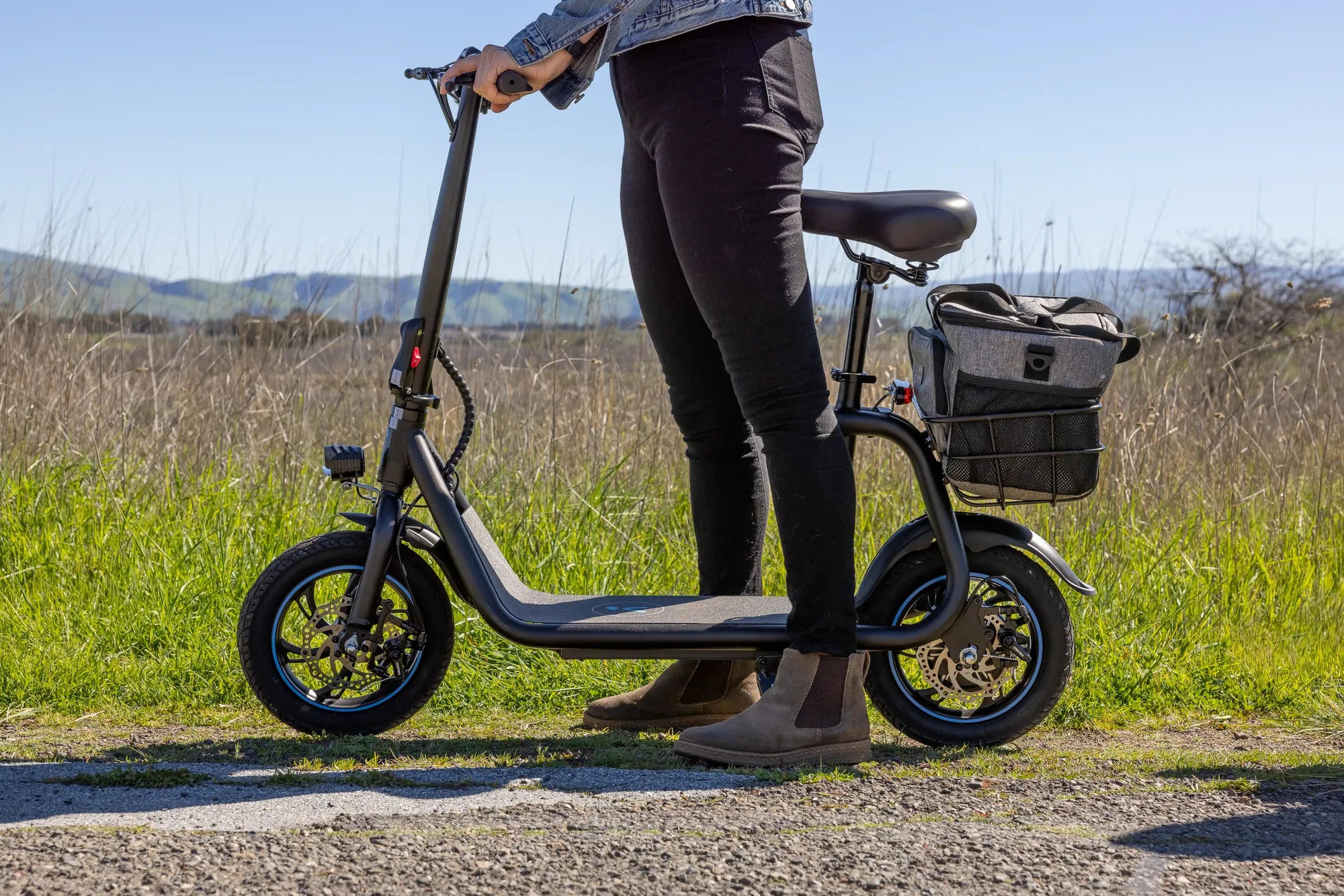
You press the power button, and nothing happens. Your reliable electric scooter is dead, refusing to start. This sudden failure is a universal frustration for riders, but in most cases, the cause is a simple, diagnosable issue. This guide is your systematic manual for troubleshooting a scooter that won't start. We will follow a logical diagnostic flowchart, starting with the most common and easily fixable problems before moving to more complex electrical faults. By prioritizing safety and methodical checks, you can often identify and resolve the problem yourself, saving time and money.
Initial Safety Protocol and Visual Inspection
Before touching any components, your first step is safety. Always turn the scooter completely off using the main power switch, if present. Disconnect it from any charger. Wear gloves to protect your hands from sharp edges and electrical components. Begin with a broad visual inspection in a well-lit area. Look for obvious physical damage from a recent ride: cracked deck, bent fork, or severed cables. Check that all protective covers and caps are securely in place. This initial sweep can reveal immediate culprits like a disconnected wire or impact damage that has compromised the electrical system.
The Critical Power and Battery Check
The battery system is the heart of your scooter and the most frequent source of no-start issues. First, verify the scooter is powered on. Some models have a separate battery power button in addition to the dashboard switch. Next, check the battery charge indicator on the display. A blank screen or flashing low-battery icon is a clear sign. Ensure the battery charger is functional by testing it on a known-working outlet; a non-lit charger LED indicates a problem. Physically inspect the battery compartment: the battery pack must be seated correctly, and the main power connector must be fully inserted and latched. A loose connection here is a common, simple fix.
Inspecting Controller and Motor Connections
If power checks out, the issue may lie deeper in the wiring. Locate the scooter's controller, typically housed in the deck. Visually inspect the wiring harness leading to and from it for pinches, cuts, or exposed wires. Gently check that the motor phase wire connectors (three thick wires) and hall sensor connector (a smaller bundle) at the motor axle are secure. A disconnected hall sensor will prevent the motor from engaging. Smell around the controller area; a distinct burnt electronic odor often indicates a failed controller or short circuit, which requires professional replacement.
Troubleshooting the Throttle and Brake Safety Systems
Modern electric scooters have integrated safety features that can prevent startup if triggered. A faulty throttle or engaged brake sensor are very common reasons a scooter has power but won't move. Visually inspect the throttle for physical damage or sticking. It should spring back smoothly. The primary culprit is often the brake lever cut-off sensors. Squeeze each brake lever several times and release them fully. If a lever is slightly engaged or its microswitch is stuck, the scooter's controller will think you are braking and will not allow motor activation. Listen for a faint click from the lever when squeezing; its absence may indicate a failed sensor.
Deciphering Display Error Codes for Advanced Diagnostics
Your scooter's display is a valuable diagnostic tool. Many models, including those from Gyroor, flash specific error codes when a fault is detected. If your display lights up but shows a code like E-01, E-02, or E-03, refer immediately to your user manual. While codes vary by manufacturer, common patterns exist. For instance, an error code related to communication often points to a throttle or display connection fault. A motor hall sensor error will prevent operation. Documenting the exact code is the fastest way to pinpoint a failing component, moving your diagnosis from guesswork to targeted investigation.
Performing a System Hard Reset
Like any computer, your scooter's electronic control unit can experience a software glitch. A hard reset can clear these temporary faults. The general method involves turning the scooter off, disconnecting the battery for 2-5 minutes, and then reconnecting it. For many models, you can also perform a reset by holding down the power and mode buttons simultaneously for 10-15 seconds. This process reboots the controller's logic without affecting your settings. It's a non-invasive, effective step for resolving unexplained electronic behavior where the scooter has power but exhibits no other logical fault.
Professional Repair Versus DIY Fixes: Making the Call
Knowing when to stop DIY troubleshooting is crucial for safety and cost-effectiveness. Simple DIY fixes include tightening loose connectors, resetting the system, freeing a stuck brake lever, or replacing a visibly broken throttle. You should seek professional repair or contact Gyroor support under these conditions: if the battery pack is physically swollen or damaged, if you've confirmed a controller or motor failure via error codes, if there are complex wiring issues beyond a simple disconnect, or if the problem is intermittent and undiagnosable. Professional technicians have the tools and expertise for safe, reliable repairs, especially for high-voltage battery systems.
Comparison of Common No-Start Causes and Solutions
| Symptom | Most Likely Cause | Immediate Action | Complexity |
|---|---|---|---|
| No power, dead display | Flat battery, loose main connector, tripped breaker | Charge battery, check all power connections | Low (DIY) |
| Display lights, motor doesn't engage | Engaged brake sensor, faulty throttle, loose motor plug | Check brake levers, inspect throttle, secure motor wires | Low-Medium (DIY) |
| Error code on display | Specific component fault (e.g., throttle, motor sensor) | Decode error via manual, inspect cited component | Medium (DIY/Pro) |
| Clicking sound but no movement | Faulty controller, bad motor connection | Check controller connections and for burn smell | High (Professional) |
| Intermittent power loss | Loose internal wiring, failing BMS | Inspect all wire harnesses and connectors | Medium-High (Pro Recommended) |
FAQ: Quick Answers to Common "Won't Start" Issues
Q: My scooter has power but the motor doesn't engage when I use the throttle.
A: This is overwhelmingly caused by the brake cut-off sensor being engaged. Ensure both brake levers are fully released. Second, check the throttle connection to the controller.
Q: I charged it all night, but it still shows 0% or won't turn on at all.
A: This indicates a charging circuit failure. Test your charger on another outlet. If the charger works, the issue is likely a failed Battery Management System (BMS) or a dead cell within the battery pack, requiring professional diagnosis.
Q: I hear a distinct click from the deck when I press the throttle, but nothing happens.
A: The click is often the controller relay engaging. The lack of movement typically points to a faulty controller that cannot send power to the motor, or a disconnected motor phase wire.
Q: My display shows an error code I can't find in the manual. What should I do?
A> Search online for your scooter model brand and the specific error code. For Gyroor scooters, contact customer support directly with the code for the most accurate interpretation and troubleshooting steps.
Q: My scooter suddenly shut off while riding and won't restart.
A> This is often an overload or overheating protection trigger. Let the scooter cool down for 30 minutes in a shaded area. Also, check for a tripped internal circuit breaker, often located near the battery compartment.
Getting Back on the Road with Confidence
Diagnosing a scooter that won't start is a process of elimination. Start with the simplest explanations: power connections, battery charge, and brake sensors. Progress to visual inspections of wiring and connectors. Use the tools your scooter provides, like error codes, to guide you. A system reset can solve ghost issues. For complex electrical faults, especially involving the battery or controller, professional service ensures safety and preserves your warranty. Investing in a scooter with robust engineering, like Gyroor's models featuring UL-certified battery packs and IPX5 water-resistant designs, minimizes these headaches from the start. Their reliable 1-year warranty provides long-term peace of mind. Ready for a dependable ride? Browse the full Gyroor collection of electric scooters and e-bikes at gyroorboard.com to find your perfect match.
Do You Need a Motorcycle Licence for a Scooter? The Complete 2024 Guide
Do You Need a Motorcycle Licence for a Scooter? The Complete 2024 Guide