

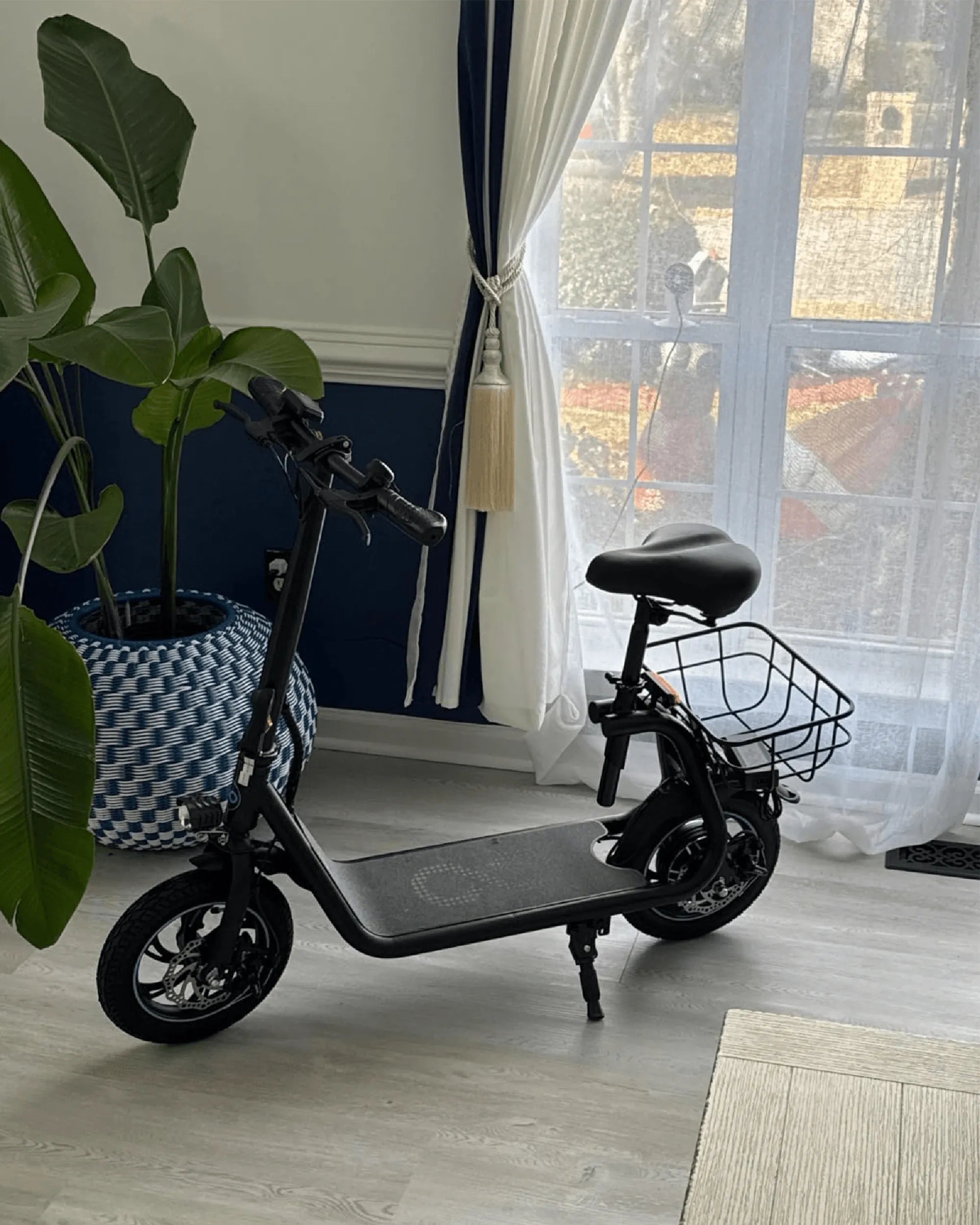
Self-balancing scooters have revolutionized personal transportation, offering a sleek and futuristic way to zip around town. But like any piece of technology, they’re not without their flaws. Whether you’re a seasoned rider or a newbie, understanding the most common self-balancing scooter issues can save you time, money, and frustration. Let’s dive into the problems you might encounter and how to tackle them head-on.
Battery and Charging Problems
One of the most frequent complaints about self-balancing scooters is battery-related issues. Riders often report short battery life, slow charging, or even complete failure to charge. These problems can stem from overuse, improper storage, or manufacturing defects.
How to Fix Battery Issues
- Avoid Overcharging: Leaving your scooter plugged in for too long can degrade the battery over time. Unplug it once it’s fully charged.
- Store Properly: If you’re not using your scooter for an extended period, store it in a cool, dry place with a 50-60% charge.
- Check the Charger: A faulty charger can mimic battery problems. Test with a known-working charger to rule this out.
Software and Firmware Glitches
Self-balancing scooters rely on sophisticated software to maintain balance and respond to rider inputs. However, software bugs or outdated firmware can cause erratic behavior, such as sudden stops, unresponsiveness, or even false error messages.
How to Fix Software Issues
- Update Firmware: Check the manufacturer’s website or app for firmware updates. These often include bug fixes and performance improvements.
- Reset the Scooter: A factory reset can sometimes resolve persistent software glitches. Refer to your user manual for instructions.
- Reconnect the App: If your scooter pairs with a smartphone app, try disconnecting and reconnecting it to refresh the connection.
Mechanical Failures
Wear and tear on moving parts like wheels, motors, and bearings can lead to mechanical failures. Common symptoms include strange noises, reduced speed, or difficulty balancing.
How to Fix Mechanical Issues
- Inspect Wheels and Tires: Look for signs of damage or uneven wear. Replace worn-out tires or wheels promptly.
- Lubricate Moving Parts: Apply lubricant to bearings and joints to reduce friction and prevent premature wear.
- Check Motor Connections: Loose or corroded motor wires can cause performance issues. Ensure all connections are secure and clean.
Safety Concerns
Self-balancing scooters can pose safety risks if not used properly. Falls, collisions, and even fires (though rare) have been reported. Understanding these risks can help you ride more safely.
How to Stay Safe
- Wear Protective Gear: Always use a helmet, knee pads, and elbow pads to minimize injury in case of a fall.
- Avoid Wet Surfaces: Riding on wet or slippery surfaces can lead to loss of control. Stick to dry, even terrain.
- Monitor Battery Temperature: If your scooter’s battery feels excessively hot, stop using it immediately and let it cool down.
Connectivity Issues
Many modern self-balancing scooters come with Bluetooth or app connectivity for added features. However, pairing problems or dropped connections can be frustrating.
How to Fix Connectivity Issues
- Restart Your Device: Sometimes, simply restarting your smartphone or tablet can resolve connectivity problems.
- Check Bluetooth Settings: Ensure your scooter is discoverable and that your device’s Bluetooth is turned on.
- Reinstall the App: If the app is malfunctioning, uninstalling and reinstalling it might help.
Self-balancing scooters are a blast to ride, but they’re not immune to problems. By staying proactive and addressing issues as they arise, you can extend the life of your scooter and enjoy a smoother, safer ride. Don’t let minor hiccups ruin your fun—equip yourself with the knowledge to tackle these challenges and keep rolling with confidence!
Scooter Electric KPH: The Future of Urban Mobility
Scooter Electric KPH: The Future of Urban Mobility