

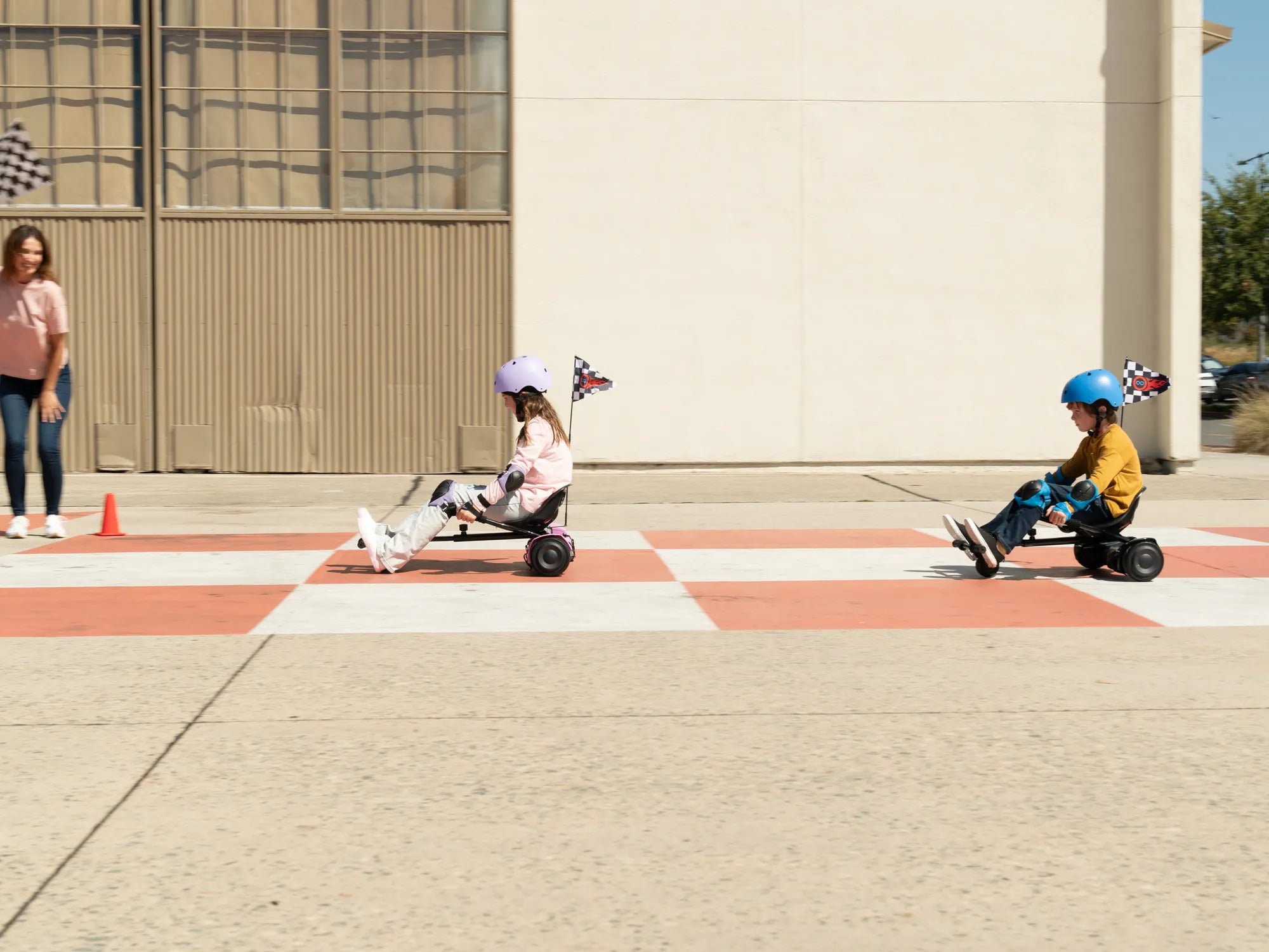
Hoverboards are fun, futuristic, and a fantastic way to get around, but like any electronic device, they require regular maintenance to stay in peak condition. Whether you're a seasoned rider or a beginner, knowing how to care for your hoverboard can save you from costly repairs and ensure a safe, smooth ride every time. Let's dive into the best practices for keeping your hoverboard running like new.
Clean Your Hoverboard Regularly
Dirt, dust, and debris can accumulate on your hoverboard, affecting its performance and longevity. Use a soft, slightly damp cloth to wipe down the exterior, avoiding excessive moisture near the charging port and other sensitive areas. For stubborn grime, a mild cleaning solution can help, but never use harsh chemicals or submerge the hoverboard in water.
Check the Tire Pressure (If Applicable)
If your hoverboard has inflatable tires, maintaining the correct tire pressure is crucial for a smooth ride. Underinflated tires can strain the motor and reduce battery life, while overinflated tires may lead to a bumpy experience. Refer to the manufacturer's recommended pressure and use a bike pump to adjust as needed.
Monitor Battery Health
The battery is the heart of your hoverboard, so proper care is essential. Avoid overcharging by unplugging the hoverboard once it's fully charged. Store it in a cool, dry place, and try to keep the battery level between 20% and 80% for optimal lifespan. If you won't be using the hoverboard for an extended period, charge it to about 50% before storing.
Inspect the Charging Port and Cable
A damaged charging port or cable can lead to charging issues or even electrical hazards. Regularly check for frayed wires, bent pins, or loose connections. If you notice any damage, replace the cable immediately and avoid using the hoverboard until it's fixed.
Keep the Firmware Updated
Many modern hoverboards come with firmware that can be updated to improve performance, fix bugs, or add new features. Check the manufacturer's website or app for updates and follow the instructions to keep your hoverboard running smoothly.
Avoid Rough Terrain
While some hoverboards are built for off-road use, most are designed for smooth surfaces. Riding over rough terrain, potholes, or gravel can damage the wheels, motors, or internal components. Stick to paved paths whenever possible to minimize wear and tear.
Store Properly When Not in Use
When your hoverboard isn't in use, store it in a dry, temperature-controlled environment. Avoid leaving it in direct sunlight or extreme cold, as these conditions can degrade the battery and other components. If storing for a long time, charge the battery periodically to prevent deep discharge.
Listen for Unusual Noises
Strange sounds like grinding, clicking, or whirring can indicate mechanical issues. If you hear anything unusual, stop using the hoverboard and inspect it for loose parts or obstructions. Addressing small problems early can prevent major repairs down the line.
Balance the Wheels
Uneven wear on the wheels can affect your hoverboard's stability and performance. Periodically check the wheels for signs of wear and rotate them if necessary. Some models allow you to adjust the wheel alignment for a smoother ride.
Use the Right Charger
Always use the charger that came with your hoverboard or a manufacturer-approved replacement. Using an incompatible charger can damage the battery or even pose a fire risk. If you lose the original charger, consult the manufacturer for a suitable alternative.
By following these maintenance tips, you can enjoy your hoverboard for years to come. A little care goes a long way in ensuring smooth rides, better performance, and fewer headaches. So, grab your hoverboard, give it the attention it deserves, and ride with confidence!
Electric Hoverboard Buy Online: The Ultimate Guide to Choosing Your Ride
Electric Hoverboard Buy Online: The Ultimate Guide to Choosing Your Ride