



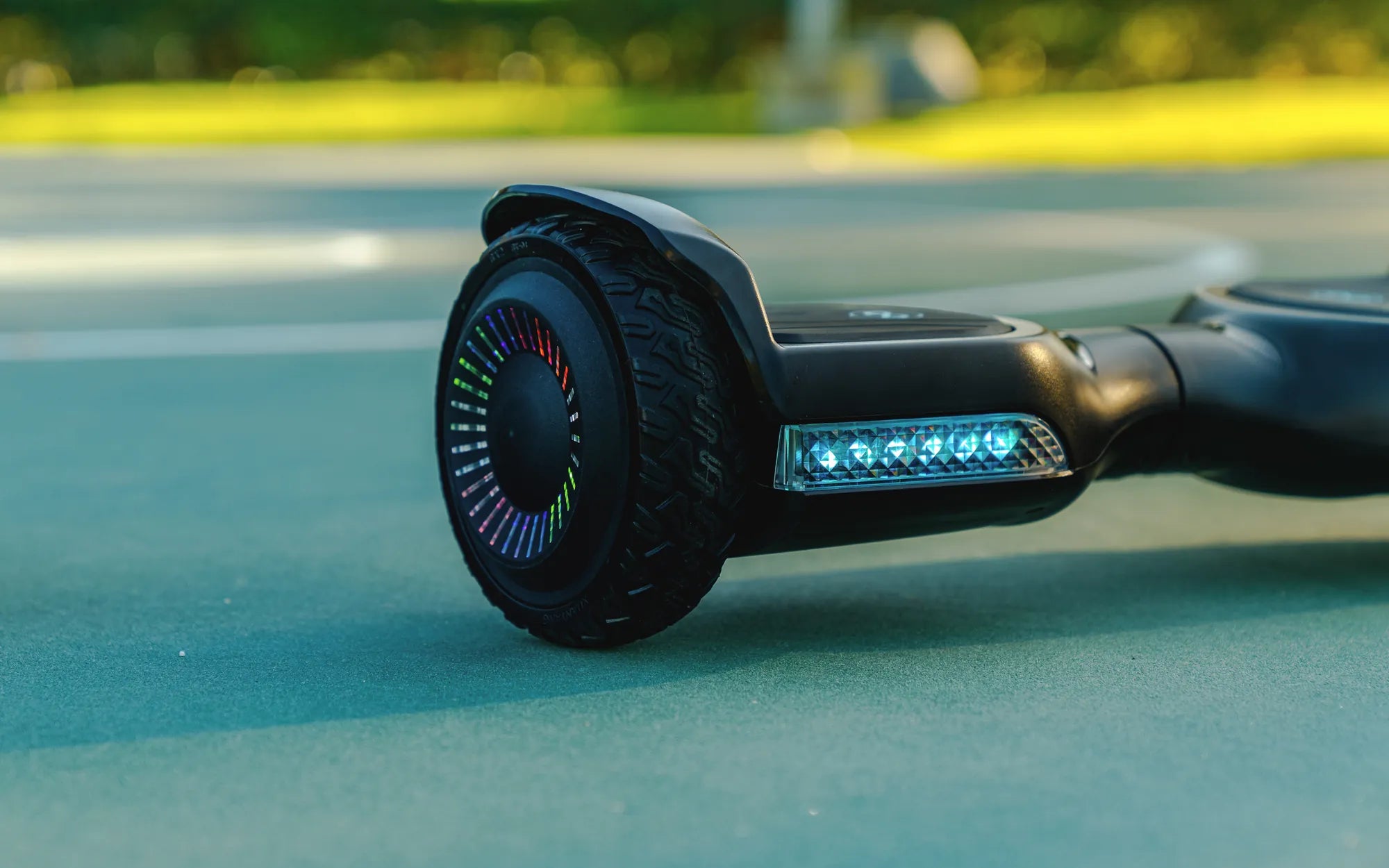
What Does It Mean When Your Hoverboard Blinks Green?
If you've ever seen your hoverboard blinking green, you might have wondered what it's trying to tell you. Hoverboards use LED lights to communicate their status, and a green blinking light can indicate several things—some good, some requiring attention. Understanding these signals can help you keep your hoverboard running smoothly and avoid potential issues.
Common Reasons for a Green Blinking Light
Here are the most likely reasons your hoverboard is blinking green:
- Battery Charging: A slow, steady green blink often means the battery is charging. Once fully charged, the light may turn solid green or switch off.
- Low Battery Warning: A fast or irregular green blink could indicate a low battery. Charge your hoverboard immediately to avoid power loss while riding.
- Calibration Mode: Some hoverboards blink green when entering calibration mode. This usually happens after a firmware update or if the board detects imbalance.
- Connection Issues: If the green blink is paired with other colors, there may be a connection problem between the battery, motor, or control board.
How to Troubleshoot a Green Blinking Light
If your hoverboard's green light is causing concern, follow these steps to diagnose and fix the issue:
- Check the Charger: Ensure the charger is properly connected and functioning. A faulty charger can cause irregular blinking patterns.
- Inspect the Battery: If the hoverboard blinks green even after charging, the battery might be damaged or nearing the end of its lifespan.
- Reset the Hoverboard: Turn it off, wait 30 seconds, and turn it back on. This can resolve minor software glitches.
- Calibrate the Board: If the blinking persists, recalibrate the hoverboard according to the manufacturer's instructions.
- Consult the Manual: Different models have unique light patterns. Refer to the user manual for specific troubleshooting steps.
Preventing Future Issues
To minimize the chances of your hoverboard blinking green unexpectedly, follow these maintenance tips:
- Charge Regularly: Avoid letting the battery drain completely. Charge your hoverboard after every use.
- Store Properly: Keep the hoverboard in a cool, dry place away from extreme temperatures.
- Clean the Sensors: Dust and debris can interfere with the hoverboard's sensors, causing false alerts.
- Update Firmware: If your model supports updates, ensure it's running the latest software for optimal performance.
When to Seek Professional Help
If the green blinking light persists despite troubleshooting, it may indicate a deeper electrical or mechanical issue. In such cases, contact a certified technician to avoid further damage. Ignoring persistent warning lights can lead to safety hazards or costly repairs.
Understanding your hoverboard's signals can save you time and frustration. The next time you see that green blink, you'll know exactly what it means—and how to keep your ride smooth and safe.
Hoverboard Bursting Into Flames: The Shocking Truth Behind the Trendy Gadget
Can You Take a Hoverboard on an Airplane? What You Need to Know