



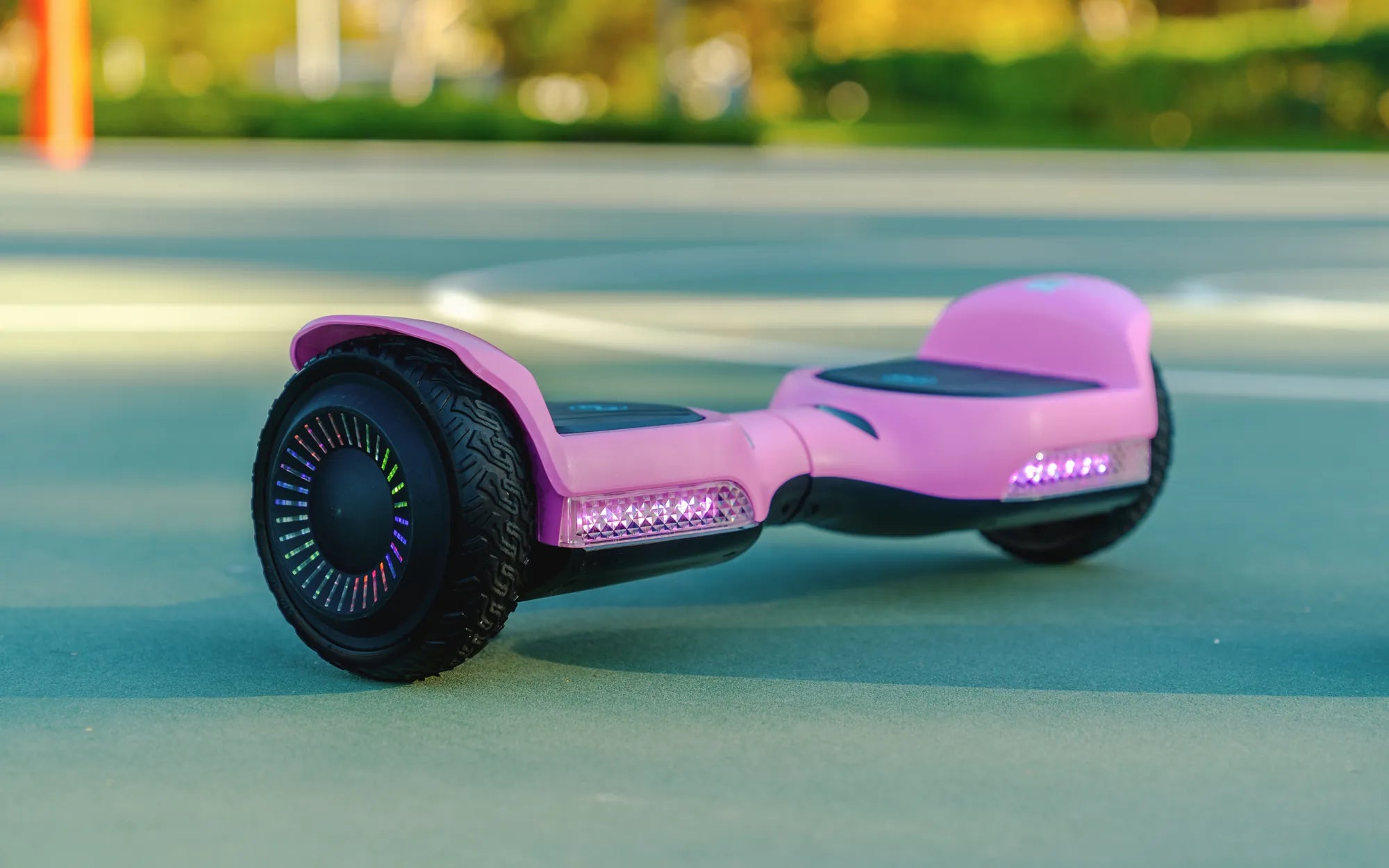
Few things are as frustrating as gearing up for a ride only to find your hoverboard completely unresponsive. Before you consider replacing it, try these proven troubleshooting steps to bring your hoverboard back to life.
Check the Power Source
The most common reason a hoverboard won't turn on is a simple power issue. Start with these basic checks:
- Ensure the charger is properly connected to both the wall outlet and the hoverboard.
- Try a different power outlet to rule out electrical issues.
- Inspect the charging port for any visible damage or debris.
- Leave the hoverboard charging for at least 30 minutes before testing.
Examine the Battery
A faulty battery is often the culprit behind power issues. Follow these steps:
- Check for any visible swelling or damage to the battery casing.
- Listen for unusual sounds when attempting to power on the device.
- If possible, test with a known working battery (consult a professional for this step).
- Note that batteries typically last 1-3 years with regular use.
Inspect the Power Button
Sometimes the issue is as simple as a stuck or malfunctioning power button:
- Press the power button firmly but gently several times.
- Check if the button feels loose or stuck in position.
- Look for any visible damage around the button area.
- Try holding the button down for 10-15 seconds to force a reset.
Perform a Hard Reset
Many hoverboards have a reset function that can solve power issues:
- Turn off the hoverboard if possible.
- Press and hold the power button for 30-45 seconds.
- Release the button and wait 1 minute.
- Attempt to power on normally.
Check for Water Damage
If your hoverboard has been exposed to moisture, follow these steps:
- Look for visible signs of water exposure or corrosion.
- Allow the hoverboard to dry completely in a warm, dry place for 48 hours.
- Never use a hairdryer or direct heat source to speed up drying.
- Consider professional inspection if water damage is suspected.
When to Seek Professional Help
If none of the above solutions work, it might be time to consult an expert:
- Persistent power issues after troubleshooting
- Visible damage to internal components
- Burning smell or smoke when attempting to power on
- Error messages or unusual indicator light patterns
Don't let a dead hoverboard ruin your fun! With these troubleshooting tips, you'll be back to gliding smoothly in no time. Remember that proper maintenance and regular charging can prevent many power issues before they start.
Heavy Weight Hoverboard: The Ultimate Guide to Power and Performance
Hoverboard Pricing: A Comprehensive Guide to Costs and Features