



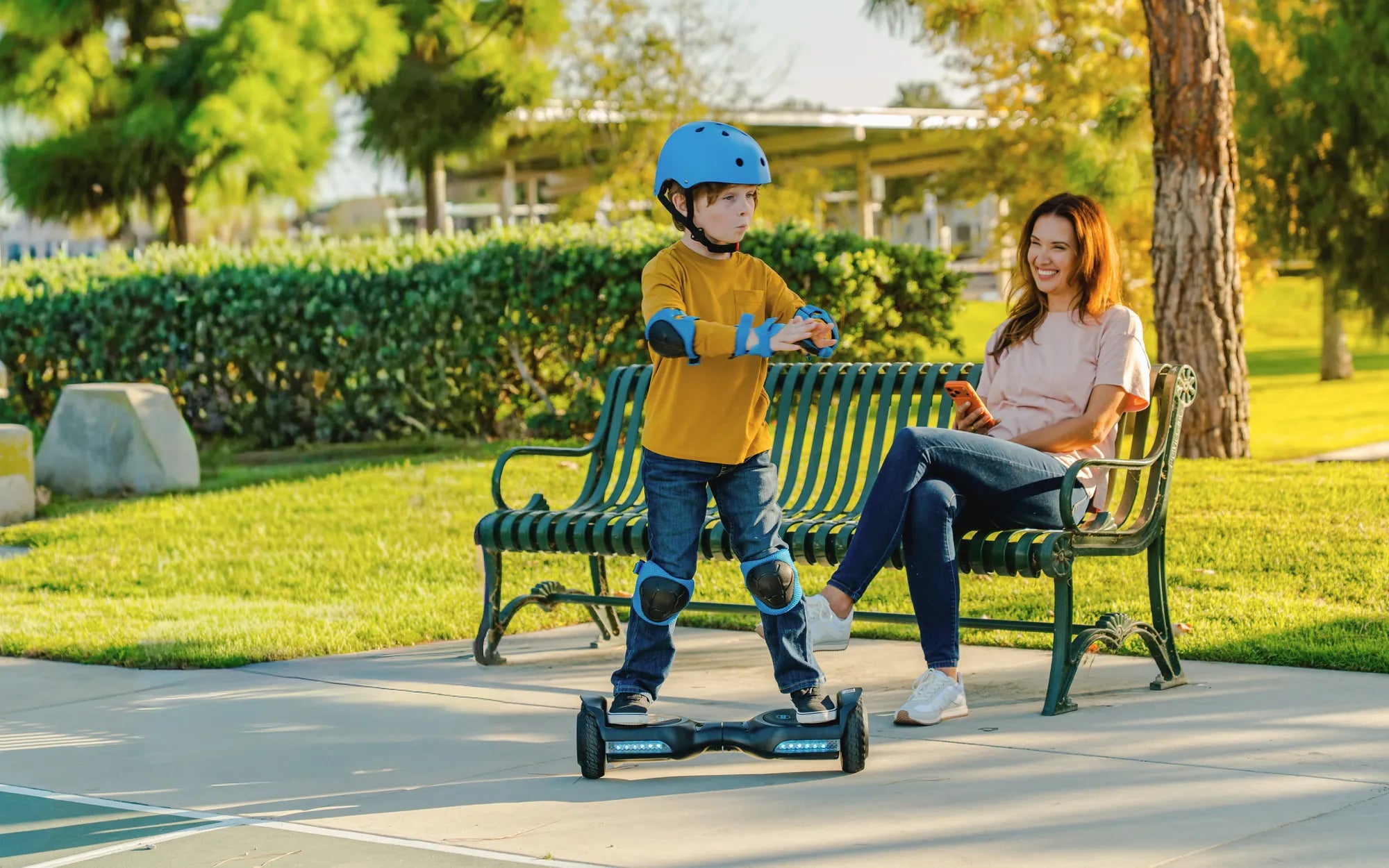
Ever felt your hoverboard shaking beneath your feet? That unsettling vibration can turn a smooth ride into a wobbly mess. If you've ever wondered, "Why does a hoverboard vibrate?" you're not alone. From uneven terrain to internal malfunctions, several factors can cause this issue. Let's break down the reasons and how to get your hoverboard gliding smoothly again.
Common Causes of Hoverboard Vibrations
Hoverboards rely on a delicate balance of sensors, motors, and wheels to function properly. When something disrupts this balance, vibrations can occur. Here are the most common culprits:
1. Uneven or Rough Terrain
One of the simplest explanations for hoverboard vibrations is riding on bumpy or uneven surfaces. The wheels struggle to maintain consistent speed, causing jerky movements. Smooth pavement is ideal, while gravel or cracked sidewalks can trigger vibrations.
2. Wheel Misalignment
If the wheels aren't perfectly aligned, one may spin faster than the other, creating an imbalance. This misalignment forces the hoverboard to compensate, leading to noticeable shaking.
3. Loose or Damaged Components
Internal screws, motor mounts, or even the foot pads can loosen over time. A rattling sound often accompanies vibrations in this case. Regular maintenance can prevent this issue.
4. Low Battery or Power Issues
A weak battery may not supply enough power to both motors evenly, causing one side to lag. This imbalance results in vibrations, especially during acceleration or turns.
5. Faulty Gyroscope or Sensors
The gyroscope helps maintain balance, and if it malfunctions, the hoverboard may vibrate as it struggles to stabilize. Sensor issues can also cause erratic movements.
How to Fix a Vibrating Hoverboard
Now that we know why hoverboards vibrate, let's explore solutions to restore a smooth ride.
1. Check the Terrain
Always ride on flat, smooth surfaces. Avoid rough patches, and if you must cross uneven ground, slow down to minimize vibrations.
2. Inspect the Wheels
Ensure both wheels are clean, properly inflated (if applicable), and free of debris. If they appear worn or damaged, replacing them may be necessary.
3. Tighten Loose Parts
Use a screwdriver to check and tighten any loose screws, especially around the wheel hubs and foot pads. This simple fix can eliminate unnecessary vibrations.
4. Charge the Battery Fully
A low battery can cause performance issues. Always charge your hoverboard before use and avoid draining it completely.
5. Reset the Hoverboard
Some models have a reset button that recalibrates the gyroscope and sensors. Refer to the user manual for instructions on performing a reset.
6. Professional Repair
If vibrations persist despite troubleshooting, the issue may lie with internal components like the motors or gyroscope. A professional technician can diagnose and repair the problem.
Preventing Future Vibrations
Regular maintenance can keep your hoverboard running smoothly. Here are some tips:
- Clean the wheels and undercarriage regularly to prevent dirt buildup.
- Avoid overloading the hoverboard beyond its weight limit.
- Store it in a dry, temperature-controlled environment to protect internal electronics.
- Check for firmware updates that may improve performance.
Vibrations don't have to ruin your hoverboard experience. By understanding the causes and taking proactive steps, you can enjoy a smooth, stable ride every time. So, next time your hoverboard starts shaking, you'll know exactly what to do!
Do You Charge a Hoverboard On or Off: The Ultimate Guide to Safe Charging
18 Month Old Rides Hoverboard: A Parent's Guide to Safety and Fun