


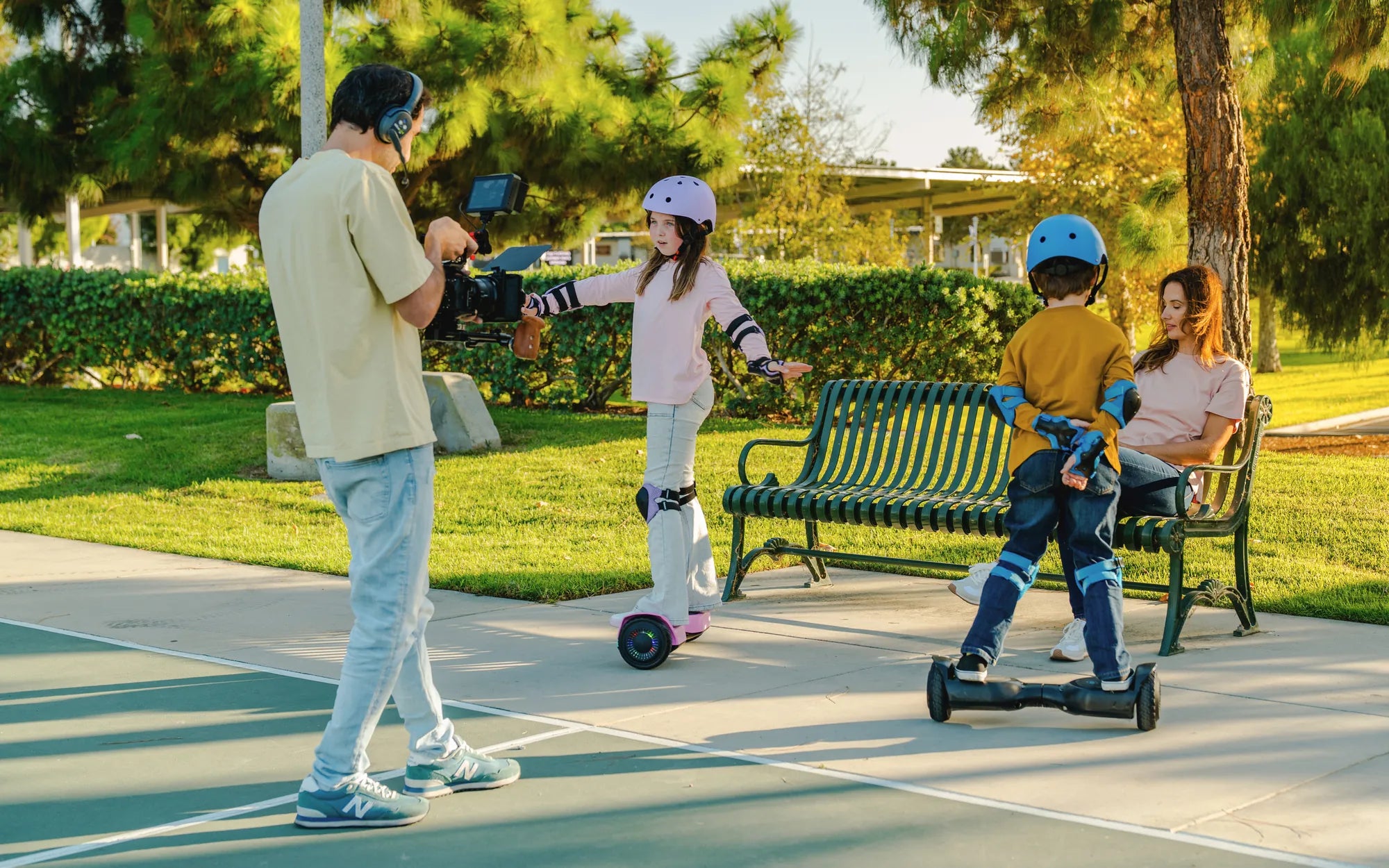
If you've ever wondered, "Why does my hoverboard beep when I ride it?", you're not alone. Many hoverboard owners experience this issue, and while it can be annoying, it often signals something important. Understanding the causes behind these beeps can help you address the problem quickly and keep your ride smooth and safe. Let's dive into the most common reasons and how to fix them.
Low Battery Warning
One of the most frequent reasons for a hoverboard beeping is a low battery. Most hoverboards are equipped with an alert system that warns you when the battery level is critically low. If you hear a beep while riding, check the battery indicator. If it's flashing or showing a low charge, it's time to recharge. Ignoring this warning could lead to sudden shutdowns, which might cause accidents.
Overload or Weight Limit Exceeded
Hoverboards have a maximum weight limit, usually between 220 and 265 pounds. Exceeding this limit can trigger the beeping sound as a safety precaution. If you or the items you're carrying exceed the recommended weight, the hoverboard may struggle to balance, leading to beeps or even shutting off. Always check the manufacturer's specifications and ensure you stay within the weight limit.
Uneven or Unstable Surface
Riding on uneven or unstable surfaces can cause the hoverboard to beep. The built-in gyroscopic sensors detect instability and alert you to potential hazards. If you're riding on rough terrain, slopes, or bumpy roads, the hoverboard may beep to warn you. Stick to smooth, flat surfaces for a safer and quieter ride.
Faulty or Loose Wiring
Internal wiring issues can also cause your hoverboard to beep. Loose or damaged wires may disrupt the connection between the battery, motors, and sensors, triggering error alerts. If you suspect wiring problems, it's best to consult a professional for repairs. Attempting to fix internal components yourself can be dangerous and may void your warranty.
Motor or Sensor Malfunction
A malfunctioning motor or sensor can lead to beeping sounds. If the hoverboard's gyroscope or tilt sensors aren't working correctly, it may struggle to maintain balance, resulting in constant beeping. Resetting the hoverboard or recalibrating it might help, but if the issue persists, professional assistance is recommended.
Software or Firmware Issues
Outdated or corrupted software or firmware can cause unexpected beeping. Some hoverboards require periodic updates to function optimally. Check the manufacturer's website or app for updates and follow the instructions to install them. A simple firmware update might resolve the beeping issue.
Overheating
Prolonged use or riding in hot conditions can cause the hoverboard to overheat, triggering beeping as a warning. If the device feels unusually warm, turn it off and let it cool down before using it again. Overheating can damage internal components, so it's essential to address this issue promptly.
How to Troubleshoot and Fix the Beeping
If your hoverboard beeps while riding, follow these steps to troubleshoot:
- Check the battery and recharge if necessary.
- Ensure you're within the weight limit and not carrying excess baggage.
- Ride on smooth, flat surfaces to avoid sensor errors.
- Inspect for loose or damaged wires and seek professional help if needed.
- Reset or recalibrate the hoverboard according to the manual.
- Update the firmware to the latest version.
- Allow the hoverboard to cool down if overheating is suspected.
By understanding why your hoverboard beeps and taking the right steps, you can enjoy a smoother, safer ride. Don't ignore the warnings—your hoverboard is trying to tell you something important!
36V 2.0Ah Hoverboard Battery: The Ultimate Guide to Power and Performance
Smart Hoverboard UK: The Ultimate Guide to Choosing the Best Ride