

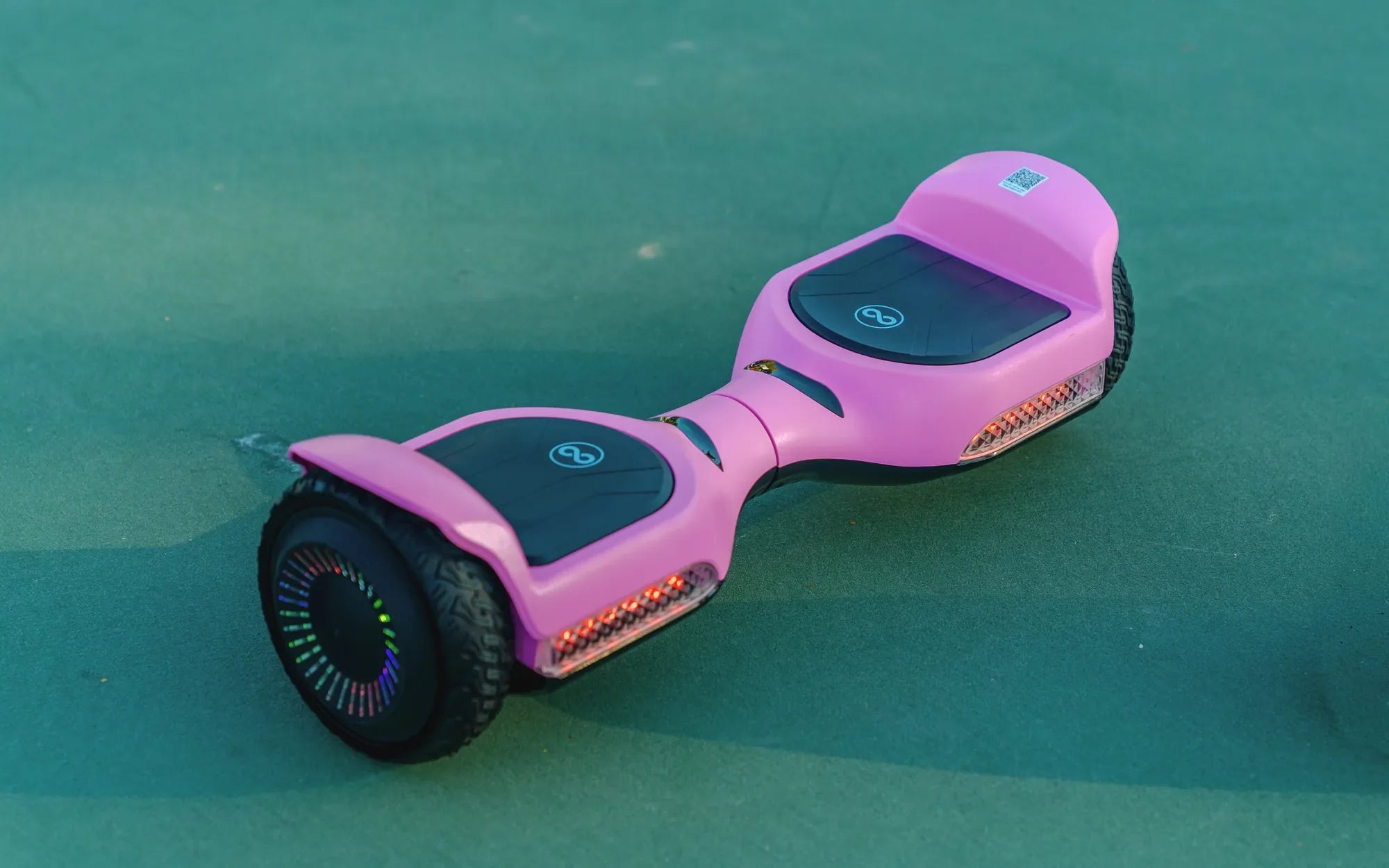
Few things are as frustrating as hopping on your hoverboard, only to hear it beep incessantly without moving an inch. Whether you're a seasoned rider or a beginner, this issue can leave you scratching your head. But don't worry—this guide will walk you through the most likely causes and solutions to get you gliding smoothly again.
Common Reasons Your Hoverboard Beeps and Won't Move
When your hoverboard starts beeping and refuses to move, it's usually trying to tell you something. Here are the most common culprits:
- Low Battery: A depleted or improperly charged battery is one of the top reasons for beeping and immobility.
- Uneven Surface or Calibration Issues: Hoverboards require a flat surface to calibrate properly. If the board isn't level, it may refuse to move.
- Overheating: Extended use or exposure to high temperatures can cause the hoverboard to shut down as a safety measure.
- Faulty Sensors or Gyroscopes: These components help balance the board; if they malfunction, the hoverboard may beep and stop moving.
- Loose or Damaged Wiring: Internal wiring issues can disrupt power flow, leading to beeping and failure to operate.
How to Fix a Beeping Hoverboard That Won't Move
1. Check the Battery
First, ensure your hoverboard is fully charged. Plug it in for the recommended charging time (usually 2-3 hours). If the battery is old or damaged, it may need replacement. Avoid using off-brand chargers, as they can cause charging issues.
2. Recalibrate the Hoverboard
Calibration resets the internal sensors. To recalibrate:
- Turn off the hoverboard.
- Place it on a flat, level surface.
- Press and hold the power button for 10-15 seconds until you hear a beep.
- Release the button and wait for the lights to stabilize.
- Turn it back on and test if it moves.
3. Inspect for Overheating
If the hoverboard feels hot, turn it off and let it cool for at least 30 minutes. Avoid riding in extreme heat or for prolonged periods without breaks.
4. Examine the Wheels and Sensors
Dirt, debris, or misaligned wheels can trigger sensor errors. Clean the wheels and check for obstructions. If the problem persists, the gyroscope or sensors may need professional repair.
5. Look for Wiring Issues
If you're comfortable, open the hoverboard (while unplugged) and inspect for loose or frayed wires. If you spot damage, consult a technician for repairs.
Preventive Measures to Avoid Future Issues
- Always charge the hoverboard with the manufacturer-provided charger.
- Avoid riding on uneven or rough terrain.
- Store the hoverboard in a cool, dry place.
- Regularly clean the wheels and underside to prevent debris buildup.
If your hoverboard still won't cooperate after troubleshooting, it may be time to consult a professional. But in most cases, these steps should have you back on the move in no time. Don't let a beeping hoverboard ruin your ride—take action and get back to gliding effortlessly!
How Do You Ride a Hoverboard Step by Step: A Beginner’s Guide
Where Can I Get My Hoverboard Repaired: A Complete Guide to Fixing Your Ride