

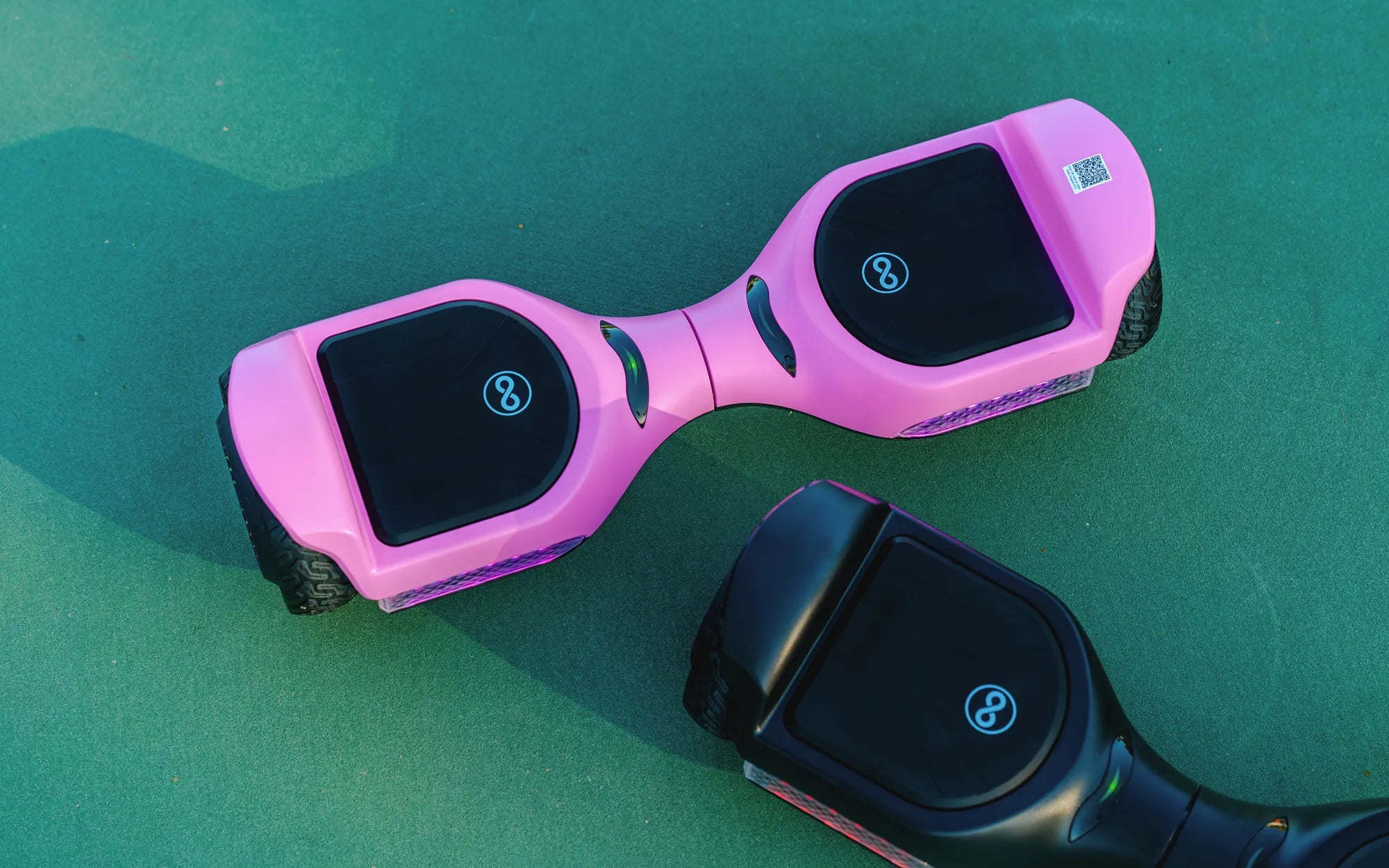
If your hoverboard is blinking red, it’s trying to tell you something important. Ignoring this warning could lead to bigger problems or even safety hazards. Let’s dive into the possible reasons and how to fix them so you can get back to gliding smoothly.
Common Reasons for a Red Blinking Light
A red blinking light on your hoverboard is usually a warning sign. Here are the most common causes:
- Low Battery: The most frequent reason is a low or depleted battery. Charge your hoverboard fully and check if the light stops blinking.
- Overheating: Extended use or exposure to high temperatures can cause the hoverboard to overheat, triggering a red light.
- Connection Issues: Loose or damaged wiring inside the hoverboard can disrupt power flow.
- Faulty Sensors: Gyroscopic or balance sensors may malfunction, causing the hoverboard to enter a safety mode.
- Charging Problems: A damaged charger or charging port can prevent proper charging, leading to a red warning light.
How to Troubleshoot a Blinking Red Light
Before panicking, follow these steps to diagnose and potentially fix the issue:
1. Check the Battery
Plug in your hoverboard and let it charge for at least 2-3 hours. If the light turns green, the issue was a low battery. If it continues blinking red, move to the next step.
2. Inspect the Charger and Port
Ensure the charger is working by testing it with another device (if possible). Examine the charging port for debris or damage. Clean it gently with a dry cloth.
3. Look for Overheating Signs
Turn off the hoverboard and let it cool down for 30-60 minutes. If the red light stops after cooling, avoid prolonged use in hot conditions.
4. Examine the Wiring and Sensors
If you’re comfortable, open the hoverboard casing (while unplugged) and check for loose or frayed wires. Ensure all sensors are securely connected.
5. Reset the Hoverboard
Some models have a reset button. Press and hold it for 10-15 seconds to reboot the system.
When to Seek Professional Help
If none of the above steps work, the problem might be more serious, such as a damaged motherboard or faulty battery cells. In this case, contact a certified technician or the manufacturer for repairs.
Preventive Measures to Avoid Future Issues
To keep your hoverboard in top condition:
- Charge it regularly and avoid draining the battery completely.
- Store it in a cool, dry place away from direct sunlight.
- Avoid riding on rough terrain to prevent internal damage.
- Clean the hoverboard periodically to prevent dust buildup.
A blinking red light on your hoverboard doesn’t have to spell disaster. With these troubleshooting tips, you can identify the issue and get back to enjoying your ride safely. Don’t ignore the warning—address it promptly to extend your hoverboard’s lifespan!
Share:
Fastest Off Road Hoverboard: The Ultimate Adventure Companion
How Old Do You Have to Be to Ride a Hoverboard: Safety and Age Guidelines