



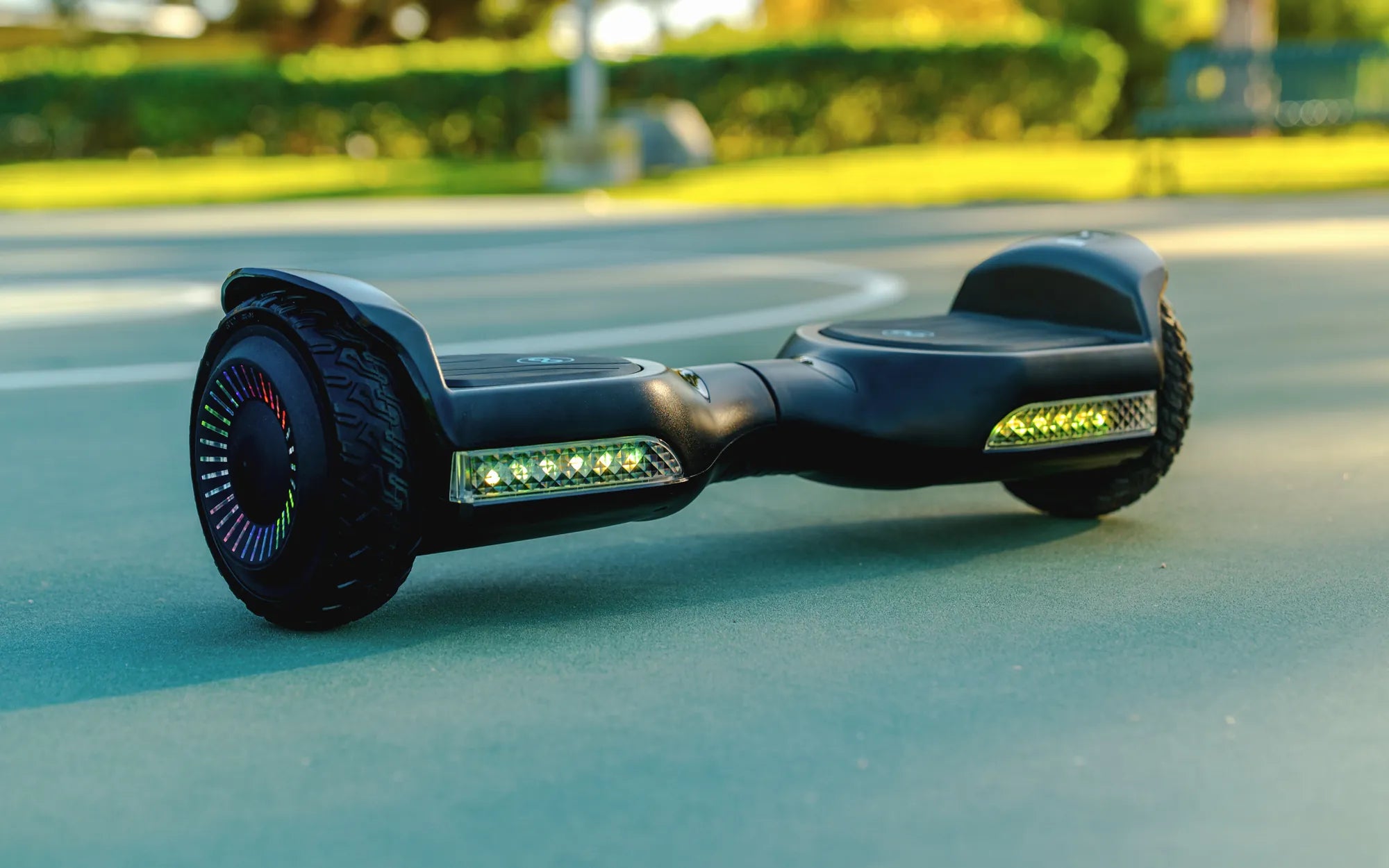
Have you ever hopped on your hoverboard only to feel it tilting forward uncontrollably? It’s not just frustrating—it can also be dangerous. A hoverboard that leans forward without warning can throw off your balance and even lead to falls. But don’t worry, this issue is often fixable with a few simple adjustments. Let’s dive into the reasons why your hoverboard might be leaning forward and how you can resolve it.
Common Causes of a Forward-Leaning Hoverboard
Several factors can cause your hoverboard to tilt forward unexpectedly. Understanding these causes is the first step toward fixing the problem.
1. Calibration Issues
One of the most common reasons for a forward-leaning hoverboard is improper calibration. Hoverboards rely on gyroscopic sensors to maintain balance, and if these sensors aren’t calibrated correctly, the board may tilt in one direction.
2. Uneven Tire Pressure
If one tire has significantly less air than the other, it can cause the hoverboard to lean. This is especially noticeable when riding on uneven surfaces.
3. Faulty Gyroscopic Sensors
The gyroscopic sensors are responsible for detecting the board’s tilt and adjusting accordingly. If these sensors malfunction, the hoverboard may lean forward or backward uncontrollably.
4. Worn-Out Foot Pads
Over time, the foot pads on a hoverboard can wear out or become less responsive. If one pad isn’t registering your weight correctly, the board may tilt forward.
5. Software Glitches
Like any electronic device, hoverboards can experience software bugs. A glitch in the system might cause the board to lean forward even when it shouldn’t.
How to Fix a Forward-Leaning Hoverboard
Now that you know the potential causes, let’s explore how to fix them.
1. Recalibrate Your Hoverboard
Recalibration is often the quickest fix. Here’s how to do it:
- Turn off the hoverboard and place it on a flat, level surface.
- Press and hold the power button for about 10 seconds until you hear a beep or see the lights flash.
- Release the button and wait for the calibration process to complete.
- Turn the hoverboard back on and test it.
2. Check and Adjust Tire Pressure
If your hoverboard has pneumatic tires, ensure both are inflated to the same pressure. Use a tire gauge to check and add air if necessary.
3. Inspect the Foot Pads
Look for visible damage or wear on the foot pads. If they’re worn out, consider replacing them. Also, clean the pads to ensure they’re free of debris that could interfere with responsiveness.
4. Reset the Hoverboard
Sometimes, a simple reset can resolve software glitches. Turn off the hoverboard, wait a few minutes, and then turn it back on. If the issue persists, check for firmware updates.
5. Test the Gyroscopic Sensors
If none of the above steps work, the gyroscopic sensors might be faulty. In this case, professional repair or replacement may be necessary.
Preventing Future Issues
To avoid future problems with your hoverboard leaning forward, follow these maintenance tips:
- Regularly calibrate your hoverboard, especially after heavy use.
- Keep the tires properly inflated and check them monthly.
- Avoid riding on uneven or rough surfaces that could damage the sensors.
- Store your hoverboard in a dry, cool place to prevent moisture damage.
A hoverboard that leans forward can be a nuisance, but with the right troubleshooting steps, you can often fix the issue yourself. Whether it’s a simple calibration or a sensor replacement, addressing the problem early will keep your rides smooth and safe. Don’t let a forward tilt ruin your fun—take action today and get back to gliding effortlessly!
Why Doesn't My Hoverboard Work? Common Issues and Fixes
Top 5 Hoverboard Picks for an Unforgettable Riding Experience