



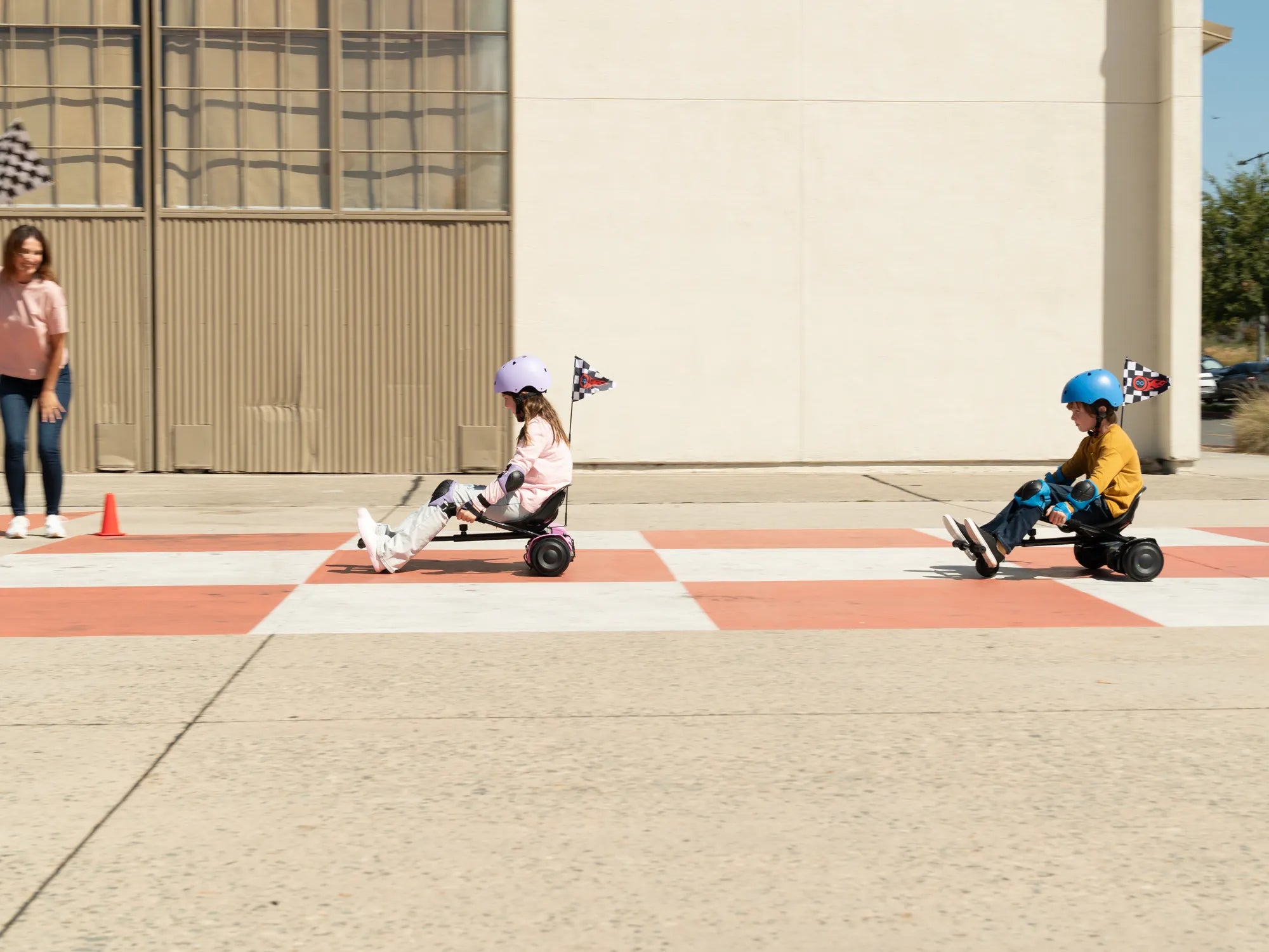
Frustrated with Your Hoverboard's Bluetooth Connection Issues?
Nothing kills the excitement of a new hoverboard faster than Bluetooth connectivity problems. Whether you're trying to sync your device for music playback, app control, or firmware updates, a failed connection can be incredibly frustrating. But don't worry - most Bluetooth issues are solvable with some basic troubleshooting.
Common Reasons Your Hoverboard Won't Connect to Bluetooth
Before diving into solutions, it's important to understand why your hoverboard might be refusing to pair with your smartphone or other devices:
- Distance limitations: Bluetooth typically works within 30 feet, but obstacles can reduce this range
- Low battery levels: Either your hoverboard or the connecting device might not have enough power
- Interference: Other electronic devices can disrupt the Bluetooth signal
- Software issues: Outdated firmware or app problems can prevent successful pairing
- Pairing mode problems: Your hoverboard might not be in the correct state for discovery
- Device compatibility: Not all hoverboards work with all smartphones or operating systems
Step-by-Step Troubleshooting Guide
1. Check Basic Requirements
Start with these fundamental checks:
- Ensure both devices have Bluetooth turned on
- Verify your hoverboard is sufficiently charged (at least 50% battery)
- Check that your smartphone or tablet has adequate battery
- Make sure the devices are within 10 feet of each other with minimal obstacles
2. Restart Both Devices
The classic "turn it off and on again" approach works surprisingly often:
- Power off your hoverboard completely
- Turn off Bluetooth on your smartphone/tablet
- Restart your mobile device
- Power the hoverboard back on
- Re-enable Bluetooth and attempt pairing again
3. Enter Pairing Mode Properly
Most hoverboards require a specific sequence to enter pairing mode:
- Turn on the hoverboard
- Press and hold the power button for 5-10 seconds until you hear a beep or see flashing lights
- Check your device's Bluetooth settings for the hoverboard's name
- Select it to initiate pairing
4. Forget and Re-pair the Device
If your hoverboard previously connected but now won't:
- Go to your device's Bluetooth settings
- Find the hoverboard in your paired devices list
- Select "Forget" or "Unpair"
- Follow the pairing mode instructions above to reconnect fresh
5. Check for Interference
Bluetooth operates on the 2.4GHz frequency, which many devices use:
- Move away from Wi-Fi routers, microwaves, and cordless phones
- Try connecting in a different location
- Disconnect other Bluetooth devices temporarily
6. Update Firmware and Apps
Outdated software is a common culprit:
- Check the manufacturer's website for firmware updates
- Update your hoverboard companion app if applicable
- Ensure your smartphone's operating system is current
Advanced Troubleshooting Techniques
Factory Reset Your Hoverboard
If basic steps don't work, a reset might help:
- Consult your manual for the specific reset procedure
- Typically involves holding certain buttons for extended periods
- Note that this may erase custom settings
Test with Another Device
Determine if the issue is with the hoverboard or your primary device:
- Try pairing with a different smartphone or tablet
- If it works, the problem lies with your original device
- If it fails, the hoverboard likely needs service
Check for Physical Damage
Bluetooth connectivity issues can stem from hardware problems:
- Inspect the hoverboard for visible damage
- Listen for unusual sounds from the Bluetooth module
- Check if other functions (like lights or balancing) work properly
Preventing Future Bluetooth Connection Problems
Once you've resolved your current issue, follow these tips to maintain reliable connections:
- Keep your hoverboard firmware updated
- Regularly charge both your hoverboard and connecting device
- Avoid exposing your hoverboard to extreme temperatures or moisture
- Clean the hoverboard's charging ports and buttons periodically
- Store your hoverboard in a dry, temperate environment
When to Seek Professional Help
If you've tried all troubleshooting steps without success:
- Contact the manufacturer's support team
- Check if your hoverboard is still under warranty
- Consult with a certified repair technician
- Consider replacement if repair costs exceed the device's value
Get Back to Gliding with Reliable Bluetooth Connectivity
Don't let Bluetooth issues keep you from enjoying your hoverboard's full potential. With these troubleshooting techniques, you'll likely solve the connection problem and be back to cruising in no time. Remember that most connectivity issues are temporary and solvable with patience and the right approach. Happy hovering!
How Long Does a Hoverboard Last on Full Charge: The Ultimate Guide
Long Lasting Battery Hoverboard: The Ultimate Guide to Extended Ride Time