


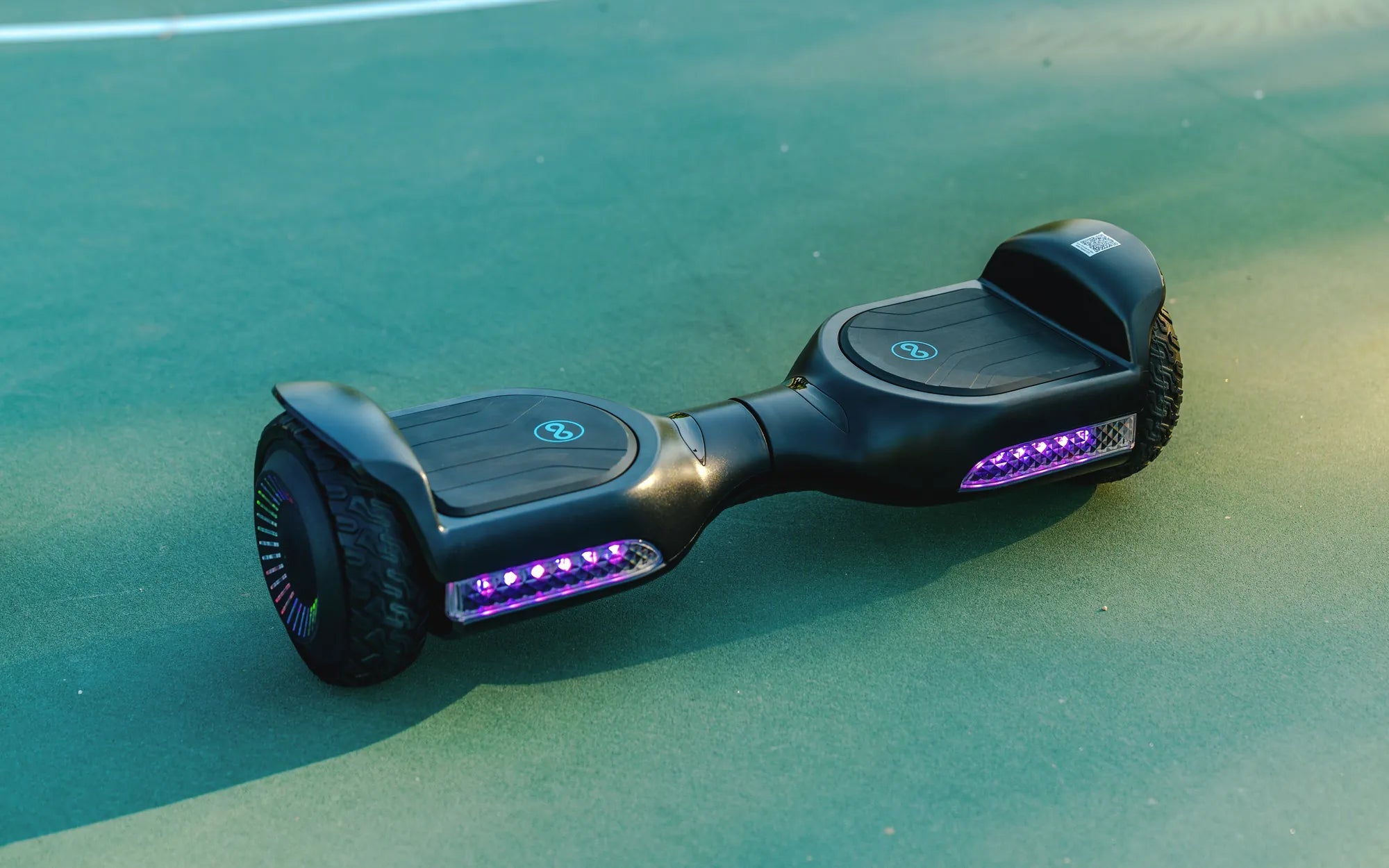
Is your hoverboard refusing to pair with Bluetooth, leaving you frustrated and unable to enjoy your ride with music or app controls? You're not alone. Many hoverboard owners face this issue, but the good news is that most problems are fixable with a little troubleshooting. Let's dive into the reasons why your hoverboard won't connect to Bluetooth and how to resolve them.
Common Reasons Why Your Hoverboard Won't Connect to Bluetooth
Before diving into solutions, it's essential to understand why your hoverboard might not be connecting. Here are the most common culprits:
- Bluetooth Compatibility Issues – Not all hoverboards support every Bluetooth version or device.
- Low Battery Levels – A weak battery can interfere with Bluetooth connectivity.
- Interference from Other Devices – Nearby electronics can disrupt the Bluetooth signal.
- Outdated Firmware – An old firmware version may cause pairing problems.
- Damaged Bluetooth Module – Physical damage or wear and tear can affect functionality.
Step-by-Step Troubleshooting Guide
1. Check Bluetooth Compatibility
First, ensure your hoverboard and the device you're trying to pair (phone, tablet, etc.) are compatible. Most hoverboards use Bluetooth 4.0 or higher, but some older models may have limitations. Verify the specifications in your user manual.
2. Restart Both Devices
Sometimes, a simple restart can resolve connectivity issues. Turn off your hoverboard and the paired device, then power them back on and attempt to reconnect.
3. Ensure Sufficient Battery Power
A low battery can hinder Bluetooth performance. Charge your hoverboard fully before attempting to pair it again. Similarly, check the battery level of your smartphone or tablet.
4. Remove Interference
Bluetooth signals can be disrupted by other wireless devices, Wi-Fi routers, or even physical obstructions. Move away from crowded electronic environments and try pairing again.
5. Update Firmware
Manufacturers often release firmware updates to fix bugs and improve performance. Check if your hoverboard has an available update and install it if necessary.
6. Reset Bluetooth Settings
If pairing fails, reset the Bluetooth module on your hoverboard. Refer to the manual for instructions, as the process varies by model. On your phone, forget the hoverboard from Bluetooth settings and try reconnecting.
7. Inspect for Physical Damage
If none of the above steps work, inspect your hoverboard for physical damage. A faulty Bluetooth module may require professional repair or replacement.
Preventive Measures to Avoid Future Issues
To minimize Bluetooth connectivity problems in the future, follow these tips:
- Keep your hoverboard and paired devices charged.
- Avoid using Bluetooth in areas with heavy electronic interference.
- Regularly check for firmware updates.
- Store your hoverboard in a safe, dry place to prevent damage.
When to Seek Professional Help
If you've tried all troubleshooting steps and your hoverboard still won't connect, it might be time to consult a professional. A certified technician can diagnose hardware issues and perform necessary repairs.
Don't let Bluetooth connectivity issues ruin your hoverboard experience. With these troubleshooting steps, you can quickly identify and resolve the problem, ensuring smooth rides and seamless music playback. Get back to gliding effortlessly with your hoverboard today!
Red Hoverboard UK: The Ultimate Guide to Choosing the Best Model
Ideal Gifts for 10-Year-Old Girl: Creative and Fun Ideas She’ll Love