



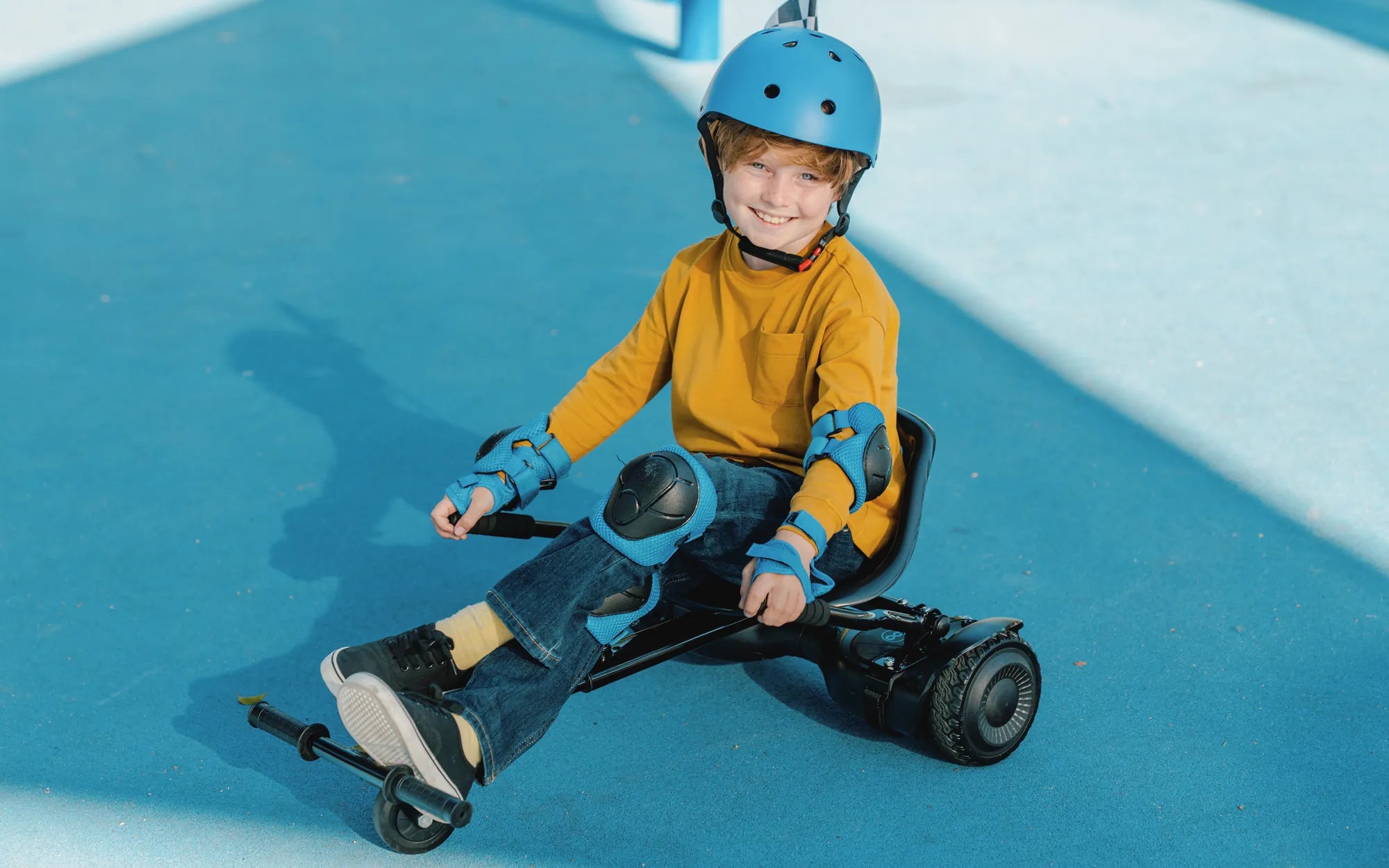
Is your hoverboard refusing to power on, leaving you stranded and frustrated? You're not alone. Many hoverboard owners face this issue, but the good news is that most problems have simple solutions. Let's dive into the possible reasons why your hoverboard won't turn on and how you can fix it.
1. Check the Battery
The most common reason a hoverboard won't turn on is a dead or faulty battery. Here's what to do:
- Charge the hoverboard: Plug it into the charger and wait for at least 30 minutes. If the battery was completely drained, it may take a while to show signs of life.
- Inspect the charger: Ensure the charger is working by testing it with another device or checking for LED indicators.
- Look for battery damage: Swollen or leaking batteries are a sign of failure and should be replaced immediately.
2. Examine the Power Switch
A faulty power switch can prevent your hoverboard from turning on. Follow these steps:
- Press and hold the power button: Some models require a long press (3-5 seconds) to activate.
- Check for physical damage: If the button feels loose or unresponsive, it may need repair or replacement.
3. Inspect the Wiring and Connections
Loose or damaged wires can disrupt power flow. Here's how to troubleshoot:
- Open the hoverboard casing: Carefully remove the outer shell to access the internal components.
- Look for disconnected wires: Reattach any loose connections securely.
- Check for burnt or frayed wires: Damaged wiring should be repaired or replaced by a professional.
4. Test the Circuit Board
A malfunctioning circuit board can prevent the hoverboard from powering on. Consider these steps:
- Look for visible damage: Burnt components or corroded areas indicate a problem.
- Reset the board: Some models have a reset button—press it to reboot the system.
5. Check for Overheating or Safety Shutdowns
Hoverboards often shut down to prevent damage from overheating or overuse. Try these fixes:
- Let it cool down: Wait at least 30 minutes before attempting to turn it on again.
- Avoid overloading: Ensure you're within the weight limit and not riding on rough terrain for extended periods.
6. Firmware or Software Issues
Outdated or corrupted firmware can cause power problems. Here's what to do:
- Check for updates: Some hoverboards can be updated via a mobile app or USB connection.
- Factory reset: If possible, perform a reset to restore default settings.
7. Water or Physical Damage
Exposure to water or drops can damage internal components. Take these precautions:
- Dry the hoverboard: If it got wet, leave it in a dry place for at least 48 hours before testing.
- Inspect for cracks: Physical damage may require professional repair.
Don't let a non-responsive hoverboard ruin your fun! By following these troubleshooting steps, you can identify and fix the issue in no time. Whether it's a simple battery recharge or a more complex wiring problem, there's always a way to get your hoverboard back on track.
Hoverboard Research: The Future of Personal Transportation and Safety Innovations
Person Riding a Hoverboard: The Future of Personal Transportation