



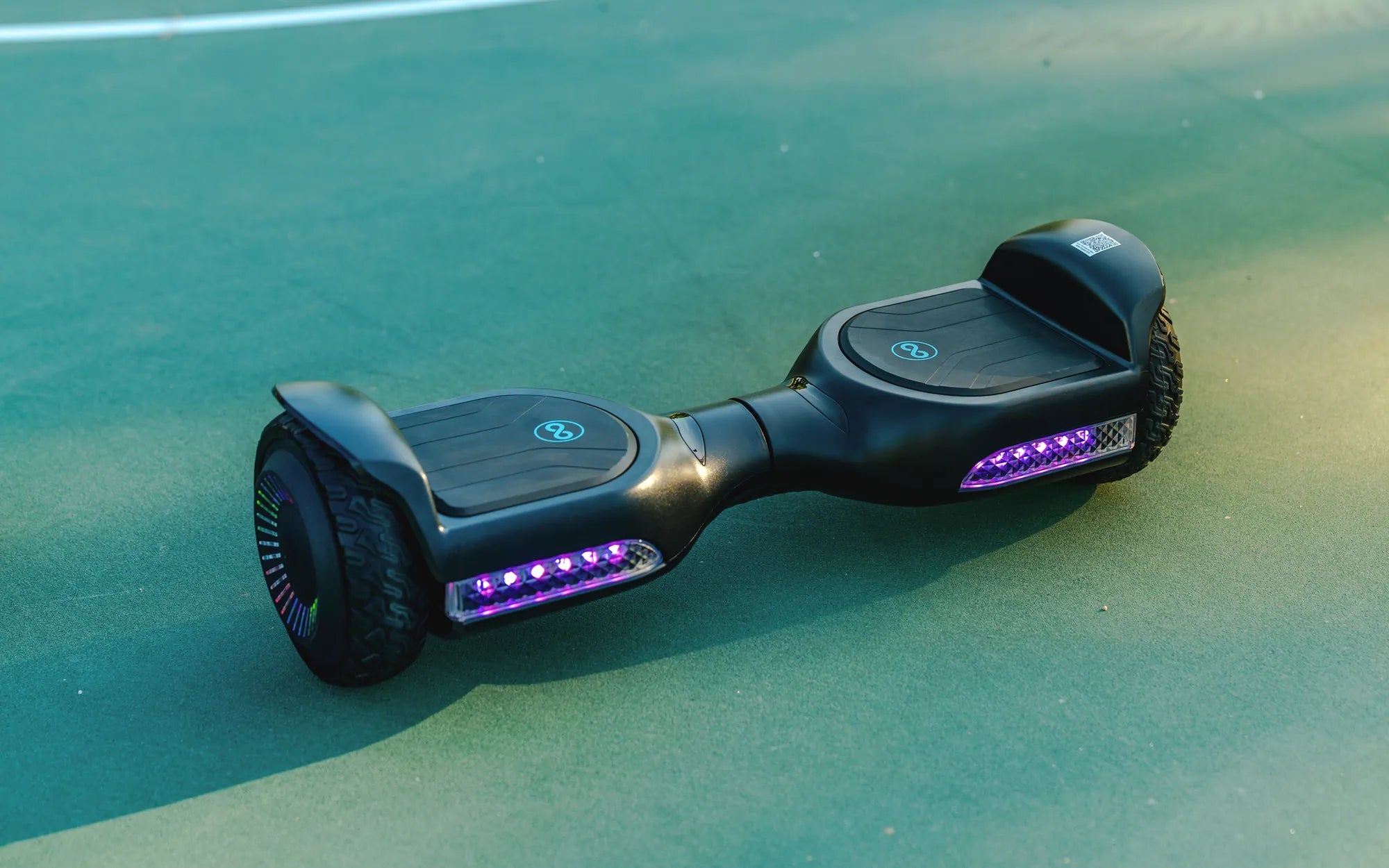
Ever wanted to give your hoverboard a personalized touch by changing the color of its lights? Whether you're looking to match your style or stand out in a crowd, customizing your hoverboard's lighting is easier than you think. Follow this step-by-step guide to transform your ride into a dazzling spectacle.
Understanding Your Hoverboard's Lighting System
Before diving into the color-changing process, it's essential to understand how your hoverboard's lighting system works. Most hoverboards come with built-in LED lights that serve both aesthetic and functional purposes. These lights are often located on the sides or beneath the footpads and can display a variety of colors depending on the model.
Step 1: Check Your Hoverboard's Compatibility
Not all hoverboards allow for color customization. Start by consulting your user manual or manufacturer's website to confirm whether your model supports light color changes. If your hoverboard lacks this feature, you may need to explore aftermarket modifications, though this is not recommended for beginners.
Step 2: Locate the Control Button or App
Many modern hoverboards come with a dedicated button or a mobile app to control the lights. If your hoverboard has a physical button, it's usually found near the power button or on the underside. For app-controlled models, download the official app and connect your hoverboard via Bluetooth.
Step 3: Cycle Through Color Options
Once you've accessed the light controls, you can cycle through the available color options. Press the button or use the app to toggle between colors until you find your desired hue. Some models even allow you to set dynamic color patterns, such as fading or flashing effects.
Step 4: Save Your Settings
After selecting your preferred color, ensure you save the settings if your hoverboard requires it. This step is crucial for app-controlled models, as unsaved changes may revert to default upon disconnection.
Troubleshooting Common Issues
If your hoverboard's lights aren't responding, try the following:
- Ensure your hoverboard is fully charged.
- Restart the hoverboard and attempt the process again.
- Check for firmware updates if using an app.
- Consult the manufacturer if issues persist.
Enhancing Your Hoverboard's Aesthetics
Beyond changing colors, consider adding light strips or decals to further personalize your hoverboard. Always prioritize safety and avoid obstructing any sensors or vents.
Ready to turn heads with your newly customized hoverboard? With these simple steps, you can effortlessly switch up your ride's look and make every journey a vibrant adventure. Don't wait—start experimenting with colors today and let your hoverboard reflect your unique style!
How to Put a Hoverboard in Beginner Mode: A Step-by-Step Guide
Games to Play on a Hoverboard: Fun and Exciting Activities for Riders