



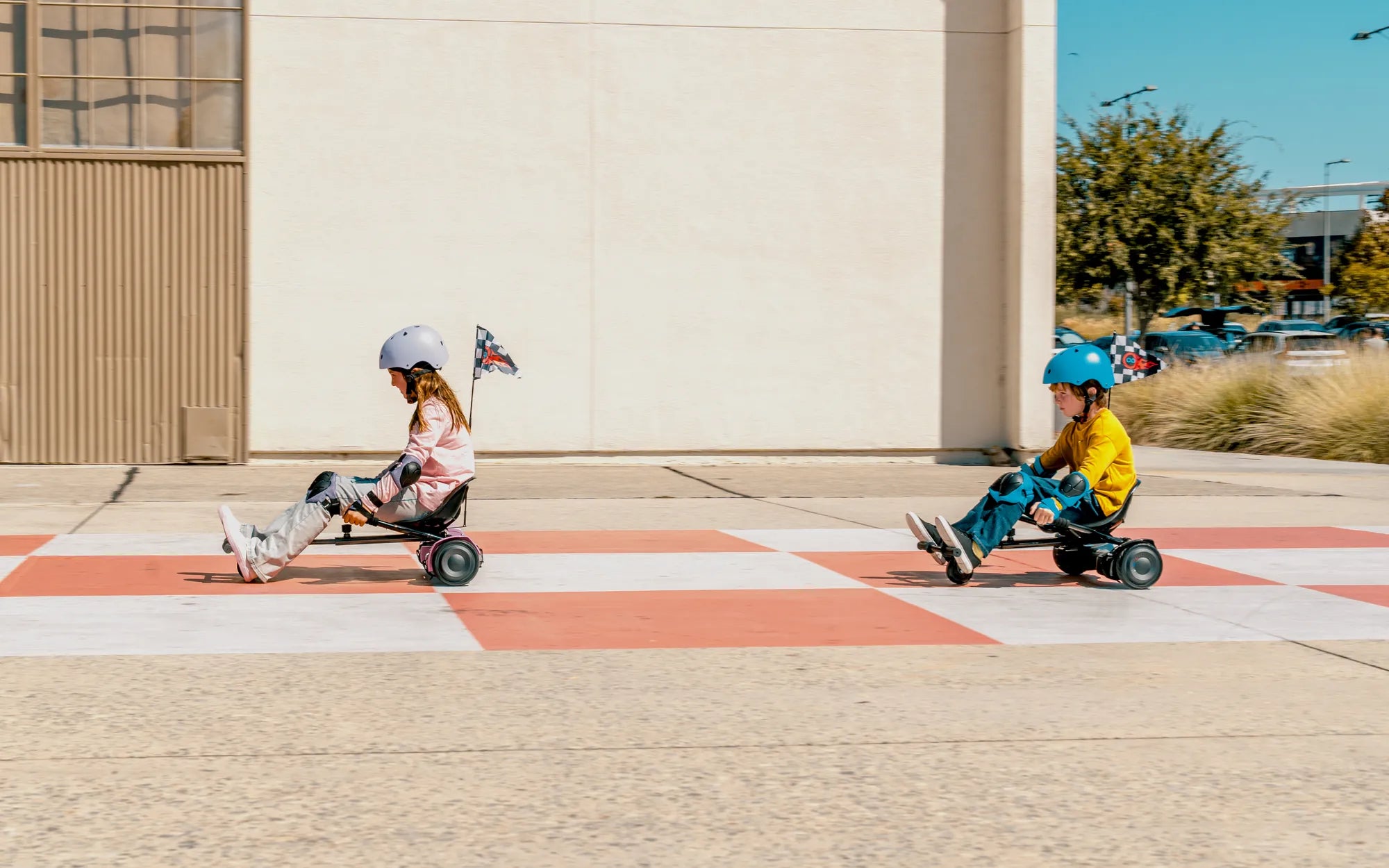
Riding a hoverboard can be an exhilarating experience, but for beginners, it can also feel a bit intimidating. The good news is that most hoverboards come with a beginner mode designed to help new riders get comfortable before tackling faster speeds and more advanced maneuvers. If you're wondering how to put a hoverboard in beginner mode, you've come to the right place. This guide will walk you through the process step by step, ensuring a smooth and safe start to your hoverboarding journey.
Why Use Beginner Mode?
Beginner mode is a feature found on many hoverboards that limits the device's speed and responsiveness. This makes it easier for new riders to maintain balance and build confidence without the risk of losing control. Here are some key benefits of using beginner mode:
- Slower speeds: Reduces the maximum speed, giving you more time to react.
- Gentler acceleration: Prevents sudden jerks or movements that could throw you off balance.
- Improved stability: Some models adjust the sensitivity of the foot pads for smoother control.
Step-by-Step Guide to Activating Beginner Mode
While the exact steps may vary slightly depending on your hoverboard model, the general process for enabling beginner mode is straightforward. Follow these steps to get started:
Step 1: Power On Your Hoverboard
Make sure your hoverboard is fully charged and turned on. Most models will emit a beep or light up to indicate they're ready.
Step 2: Locate the Mode Button
Look for a small button or switch on your hoverboard, often located near the power button or under the foot pads. Consult your user manual if you're unsure.
Step 3: Press the Button to Switch Modes
Press or hold the mode button until you hear a beep or see a light change color. This usually indicates that beginner mode has been activated.
Step 4: Test the Settings
Gently step onto the hoverboard and practice moving forward and backward. You should notice a slower response and reduced speed compared to standard mode.
Tips for Riding in Beginner Mode
Now that you've successfully activated beginner mode, here are some tips to help you make the most of it:
- Start on a flat surface: Avoid hills or uneven terrain until you're comfortable.
- Wear protective gear: Always use a helmet and knee/elbow pads for safety.
- Practice turning: Use gentle shifts in weight to steer, avoiding sudden movements.
- Gradually increase difficulty: Once you're confident, switch to a higher mode to challenge yourself.
Troubleshooting Common Issues
If you're having trouble activating beginner mode, try these solutions:
- Check the manual: Some models require a specific button sequence.
- Ensure full battery: Low power can sometimes prevent mode changes.
- Reset the hoverboard: Turn it off and on again to refresh the settings.
Mastering your hoverboard starts with building a strong foundation, and beginner mode is the perfect way to do just that. By following these steps and tips, you'll be gliding like a pro in no time. Ready to take your skills to the next level? Start practicing today and unlock the full potential of your hoverboard!
Hoverboard That Goes 10 MPH: The Ultimate Guide to Speed and Safety
How to Change the Color on Your Hoverboard Lights: A Step-by-Step Guide