

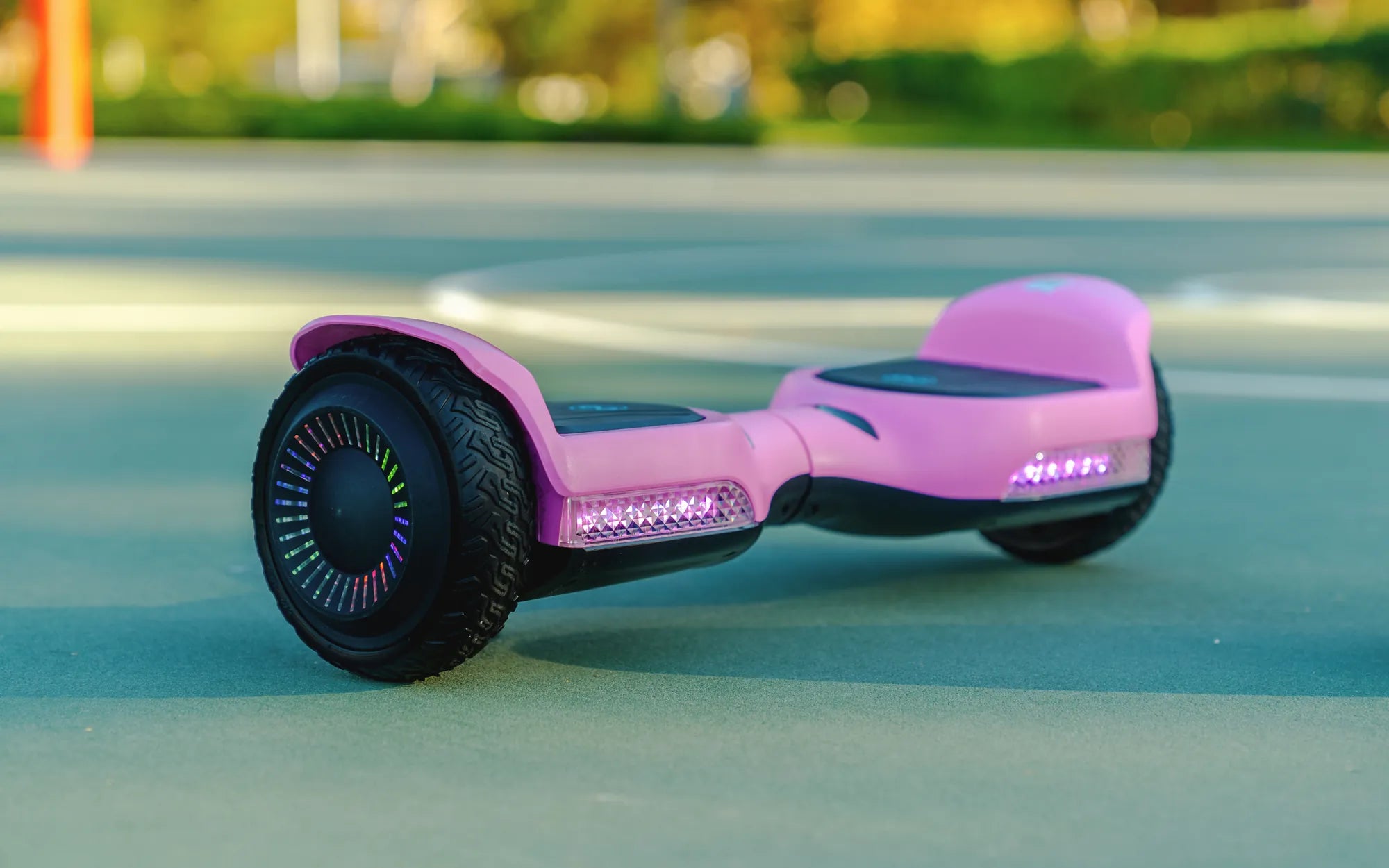
Ever wished your hoverboard could zip around faster? Whether you're cruising through the neighborhood or just trying to keep up with friends, a speedier ride can make all the difference. While hoverboards come with built-in speed limits for safety, there are several ways to push those limits without compromising performance or safety. Here’s how to make your hoverboard go faster—responsibly.
1. Check and Upgrade the Firmware
Many hoverboards have firmware that controls their maximum speed. Manufacturers often release updates to improve performance or add features. Check if your hoverboard’s firmware is up to date. Some models even allow slight speed adjustments through official apps or tools. Just be cautious—unofficial firmware tweaks can void warranties or cause malfunctions.
2. Optimize Tire Pressure
Underinflated tires create extra drag, slowing you down. Make sure your hoverboard’s tires are inflated to the recommended PSI (usually listed in the manual). Properly inflated tires reduce friction and help your hoverboard glide faster with less effort.
3. Reduce Weight Load
Hoverboards have weight limits, and exceeding them can slow you down. Lighter riders often experience better speed and battery efficiency. If you’re carrying a backpack or other gear, try removing unnecessary weight to see if it improves performance.
4. Choose Smooth, Flat Terrain
Rough or uneven surfaces force your hoverboard to work harder, reducing speed. For the fastest ride, stick to smooth pavement or indoor floors. Avoid grass, gravel, or steep hills unless your model is specifically designed for off-road use.
5. Keep Your Hoverboard Clean and Well-Maintained
Dirt, dust, and debris can clog wheels or motors, causing sluggish performance. Regularly clean your hoverboard, especially the wheels and underside. Lubricate moving parts if recommended by the manufacturer to ensure smooth operation.
6. Upgrade the Battery (If Compatible)
A higher-capacity battery can sometimes provide a slight speed boost by delivering more power to the motors. Check if your hoverboard supports battery upgrades, and always use compatible, high-quality replacements to avoid damage.
7. Adjust Riding Stance and Posture
Leaning too far forward or backward can trigger safety mechanisms that limit speed. Practice maintaining a balanced, centered stance to maximize acceleration without triggering speed caps. Some hoverboards also have "sport" or "turbo" modes—activate these if available.
8. Replace Worn-Out Tires or Motors
Over time, tires and motors wear out, reducing efficiency. If your hoverboard feels slower than usual, inspect these components. Replacing them with high-quality parts can restore lost speed.
9. Avoid Overheating
Continuous high-speed use can overheat the motors, causing the hoverboard to throttle speed to prevent damage. Take breaks during long rides to let the device cool down.
10. Use the Right Charger
A weak or incompatible charger may not fully replenish the battery, leading to slower performance. Always use the manufacturer-recommended charger to ensure optimal power delivery.
Ready to leave sluggish rides behind? By following these tips, you can safely squeeze every bit of speed out of your hoverboard. Just remember—speed comes with responsibility. Always wear protective gear and ride within your limits to stay safe while having fun!
Share:
How to Attach a Hoverboard Seat: A Step-by-Step Guide for Beginners
Hoverboard 100 km h: The Future of Personal Transportation