

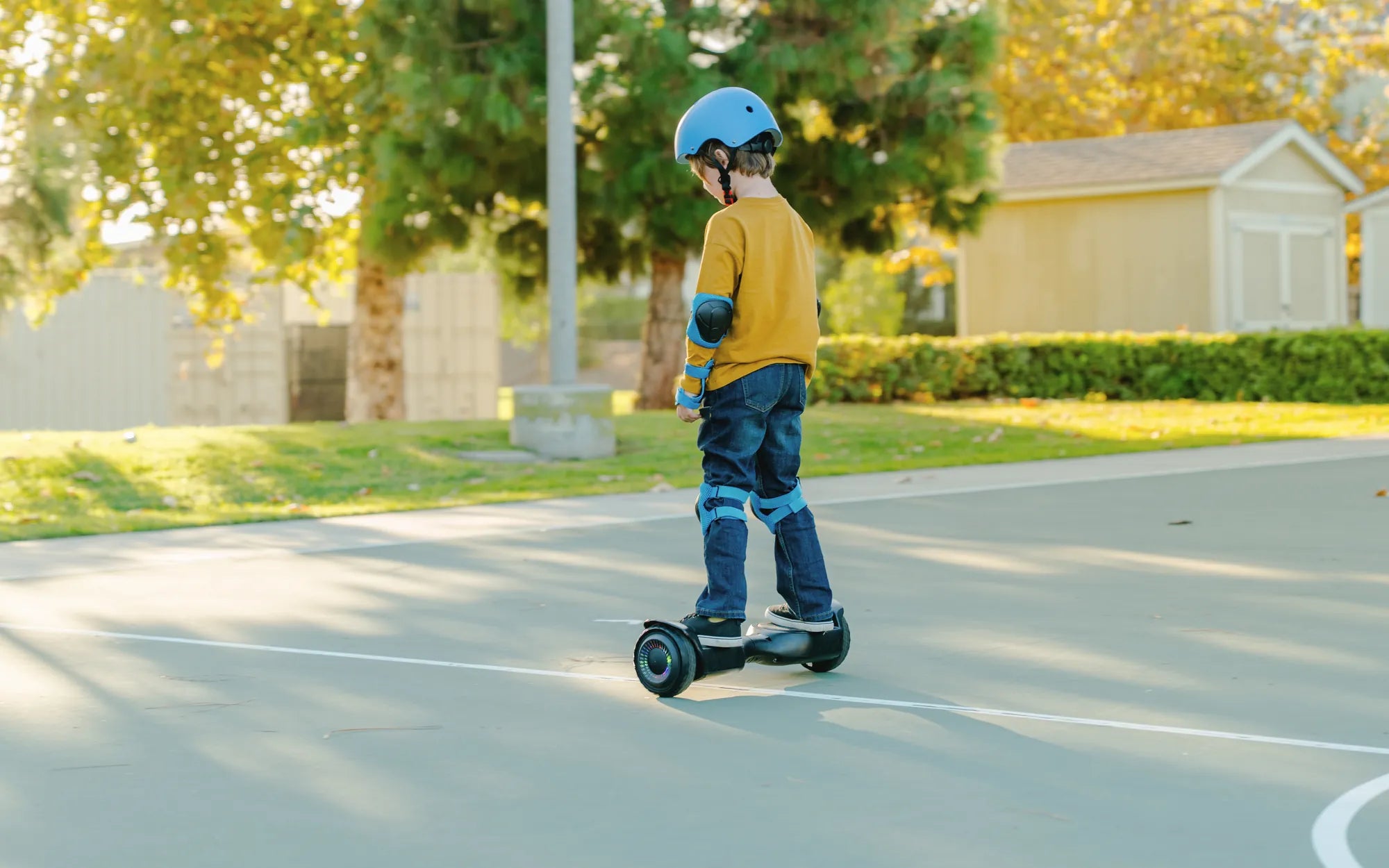
That sudden beep from your hoverboard isn't just a random noise—it's a direct message from its internal computer. Understanding what does it mean when a hoverboard beeps is the key to preventing damage, ensuring your safety, and extending the life of your board. These audible alerts are diagnostic tools, signaling everything from normal startup routines to critical system errors that require immediate attention. Ignoring them can lead to board failure or unsafe riding conditions. This guide will translate every beep and pattern, empowering you to ride with confidence and knowledge.
Introduction to Hoverboard Audible Alerts
Modern hoverboards are sophisticated pieces of personal electric transport, equipped with gyroscopes, pressure sensors, and a central processing unit. The beeping sound is the board's most immediate way to communicate with the rider. Think of it as your board's check-engine light, but with an audible code. These alerts are standardized across many brands, including Gyroor, to indicate specific states of operation or malfunction.
For a rider, distinguishing between a friendly "I'm on" beep and a urgent "I'm overheating" beep is crucial. The system uses different sequences—short beeps, long beeps, rhythmic patterns, or continuous tones—to convey different levels of urgency. Recognizing these patterns allows you to respond appropriately, whether that's simply continuing your ride, planning to charge soon, or safely dismounting immediately.
Gyroor designs its alert systems with rider safety as the paramount concern. Each beep is triggered by a specific sensor reading, from the Battery Management System (BMS) to the motor temperature sensors. By understanding what does it mean when a hoverboard beeps, you're not just fixing a problem; you're engaging with the board's built-in safety infrastructure. This knowledge transforms a mysterious noise into a valuable maintenance and safety tool.
Decoding the Common Beep Sequences
Hoverboard beep patterns follow a logical code. While slight variations exist between manufacturers, the core sequences for common issues are largely universal. The table below provides a quick-reference guide for the most frequent alerts you'll encounter.
| Beep Pattern | Likely Meaning | Required Action | Urgency Level |
|---|---|---|---|
| Two short beeps at power-on | Normal startup & gyro calibration | Step on to complete calibration | Informational |
| Intermittent beeps while riding | Low battery warning (often starts at ~20%) | Plan to charge soon | Medium |
| Rapid, continuous beeping | Overload, excessive tilt, or motor strain | Dismount immediately & reduce load | High |
| Long, rhythmic beep pattern (e.g., long-short-long) | Error code (e.g., motor disconnect, gyro fault) | Power down, troubleshoot, consult manual | Critical |
| Single beep at speed limit | Maximum speed warning | Ease off acceleration | Informational |
| Beeping and flashing lights | Combined visual/audible alert for critical issue | Immediate stop and diagnosis | Critical |
The Startup Sequence: Power-On and Self-Check Beeps
When you press the power button, a healthy hoverboard will typically emit one or two short beeps. This sound indicates the mainboard is receiving power and the gyroscopes are initializing. The board is performing a POST (Power-On Self-Test). You may also hear a slight whirring as the wheels align. After these beeps, the board often requires you to step on quickly and confidently to complete the gyroscope calibration, which may be accompanied by another soft beep.
An abnormal startup sequence is a clear warning sign. If you hear a series of beeps—such as three or more in a row, or a long, mournful tone—and the board refuses to calibrate or power on fully, this indicates a failed self-check. Common causes include a critically low or faulty battery, a disconnected motor cable, or a mainboard fault. In such cases, understanding what does it mean when a hoverboard beeps on startup prevents you from forcing a malfunctioning board to operate.
Riding Alerts: Low Battery, Overload, and Speed Warnings
Once in motion, beeps serve as real-time feedback. The most common riding alert is the intermittent low battery beep. This usually starts when the battery charge drops to around 20-30%. The beeps will become more frequent as the charge depletes, culminating in a final warning before the board shuts down to protect the battery from deep discharge. Riding on a very low battery strains the cells and can permanently reduce their capacity.
A rapid, continuous beep during riding is a high-priority alert. It most often signals an overload condition, where the rider's weight exceeds the board's limit, or the board is being forced up an incline that's too steep. It can also indicate that the footpads are sensing an imbalance, meaning the rider is leaning too far forward or backward, risking a fall. The immediate action is to safely dismount. The board does this to protect its motors from overheating and burning out.
Error Mode Beeps: Understanding Fault Codes
When the hoverboard detects an internal hardware fault, it will enter an error mode. This is often signaled by a distinct, rhythmic beep pattern that repeats—for example, two long beeps followed by a short beep. The board will typically refuse to operate or will shut down shortly after these beeps begin. These are your hoverboard's "error codes." Common fault codes indicate a disconnected left or right motor, a gyroscope sensor failure, a circuit board communication error, or a battery voltage irregularity.
Consulting your user manual is essential for decoding the specific pattern for your model. For instance, on many Gyroor boards, a repeating pattern of two beeps might indicate a right motor issue, while three beeps might point to a left motor problem. These error beeps are critical; they mean a core system has failed or is disconnected. Continuing to try and ride can cause further damage. This is when knowing what does it mean when a hoverboard beeps transitions from convenience to necessity for preserving your investment.
Why Gyroor's Safety Systems Trigger Specific Alerts
Gyroor integrates multiple layers of protection, and the beep system is the audible output of this safety-first engineering philosophy. Each alert is not arbitrary but is the direct result of sensor data crossing a predefined safety threshold. This proactive approach is designed to prevent minor issues from becoming major failures, protecting both the rider and the longevity of the board.
The goal is to create a transparent relationship between the machine and the rider. By providing clear, immediate auditory feedback, Gyroor empowers the rider to make safe decisions. Whether it's the BMS preventing battery damage or the tilt sensor preventing a high-speed fall, these systems work silently until they need to "speak up" through a beep. This design reflects the brand's commitment to reliability, evidenced by its 4.5/5 average rating from over 100,000 riders.
Battery Management System (BMS) and UL-Certified Safety
At the heart of Gyroor's power system is a UL-certified battery pack managed by an intelligent BMS. This system constantly monitors voltage, current, and temperature for each cell group. The now-familiar low battery beep sequence is initiated by the BMS when voltage drops to a preset level. More seriously, if the BMS detects a voltage imbalance between cells, an over-temperature condition, or an attempted overcharge, it will trigger error beeps and may cut power entirely.
This is a critical safety feature. Lithium-ion batteries require careful management to operate safely. The BMS's audible warnings via beeps are your first line of defense against potential battery issues. By using only the official Gyroor charger and heeding these alerts, you ensure the battery's 500+ charge cycle lifespan is achieved safely and effectively. Understanding that a battery-related beep comes from this sophisticated guardian system underscores why it should never be ignored.
Motor and Sensor Diagnostics
Each wheel is driven by a brushless hub motor, and sensors constantly monitor their performance. If a motor is drawing too much current—due to overload, a steep hill, or an internal fault—its temperature will rise. The sensor will detect this and trigger an overload beep to warn the rider before the motor's thermal protection forces a shutdown. Similarly, hall sensors inside the motors communicate with the mainboard; if that signal is lost, an error beep code for a motor disconnect will sound.
The gyroscopes and tilt sensors are equally vigilant. They provide the data that allows the board to balance. If these sensors provide conflicting data or fail, the board will beep an error code and refuse to operate, as it cannot guarantee stability. This diagnostic capability, communicated through beeps, turns your hoverboard from a simple vehicle into a self-aware device capable of preventing its own misuse or failure.
The Role of IPX5 Water Resistance in Alert Reliability
Gyroor's IPX5 water-resistant rating plays a subtle but important role in the alert system's reliability. This rating means the board's casing can withstand low-pressure water jets from any direction. Why does this matter for beeps? Moisture ingress is a common cause of electrical shorts and sensor malfunctions in lesser boards, which can lead to erratic behavior, false beeps, or a complete failure to alert.
With an IPX5 design, the internal components—especially the mainboard and sensor connections—are better protected from splashes, puddles, and wet roads. This protection ensures that when you hear a beep, it is a true and accurate reflection of the board's status, not a glitch caused by water. It adds a layer of trust to the diagnostic process, so you can be confident that understanding what does it mean when a hoverboard beeps is based on solid data from dry, functioning electronics.
Troubleshooting Steps Based on the Beep Pattern
Once you've identified the beep pattern, you can take targeted action. A systematic approach saves time and prevents further issues. Always start with the simplest solutions before moving to more complex diagnostics, and prioritize safety by performing checks with the board powered off.
For Low Battery and Overload Warnings
For low battery beeps, the solution is straightforward: recharge the board. Use only the official charger provided by Gyroor, and allow the battery to charge fully until the charger's indicator light turns green. Avoid partial charges when possible to help balance the cells. For overload beeps, first ensure your total weight (including any backpack) is within the board's specified limit, which is typically between 220 lbs and 265 lbs for Gyroor models. Next, assess the terrain; if you were attempting a very steep hill, try a gentler slope.
If overload beeps persist on flat ground and you are within the weight limit, inspect the tire pressure. Under-inflated tires create significant extra resistance, causing the motors to strain and trigger overload protection. Inflate the tires to the PSI rating listed on the tire sidewall or in the manual. This simple step often resolves false overload alerts.
For Persistent Error Code Beeps
When faced with rhythmic error beeps, follow a logical sequence. First, power the board completely off and back on. Sometimes a transient glitch can cause a fault code. If the error returns, perform a visual inspection. Check all visible cables connecting the two halves of the board (usually running through the hinge) for pinches, cuts, or disconnections. Ensure the charging port is clean, dry, and free of debris.
With the board off, gently rock each wheel back and forth. They should turn freely with a slight magnetic resistance from the motors. If one wheel is completely locked up or grinds, it indicates a mechanical motor failure. For error codes related to calibration (often a continuous beep after startup), try the manual calibration procedure outlined in your Gyroor user manual, which usually involves placing the board level and holding the power button for a specific duration. Document the exact beep pattern before proceeding.
When to Contact Gyroor Support
If basic troubleshooting fails to resolve the error beeps, it's time to leverage Gyroor's customer support and warranty. This is the recommended next step before attempting any invasive repairs that could void your coverage. Have your model number and proof of purchase ready. When you contact support, be prepared to describe the beep pattern in detail (e.g., "three long beeps followed by two short beeps, repeating"), when it occurs, and any steps you've already taken.
Gyroor's 1-year warranty covers defects in materials and workmanship, which includes failures of the mainboard, motors, and battery. Their US-based support team can often diagnose the issue remotely based on the beep code and guide you through further steps, which may include a replacement part or board. Reaching out to support ensures a resolution backed by the manufacturer, giving you peace of mind that your board will be repaired correctly and safely. This service is a core part of the value for over 100,000 riders who trust the brand.
Proactive Maintenance to Minimize Warning Alerts
The best way to deal with beep warnings is to prevent them from happening in the first place. Consistent, simple maintenance keeps all systems within their optimal operating parameters, reducing sensor triggers and extending the overall life of your hoverboard dramatically.
Battery Care and Charging Best Practices
Battery health is paramount. Always use the manufacturer-provided charger. Store and charge the board in a dry place at room temperature, avoiding extreme heat or cold. For long-term storage (over a month), charge the battery to about 50-60% rather than 100% or 0%. Try not to regularly drain the battery completely before recharging; partial discharges are less stressful than full cycles. If you won't use the board for an extended period, charge it to the halfway point every two months to maintain cell health.
Regular Inspection and Cleaning
Establish a quick pre-ride checklist: check tire pressure, ensure the body is intact with no large cracks, and verify that the footpads are clean and dry. After riding on wet or dirty surfaces, wipe down the board with a slightly damp cloth. Avoid high-pressure hoses. Periodically, check the tightness of any visible screws. Keep the wheel wells and charging port free of mud, gravel, and debris, which can interfere with sensors and motors. Proper storage on a stable surface, away from direct sunlight and moisture, completes a good maintenance routine.
Understanding Your Model's Limits
Every hoverboard model is engineered for specific conditions. Know your Gyroor model's weight limit, maximum incline rating, and IP water resistance rating. Don't attempt to ride an off-road model on extreme terrain if you have a street model. Respecting these limits prevents the motors, battery, and frame from being overstressed, which is the primary cause of overload and overheating alerts. Riding within the designed parameters is the single most effective way to ensure a quiet, beep-free experience and maximize the board's lifespan.
Frequently Asked Questions (FAQ)
Q1: My hoverboard beeps once and won't turn on. What's wrong?
A: A single beep with no further action often indicates the battery has just enough power to activate the mainboard but not enough to pass the self-check or power the motors. First, ensure the charger is properly connected and the outlet is working. Leave it to charge for at least an hour before trying again. If the problem persists after a full charge cycle, there may be a fault with the battery pack, BMS, or mainboard, and you should contact Gyroor support.
Q2: Is it safe to ride if the hoverboard beeps occasionally at high speed?
A: A single, occasional beep when you hit the board's maximum speed (often around 10-12 mph) is a standard speed warning and is safe. It's simply informing you that you've reached the governed top speed. However, if the beeping at high speed is continuous or the board beeps at lower speeds, this is not normal. It could indicate motor strain, a failing battery unable to supply sufficient current, or an imbalance. In those cases, slow down and diagnose.
Q3: Why does my new Gyroor hoverboard beep when I first step on it?
A: This is perfectly normal and indicates the gyroscope calibration process. When you first power on the board, it calibrates to a level surface. When you step on, your weight activates the pressure sensors and the gyros make a final adjustment to your stance. A short beep often confirms calibration is complete. Step on quickly and with both feet to allow this process to finish smoothly.
Q4: The board beeps constantly as soon as I step on, even on flat ground. Why?
A: Constant beeping upon mounting almost always signals an overload condition. Double-check that your total weight is within the limit. If you are, the issue may be with the pressure sensors in the footpads. Ensure you are stepping on the center of the pads and that they are not obstructed. A faulty sensor can falsely trigger the overload alarm. Inspect the footpads for damage and try recalibrating the board.
Q5: Can I disable the beeping sounds on my hoverboard?
A> It is strongly discouraged and often not possible without modifying the board's internal electronics, which will void your warranty and compromise safety. The beeps are an essential safety feature. Disabling them would mean riding blind to critical warnings like low battery, overload, and system errors, which could lead to sudden shutdowns, falls, or component damage. The beeps are there for your protection.
Conclusion: Ride Informed and Secure
Your hoverboard's beeps are a direct line to its health and safety status. By learning what does it mean when a hoverboard beeps, you transition from a passive rider to an informed operator. You can now distinguish a routine notification from a critical alert, perform effective troubleshooting, and take proactive steps to maintain your board. This knowledge empowers you to get the most out of your Gyroor hoverboard while leveraging its advanced safety systems—from the UL-certified BMS to the IPX5-rated construction—exactly as intended.
Remember, these alerts are a feature, not a flaw. They are the result of sophisticated engineering designed to protect your investment and ensure your rides are smooth and secure. When in doubt, Gyroor's 1-year warranty and dedicated support team are there to back you up. Now that you speak your board's language, you can ride with greater confidence and peace of mind. Explore the full range of reliable, feature-rich Gyroor electric scooters and hoverboards designed for safety and performance at gyroorboard.com.
How to Open Kids Scooter: A Step-by-Step Guide for Parents
Black Hoverboard with Bluetooth and Speakers: The Ultimate Tech Ride