


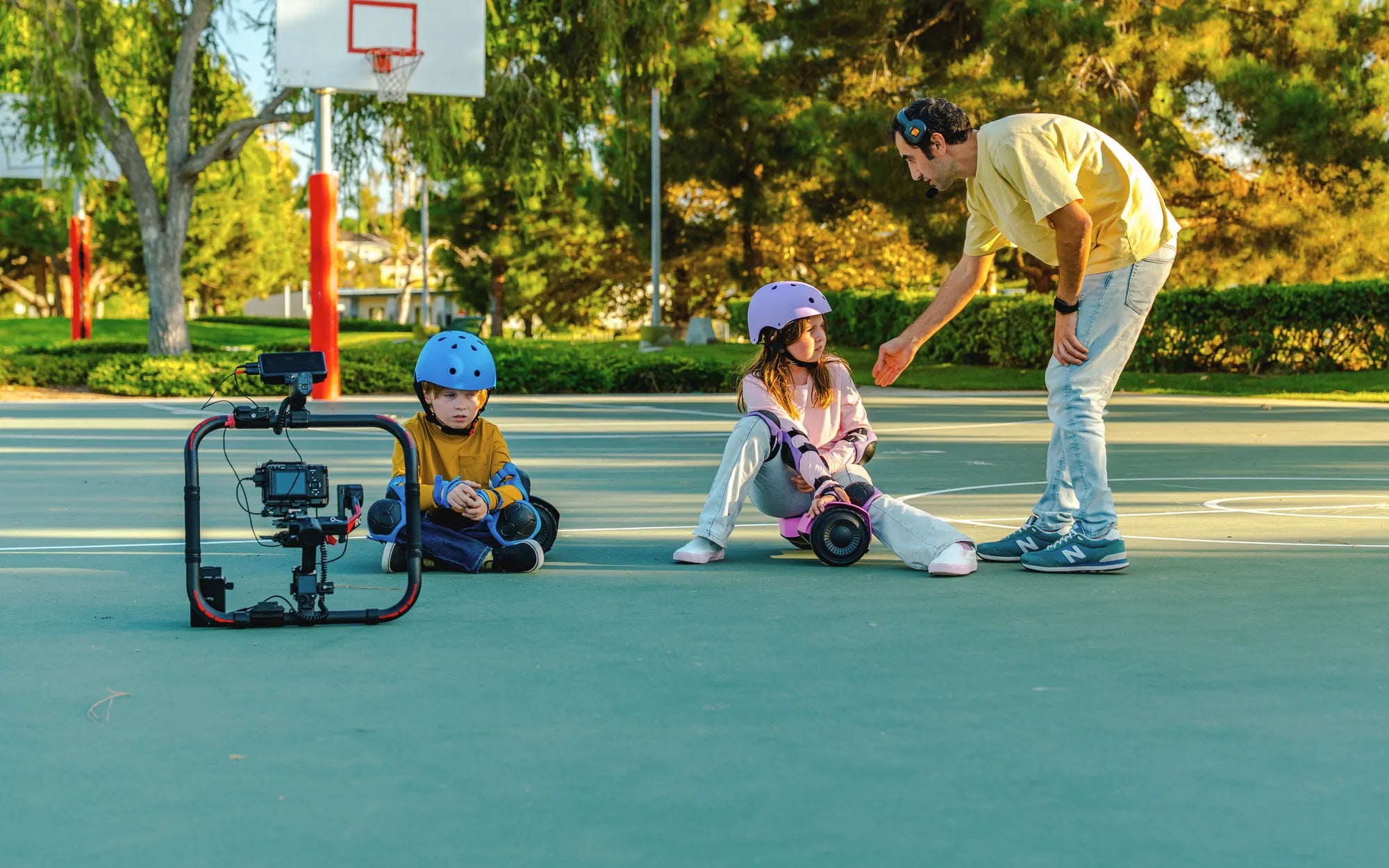
Is your hoverboard shaking uncontrollably, making it difficult to ride safely? You’re not alone. Many hoverboard owners experience this frustrating issue, but the good news is that it’s often fixable with a few simple steps. Let’s dive into the common causes and solutions to get your hoverboard gliding smoothly again.
Common Causes of a Shaking Hoverboard
Understanding why your hoverboard shakes is the first step toward resolving the problem. Here are the most likely culprits:
1. Uneven or Rough Terrain
Hoverboards are designed for smooth surfaces. If you’re riding on bumpy or uneven ground, the board may vibrate or shake as it struggles to maintain balance. Always ride on flat, stable surfaces to minimize shaking.
2. Calibration Issues
If your hoverboard isn’t properly calibrated, it may misinterpret your movements, leading to instability. Calibration resets the sensors and ensures the board responds correctly to your weight shifts.
3. Loose or Damaged Components
Internal parts, such as gyroscopes, motors, or wiring, can loosen over time. A damaged component may cause erratic movements, including shaking. Inspect your hoverboard for visible damage or loose connections.
4. Low Battery or Power Issues
A weak battery can affect performance, causing the hoverboard to shake or lose power unexpectedly. Always charge your device fully before use and avoid over-discharging the battery.
5. Wheel or Tire Problems
Misaligned wheels, worn-out tires, or debris stuck in the wheel assembly can create vibrations. Regularly check and clean the wheels to ensure smooth operation.
How to Fix a Shaking Hoverboard
Now that you know the potential causes, here’s how to address them:
1. Recalibrate Your Hoverboard
Most hoverboards have a calibration mode. Follow the manufacturer’s instructions to reset the sensors. This often involves turning the board off, pressing a calibration button, and waiting for a confirmation signal.
2. Check the Riding Surface
Avoid rough or sloped terrain. Stick to smooth, flat surfaces like pavement or indoor floors to reduce shaking.
3. Inspect and Tighten Components
Open the hoverboard (if possible) and check for loose screws, wires, or damaged parts. Tighten any loose connections and replace faulty components if necessary.
4. Charge the Battery Fully
Ensure your hoverboard is fully charged before riding. If the battery is old or not holding a charge, consider replacing it.
5. Clean and Align the Wheels
Remove any debris stuck in the wheels and check for alignment issues. If the tires are worn, replacing them may solve the shaking problem.
Preventive Measures to Avoid Future Shaking
To keep your hoverboard running smoothly, follow these maintenance tips:
- Regularly calibrate the hoverboard.
- Avoid riding on uneven or wet surfaces.
- Keep the wheels clean and free of debris.
- Store the hoverboard in a dry, temperature-controlled environment.
- Charge the battery properly and avoid overuse.
If your hoverboard continues to shake despite troubleshooting, it may be time to consult a professional or consider a replacement. Don’t let a shaky ride ruin your fun—take action today and enjoy a smooth, stable hoverboarding experience!
Why Won't My Hoverboard Stop Beeping? Troubleshooting and Fixes
Hoverboard Slow Mode: The Ultimate Guide to Safe and Controlled Riding