

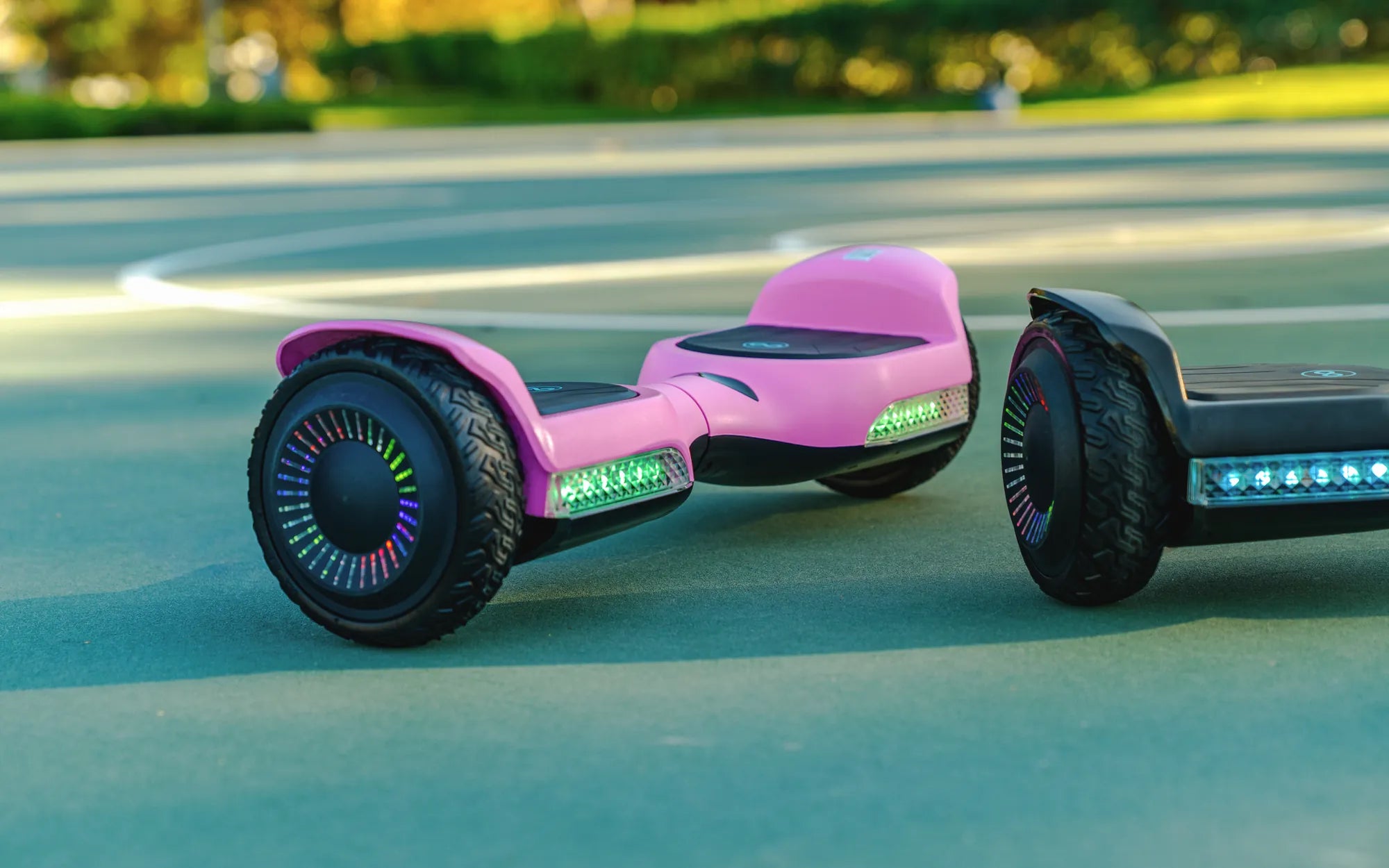
If you own a scooter hoverboard, you know how crucial a reliable battery charger is. Without it, your ride comes to a halt. But with so many options and technical details, how do you ensure you're making the best choice? This guide dives deep into battery chargers for scooter hoverboards, covering everything from compatibility to charging best practices.
Why the Right Battery Charger Matters
A battery charger isn't just a power supply—it's the lifeline of your scooter hoverboard. Using the wrong charger can lead to slow charging, reduced battery lifespan, or even safety hazards like overheating. The right charger ensures optimal performance, longevity, and safety for your device.
Types of Battery Chargers for Scooter Hoverboards
Not all chargers are created equal. Here are the most common types:
- Standard Chargers: Basic models that provide a steady current but lack advanced features.
- Fast Chargers: Deliver a higher current for quicker charging, but may require careful monitoring.
- Smart Chargers: Automatically adjust voltage and current to prevent overcharging and extend battery life.
Key Features to Look For
When selecting a battery charger for your scooter hoverboard, consider these essential features:
- Voltage and Amperage Compatibility: Must match your hoverboard's specifications.
- Safety Protections: Overcharge, short-circuit, and overheating protections are non-negotiable.
- Portability: Compact and lightweight chargers are ideal for on-the-go use.
- LED Indicators: Help monitor charging status at a glance.
How to Charge Your Scooter Hoverboard Safely
Proper charging habits can significantly extend your battery's life. Follow these tips:
- Always use the charger provided or a compatible replacement.
- Avoid charging in extreme temperatures (below freezing or above 104°F).
- Unplug the charger once the battery is fully charged to prevent overcharging.
- Store the charger in a dry, cool place when not in use.
Common Charging Mistakes to Avoid
Even experienced riders can make these errors:
- Using a charger with incorrect voltage or amperage.
- Leaving the hoverboard plugged in overnight.
- Charging immediately after a ride (let the battery cool down first).
- Ignoring warning signs like unusual heat or slow charging.
Maximizing Battery Lifespan
Your hoverboard's battery health depends on how you charge it. Here's how to keep it in top shape:
- Charge regularly, even if you don't use the hoverboard often.
- Avoid draining the battery completely before recharging.
- Store the hoverboard with at least a 50% charge if unused for long periods.
Troubleshooting Charging Issues
If your hoverboard isn't charging properly, try these steps:
- Check the power outlet and cable connections.
- Inspect the charger for visible damage.
- Test with another compatible charger if possible.
- Consult the user manual or contact customer support for further assistance.
Your scooter hoverboard's performance hinges on the quality and care of its battery charger. By choosing the right one and following best practices, you can enjoy longer rides, fewer headaches, and a safer experience. Ready to power up your hoverboard the right way? Start with these tips today!
Anti Gravity Hoverboard: The Future of Personal Transportation
Balance Board Hoverboard Top Speed: The Ultimate Guide to Performance and Safety