


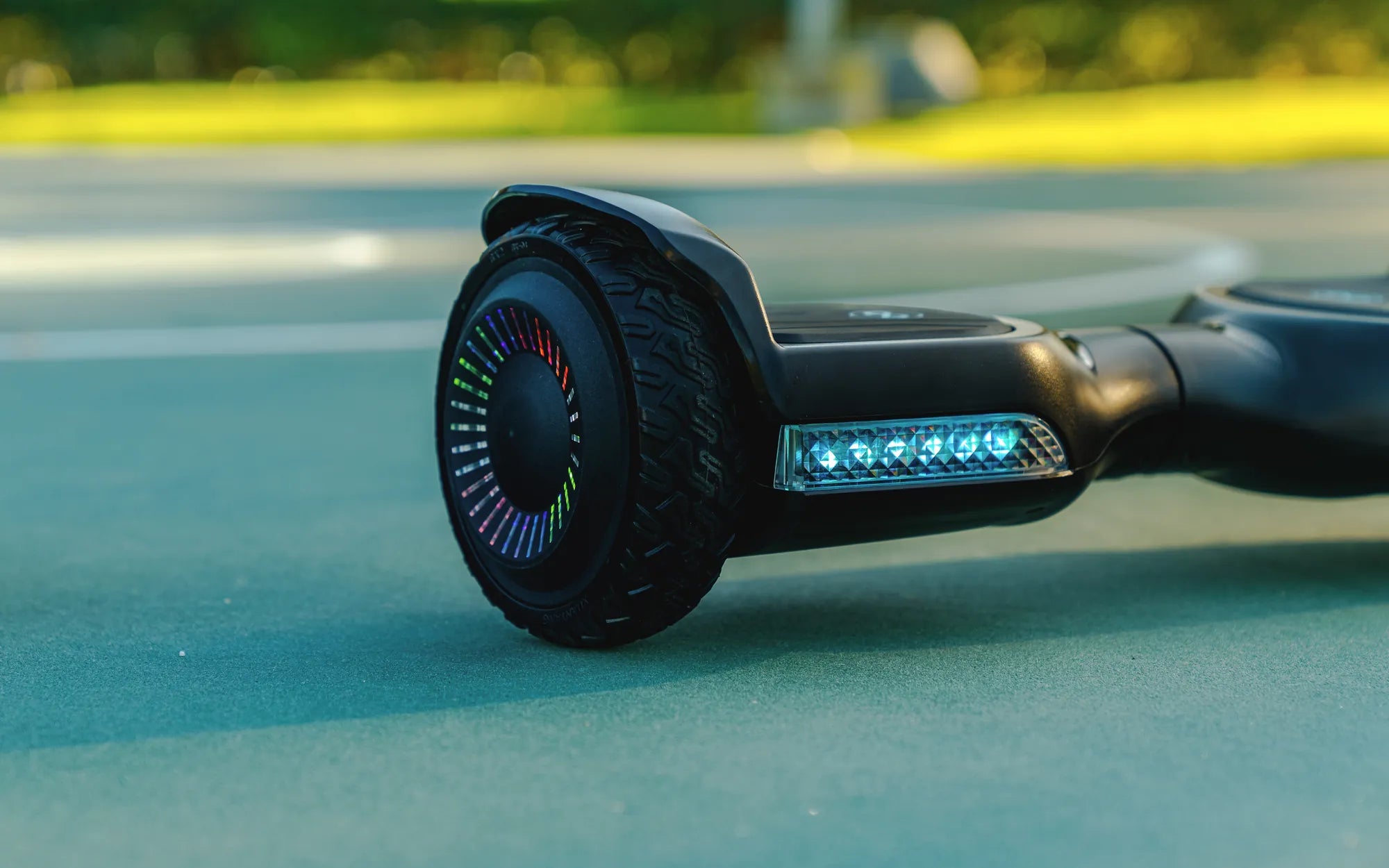
Nothing ruins the fun of gliding around on a hoverboard faster than seeing a broken hoverboard red flashing light. This warning signal can leave you puzzled and worried, but don’t panic—it’s often a fixable issue. Whether you’re a seasoned rider or a beginner, understanding what this light means and how to address it can save you time, money, and frustration. Let’s dive into the possible causes and solutions to get your hoverboard back on track.
What Does a Red Flashing Light Mean?
A red flashing light on a hoverboard is typically a warning sign indicating an issue with the device. The exact meaning can vary depending on the model, but common causes include:
- Low Battery: The most frequent reason for a red flashing light is a low or improperly charged battery.
- Overheating: Extended use or exposure to high temperatures can trigger the light.
- Motor or Sensor Problems: Faulty motors, gyroscopic sensors, or wiring issues may cause the light to flash.
- Uneven Surface Detection: Some hoverboards flash red when they detect an unstable or uneven surface.
- Software Glitches: Occasionally, a firmware bug can cause false warnings.
How to Troubleshoot a Broken Hoverboard Red Flashing Light
Before seeking professional help, try these troubleshooting steps:
1. Check the Battery
Ensure the hoverboard is fully charged. If the battery is old or damaged, it may not hold a charge properly. Try charging it for the recommended duration and see if the light stops flashing.
2. Inspect for Overheating
If the hoverboard feels hot to the touch, turn it off and let it cool down. Avoid riding in extreme heat or for prolonged periods without breaks.
3. Examine the Motors and Wheels
Make sure the wheels spin freely and aren’t obstructed. Listen for unusual noises, which could indicate motor issues.
4. Reset the Hoverboard
Many models have a reset button or require a specific sequence (like holding the power button for 10 seconds) to reboot the system.
5. Update the Firmware
If your hoverboard supports updates, check for the latest firmware version and install it to resolve potential bugs.
Safety Tips to Prevent Future Issues
To avoid encountering a broken hoverboard red flashing light in the future, follow these safety guidelines:
- Always charge the hoverboard with the provided charger and avoid overcharging.
- Store the device in a cool, dry place away from direct sunlight.
- Regularly clean the wheels and underside to prevent debris buildup.
- Avoid riding on rough or wet surfaces to reduce strain on the motors.
- Inspect the hoverboard periodically for loose wires or damaged components.
When to Seek Professional Help
If the red flashing light persists after troubleshooting, it may indicate a more serious internal problem. Contact the manufacturer or a certified repair service to avoid further damage or safety risks.
Don’t let a broken hoverboard red flashing light keep you grounded. With the right knowledge and precautions, you can quickly identify the issue and get back to enjoying your ride. Stay safe, and happy hovering!
Electric Hoverboard Price in Egypt: A Comprehensive Guide for Buyers
Cheap Affordable Hoverboards: The Ultimate Guide to Budget-Friendly Rides