

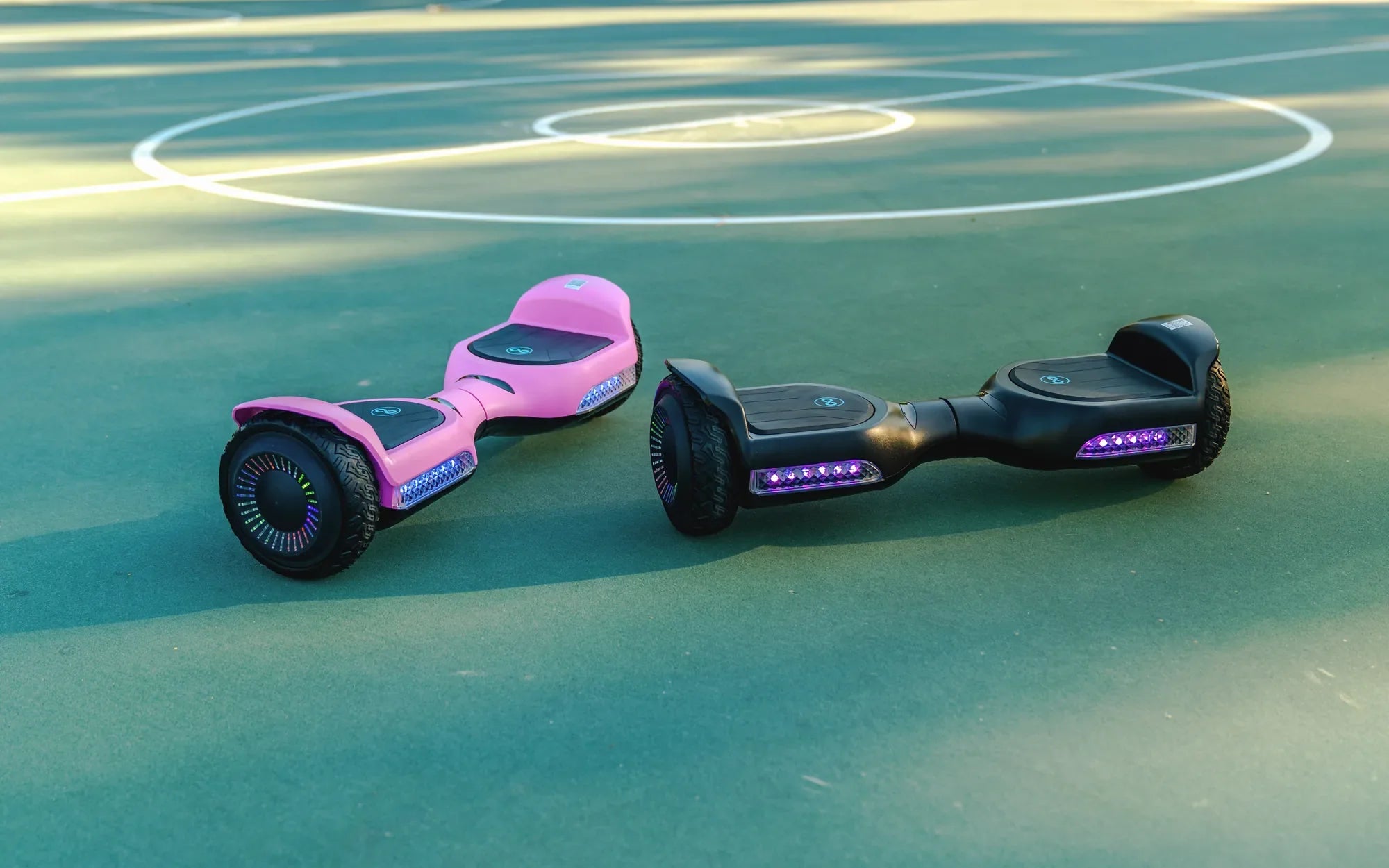
Why Does Your Hoverboard Beep?
Hoverboards are designed with built-in beeping sounds for safety and functionality. These alerts notify riders of low battery levels, speed limits, or potential malfunctions. While the beeping serves an important purpose, many users find it annoying, especially when riding in quiet areas or indoors. So, can you turn off the beeping on a hoverboard? The answer isn't straightforward—it depends on the model and manufacturer.
Understanding Hoverboard Beeping Mechanisms
Most hoverboards use beeping sounds as part of their warning systems. Common reasons for beeping include:
- Low battery alerts
- Over-speeding warnings
- Uneven surface detection
- Motor or balance issues
Disabling these sounds may compromise safety, so manufacturers often discourage it. However, some models allow users to adjust or mute certain alerts.
How to Disable Hoverboard Beeping (If Possible)
Before attempting to turn off the beeping, check your hoverboard's manual for manufacturer-specific instructions. Some general methods include:
1. Using the Companion App
Many modern hoverboards come with smartphone apps that let you customize settings, including sound alerts. If your model supports this feature, you may be able to mute or adjust beeping volumes directly from the app.
2. Button Combinations
Certain hoverboards allow sound adjustments through specific button presses. Common sequences involve holding power and mode buttons simultaneously for a few seconds. Refer to your manual for exact steps.
3. Internal Speaker Modification
For tech-savvy users, physically disconnecting the internal speaker is an option—but this voids warranties and may disable all safety alerts. Proceed with caution and only if you accept the risks.
Safety Considerations Before Disabling Beeps
Before silencing your hoverboard, consider these important factors:
- Beeping alerts prevent accidents by warning of potential hazards.
- Disabling sounds may make it harder to detect low battery or system errors.
- Some jurisdictions require hoverboards to have audible warnings for legal operation.
- Modified hoverboards may not be covered by insurance in case of accidents.
Alternative Solutions to Annoying Beeping
If you can't or don't want to disable beeping entirely, try these alternatives:
- Use noise-canceling headphones while riding (where safe and legal).
- Adjust riding habits to avoid triggering speed warnings.
- Keep your hoverboard charged to minimize low-battery alerts.
- Look for models with customizable sound options when purchasing a new hoverboard.
What to Do If Beeping Indicates a Problem
Persistent or unusual beeping patterns often signal technical issues. If your hoverboard beeps continuously or in irregular sequences:
- Power it off immediately to prevent potential damage.
- Check for error codes in the manual or app.
- Inspect for visible damage or loose connections.
- Contact the manufacturer or a certified repair technician.
While silencing your hoverboard's beeping might seem like a simple quality-of-life improvement, remember that those annoying sounds are there for important reasons. With the right approach, you can find a balance between peaceful riding and maintaining essential safety features—just don't let the silence compromise your safety on the streets!
Hoverboard Broken: Causes, Fixes, and Prevention Tips You Need to Know
Hoverboard with Bluetooth: The Ultimate Guide to Smart Riding