


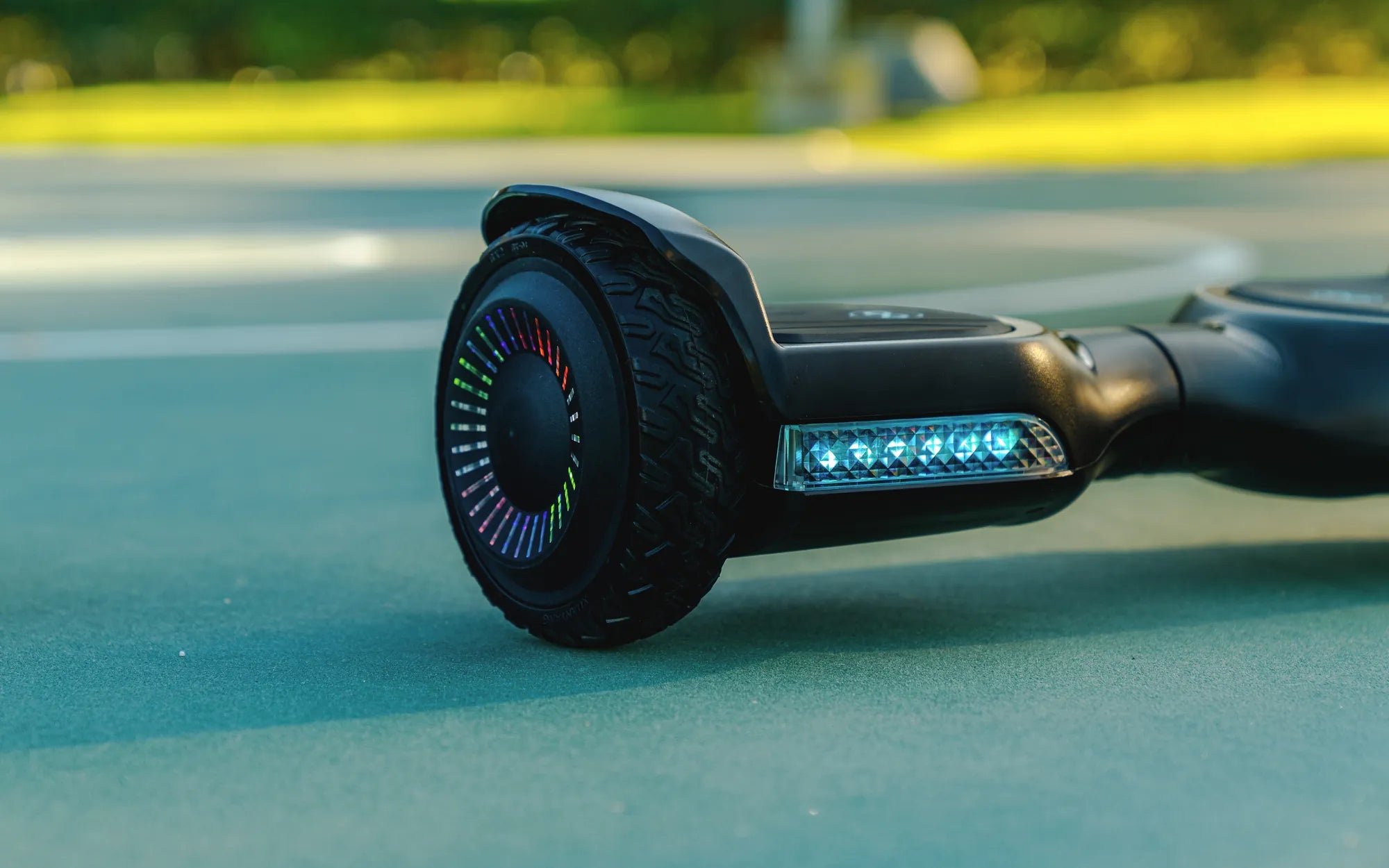
There’s nothing more frustrating than cruising down the street on your chic hoverboard, only to be interrupted by an annoying beeping sound. Whether you’re a seasoned rider or a beginner, understanding why your hoverboard beeps and how to fix it can save you time, money, and embarrassment. In this comprehensive guide, we’ll explore the common causes of hoverboard beeping, troubleshooting steps, and how to keep your ride looking as stylish as ever.
Why Is My Chic Hoverboard Beeping?
Hoverboards are designed with built-in safety features, and beeping is one of the ways they communicate issues. Here are the most common reasons your chic hoverboard might be beeping:
- Low Battery: A frequent cause of beeping is a low battery. Most hoverboards emit a series of beeps when the battery level drops below a certain threshold.
- Overheating: Prolonged use or exposure to high temperatures can cause the internal components to overheat, triggering a warning beep.
- Uneven Surface or Weight Distribution: If the hoverboard detects an uneven surface or uneven weight distribution, it may beep to alert the rider.
- Firmware Issues: Outdated or corrupted firmware can cause erratic beeping and other malfunctions.
- Motor or Sensor Problems: Faulty motors or sensors can lead to beeping as the hoverboard tries to alert you to a potential failure.
How to Troubleshoot a Beeping Hoverboard
Before panicking, try these troubleshooting steps to silence your chic hoverboard:
- Check the Battery: Charge your hoverboard fully and see if the beeping stops. If the battery drains quickly, it might be time for a replacement.
- Let It Cool Down: If overheating is the issue, turn off the hoverboard and let it rest in a cool place for at least 30 minutes.
- Inspect the Surface: Ensure you’re riding on a flat, stable surface. Avoid uneven terrain that could trigger the sensors.
- Update the Firmware: Check the manufacturer’s website for firmware updates and follow the instructions to install them.
- Test the Motors and Sensors: If the beeping persists, consult a professional to inspect the motors and sensors for damage.
Styling Your Chic Hoverboard
While functionality is key, a chic hoverboard should also reflect your personal style. Here are some ideas to keep your ride looking sleek:
- Custom Decals: Add vinyl decals or stickers to personalize your hoverboard without compromising its performance.
- LED Lights: Enhance visibility and style with LED light strips that can be attached to the underside of your hoverboard.
- Color-Matched Accessories: Choose a carrying case or protective gear that complements your hoverboard’s design.
- Regular Cleaning: Wipe down your hoverboard with a damp cloth to keep it looking fresh and free of dirt.
Safety Tips for Riding a Chic Hoverboard
To prevent unnecessary beeping and ensure a smooth ride, follow these safety tips:
- Always wear a helmet and protective gear.
- Avoid riding in wet or slippery conditions.
- Keep your hoverboard away from extreme temperatures.
- Regularly inspect the wheels and tires for wear and tear.
- Follow the manufacturer’s weight and age recommendations.
Don’t let beeping ruin your hoverboard experience. With the right troubleshooting steps and a touch of style, you can keep your chic hoverboard running smoothly and looking fabulous. Whether you’re zipping through the city or showing off your latest custom design, a well-maintained hoverboard is the key to a seamless ride.
Cleaning Using a Hoverboard: The Future of Effortless Home Maintenance
Best Hoverboards for Under 500: Top Picks for Budget Riders