


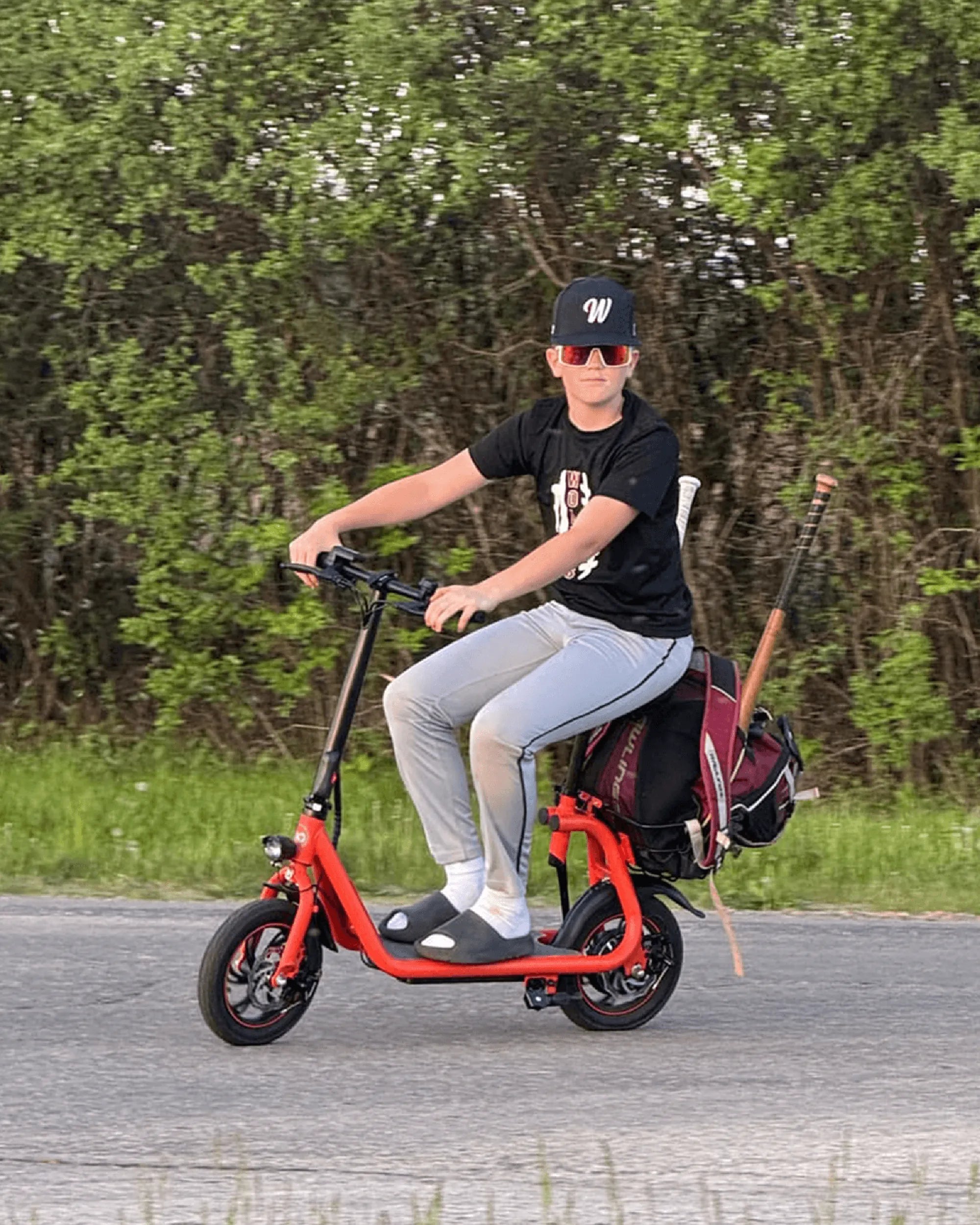
Nothing ruins a smooth ride faster than an unexpected error code flashing on your electric scooter's display. If you've encountered the dreaded E10 error code, you're not alone. This common issue can stop you in your tracks, but don't worry—we've got the ultimate troubleshooting guide to help you understand, fix, and prevent this problem for good.
What Does the E10 Error Code Mean?
The E10 error code typically indicates a communication failure between the scooter's controller and its display or throttle system. When this error appears, your scooter may lose power, behave erratically, or refuse to start altogether. While the exact meaning can vary slightly between models, the E10 code generally points to wiring or connection issues.
Common Causes of the E10 Error Code
Several factors can trigger the E10 error on your electric scooter:
- Loose or damaged wiring connections between components
- Corroded connectors from moisture exposure
- Faulty throttle assembly sending incorrect signals
- Display unit malfunction failing to communicate properly
- Controller issues preventing proper signal processing
Step-by-Step Troubleshooting Guide
Before panicking or spending money on repairs, try these troubleshooting steps:
1. Basic Reset Procedure
Start with the simplest solution—turn off your scooter completely and wait for 30 seconds before restarting. This basic reset can sometimes clear temporary communication glitches.
2. Check All Visible Connections
Carefully inspect all wiring connections you can access without disassembly. Look for:
- Loose plugs that need to be securely reseated
- Visible damage to wires or insulation
- Corrosion or dirt on connector pins
3. Test the Throttle Function
With the scooter powered on (but not moving), gently twist the throttle while watching the display. If the E10 code appears immediately when using the throttle, this points to a throttle-related issue.
4. Inspect the Display Unit
Check for any visible damage to the display screen or its housing. Moisture intrusion here can cause communication failures.
Advanced Repair Solutions
If basic troubleshooting doesn't resolve the E10 error, you may need to try these more involved solutions:
1. Wiring Harness Inspection
Carefully trace the wiring harness from the controller to the display and throttle. Look for pinched wires, frayed insulation, or damaged sections that might interrupt communication.
2. Connector Cleaning
Disconnect and clean all relevant electrical connectors using contact cleaner or isopropyl alcohol. Ensure all pins are straight and making good contact.
3. Component Testing
If you have access to a multimeter, you can test continuity in wires and check for proper voltage at different points in the system.
Preventing Future E10 Errors
Once you've resolved the immediate issue, take these steps to prevent recurrence:
- Apply dielectric grease to electrical connections to prevent corrosion
- Regularly inspect wiring for wear and tear
- Avoid riding in heavy rain or through deep puddles
- Store your scooter in a dry environment
- Perform periodic maintenance checks on all electrical components
When to Seek Professional Help
If you've tried all troubleshooting steps without success, or if you're uncomfortable working with electrical components, it's best to consult a professional technician. Persistent E10 errors could indicate a deeper issue with the controller or other critical components that require specialized tools and knowledge to repair.
Don't let the E10 error code keep you off your electric scooter for long. With this comprehensive guide, you're equipped to diagnose the problem, implement solutions, and get back to enjoying your rides. Remember that regular maintenance and proper care can prevent most electrical issues before they start—keeping you moving smoothly mile after mile.
Electric Scooter Power Consumption at 5 km/h with 40 kg Load: Efficiency and Performance Insights
Best Budget Electric Scooter for Commuting: Affordable and Efficient Urban Travel