


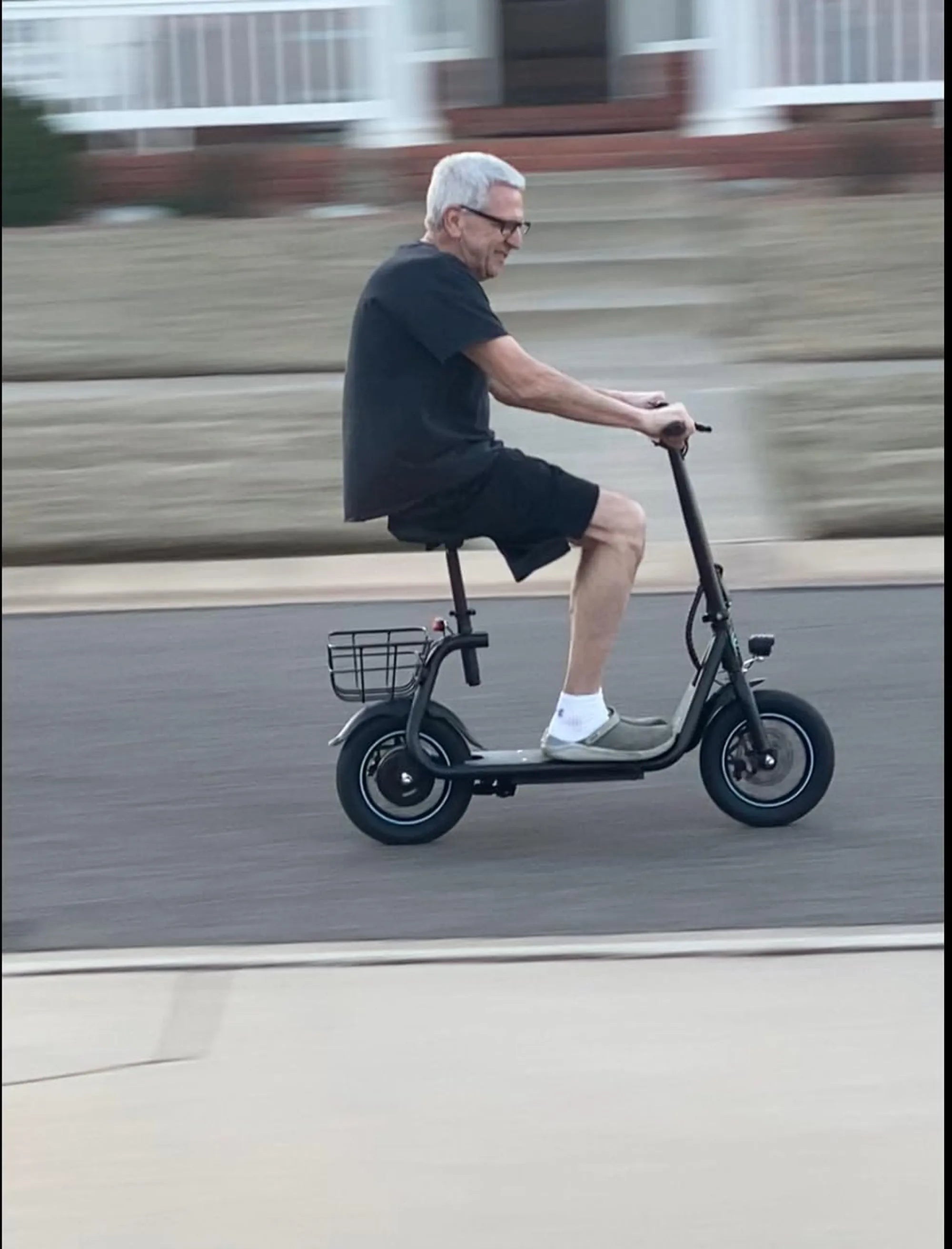
If your ebike screen has stopped working or is showing signs of damage, you're not alone. A malfunctioning display can disrupt your riding experience, making it difficult to track speed, battery life, and other essential metrics. But don't worry—replacing an ebike screen is often easier than you think. This guide will walk you through the entire process, from troubleshooting to installation, ensuring you get back on the road with confidence.
Why Ebike Screens Fail
Ebike screens can fail for several reasons, including physical damage, water exposure, or electrical issues. Cracks, unresponsive touch controls, or a blank display are common symptoms of a failing screen. Understanding the root cause can help you decide whether a replacement is necessary or if a simple fix will suffice.
Diagnosing the Problem
Before rushing to replace your ebike screen, it's important to diagnose the issue. Check for loose connections, test the battery, and ensure the display isn't just in sleep mode. If the problem persists, a replacement may be the best solution.
Choosing the Right Replacement Screen
Not all ebike screens are created equal. Compatibility is key—make sure the replacement screen matches your bike's model and electrical specifications. Look for screens with similar dimensions, connector types, and software compatibility to avoid installation headaches.
Step-by-Step Ebike Screen Replacement
Replacing an ebike screen typically involves a few straightforward steps:
- Power off the ebike and disconnect the battery.
- Remove the old screen by unscrewing or unclipping it from the handlebars.
- Disconnect the wiring harness carefully.
- Connect the new screen and secure it in place.
- Reconnect the battery and test the display.
Common Mistakes to Avoid
Many riders make simple errors during screen replacement, such as forcing connectors or skipping waterproofing steps. Always handle wiring gently and ensure seals are intact to prevent future damage.
Maintaining Your New Ebike Screen
To extend the life of your new display, keep it clean, avoid extreme temperatures, and check connections periodically. A little maintenance goes a long way in preventing future issues.
Don't let a broken ebike screen slow you down—with the right tools and knowledge, you can replace it yourself and enjoy a seamless riding experience once again. Whether you're a DIY enthusiast or a first-time fixer, this guide ensures you'll tackle the job with ease.
Mens Tricycle: The Ultimate Guide to Choosing the Perfect Ride
Ebike for Fat People: The Ultimate Guide to Comfort and Performance