


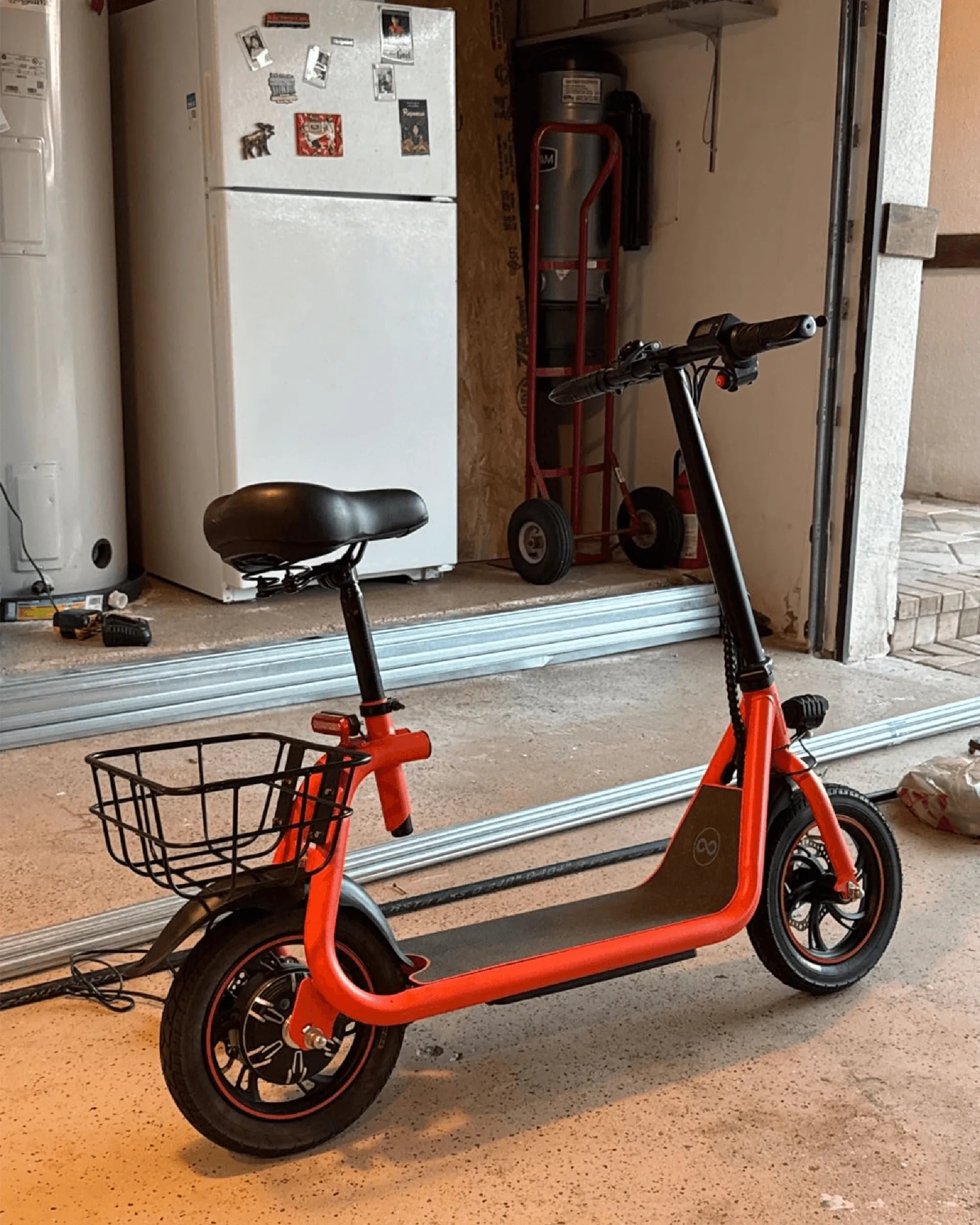
Is your electric scooter's power button malfunctioning? Don't let a faulty button keep you from enjoying your ride. Replacing the power button is easier than you think, and this guide will walk you through every step of the process.
Why Replace the Power Button?
The power button is a critical component of your electric scooter. If it stops working, you won't be able to turn your scooter on or off, leaving you stranded. Common issues include unresponsive buttons, physical damage, or internal wear and tear. Replacing it can save you time and money compared to professional repairs.
Tools You'll Need
Before you begin, gather the following tools:
- Screwdriver set (Phillips and flathead)
- Replacement power button (compatible with your scooter model)
- Pliers or tweezers
- Multimeter (optional, for testing connections)
- Electrical tape or heat shrink tubing
Step-by-Step Replacement Guide
Step 1: Disconnect the Battery
Safety first! Always disconnect the battery before working on any electrical components. This prevents accidental shocks or short circuits.
Step 2: Remove the Scooter's Housing
Use your screwdriver to remove the screws holding the scooter's housing in place. Carefully lift the housing to expose the internal wiring and components.
Step 3: Locate the Power Button
The power button is usually near the handlebars or the dashboard. Identify the wires connected to the button and take note of their positions for reassembly.
Step 4: Disconnect the Old Button
Gently disconnect the wires from the old power button. If the connections are soldered, use a soldering iron to melt the solder and remove the wires.
Step 5: Install the New Button
Connect the wires to the new power button, ensuring they match the original configuration. If necessary, solder the connections and cover them with electrical tape or heat shrink tubing.
Step 6: Reassemble the Scooter
Place the housing back and secure it with the screws. Reconnect the battery and test the new power button to ensure it works correctly.
Tips for a Successful Replacement
- Take photos of the wiring before disconnecting anything for reference.
- Use a multimeter to test the new button before reassembling the scooter.
- Handle wires carefully to avoid damaging them.
When to Seek Professional Help
If you're uncomfortable working with electrical components or the issue persists after replacement, consult a professional. Some problems may require deeper diagnostics.
Don't let a broken power button ruin your electric scooter experience. With the right tools and this guide, you can replace it yourself and get back on the road in no time!
Electric Dirt Bike for 6 Year Old Boy: The Ultimate Guide to Safe and Fun Riding
Electric Dirt Bike for 6 Year Old Boy: The Ultimate Guide to Safe and Fun Riding