


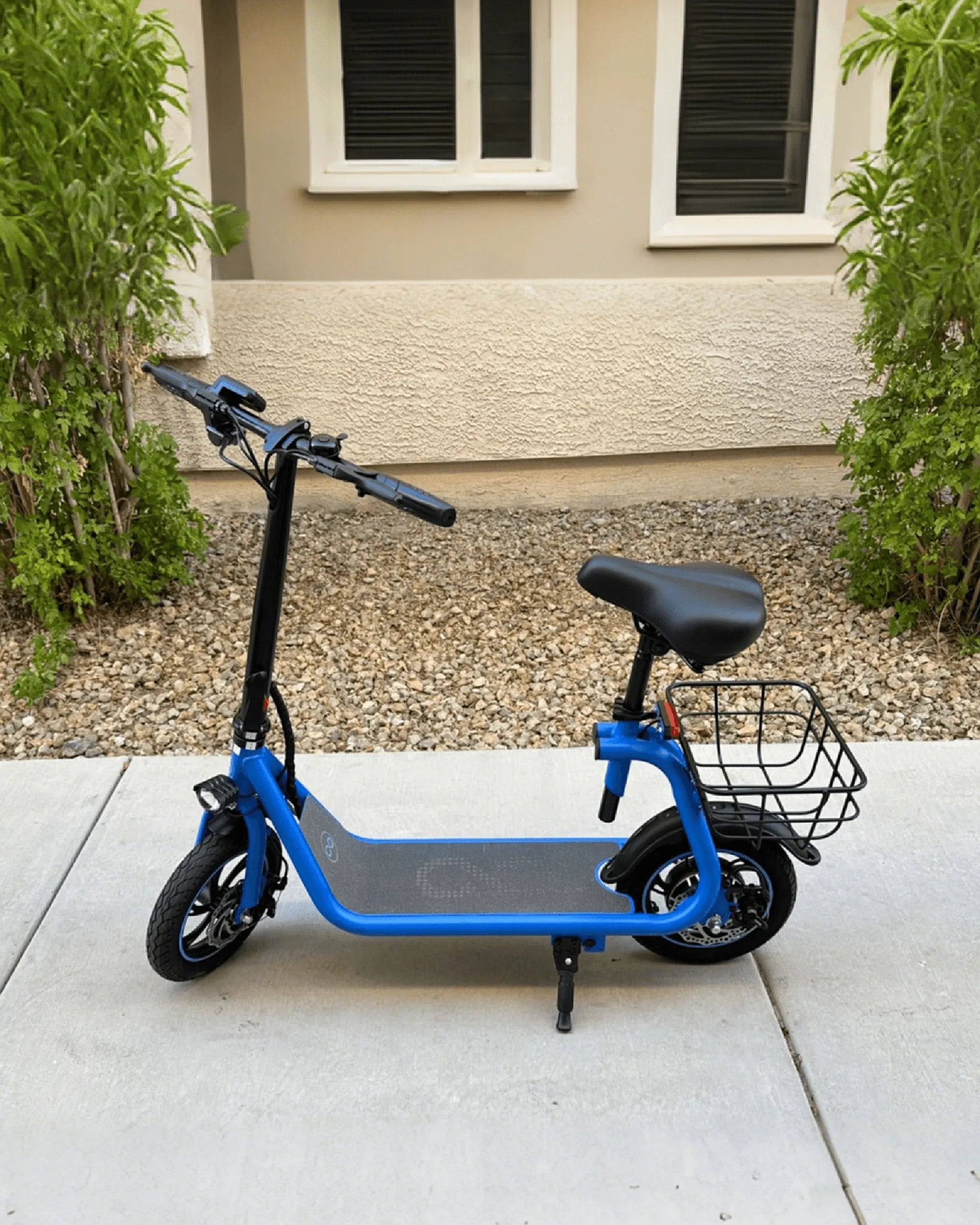
Few things are as frustrating as hopping on your electric scooter, only to be greeted by an ominous Error 9 flashing on the display. This cryptic message can leave riders scratching their heads, wondering if their scooter is doomed or if there’s a simple fix. Don’t panic—Error 9 is often solvable with a little know-how. Let’s dive into what causes this error, how to troubleshoot it, and how to prevent it from happening again.
What Is Error 9 on an Electric Scooter?
Error 9 typically indicates a communication failure between the scooter’s controller and its display or throttle system. This error can stem from loose wiring, water damage, or even a faulty component. While it may seem alarming, many cases of Error 9 can be resolved without professional help.
Common Causes of Error 9
Understanding the root causes of Error 9 is the first step toward fixing it. Here are the most frequent culprits:
- Loose or Damaged Wiring: Vibrations from riding can loosen connectors over time.
- Water Damage: Exposure to moisture can corrode electrical connections.
- Faulty Throttle or Display: A malfunctioning component may disrupt communication.
- Controller Issues: The controller may fail to send or receive signals properly.
How to Fix Error 9 on Your Electric Scooter
Before you rush to a repair shop, try these troubleshooting steps:
Step 1: Check the Wiring Connections
Turn off the scooter and inspect all wiring harnesses, especially those connecting the throttle, display, and controller. Ensure plugs are securely seated and free of corrosion.
Step 2: Dry Out Moisture-Affected Areas
If your scooter has been exposed to rain or humidity, let it dry thoroughly. Use a hairdryer on a low setting to speed up the process, but avoid overheating components.
Step 3: Test the Throttle and Display
If possible, swap out the throttle or display with a known working unit to see if the error persists. This can help isolate the faulty part.
Step 4: Reset the Scooter
Some models allow for a system reset by holding down the power button for 10-15 seconds. Consult your manual for specific instructions.
Step 5: Inspect the Controller
If the error remains, the controller may need replacement. This is a more advanced repair, so consider seeking professional assistance.
Preventing Error 9 in the Future
To avoid encountering Error 9 again, follow these preventive measures:
- Keep Your Scooter Dry: Avoid riding in heavy rain or through deep puddles.
- Regularly Inspect Wiring: Periodically check connectors for looseness or wear.
- Store Properly: Keep your scooter in a dry, temperature-controlled environment.
- Use Quality Components: Cheap aftermarket parts may increase the risk of errors.
When to Seek Professional Help
If you’ve tried all the above steps and Error 9 still appears, it’s time to consult a technician. Persistent issues may indicate deeper electrical problems that require expert diagnosis.
Don’t let Error 9 derail your electric scooter adventures. With the right approach, you can diagnose, fix, and even prevent this pesky error—getting you back on the road faster than you think!
Best Electric Scooter for Work Commute: The Ultimate Guide to a Faster, Greener Ride
Automatic Electric Scooter: The Future of Urban Mobility