


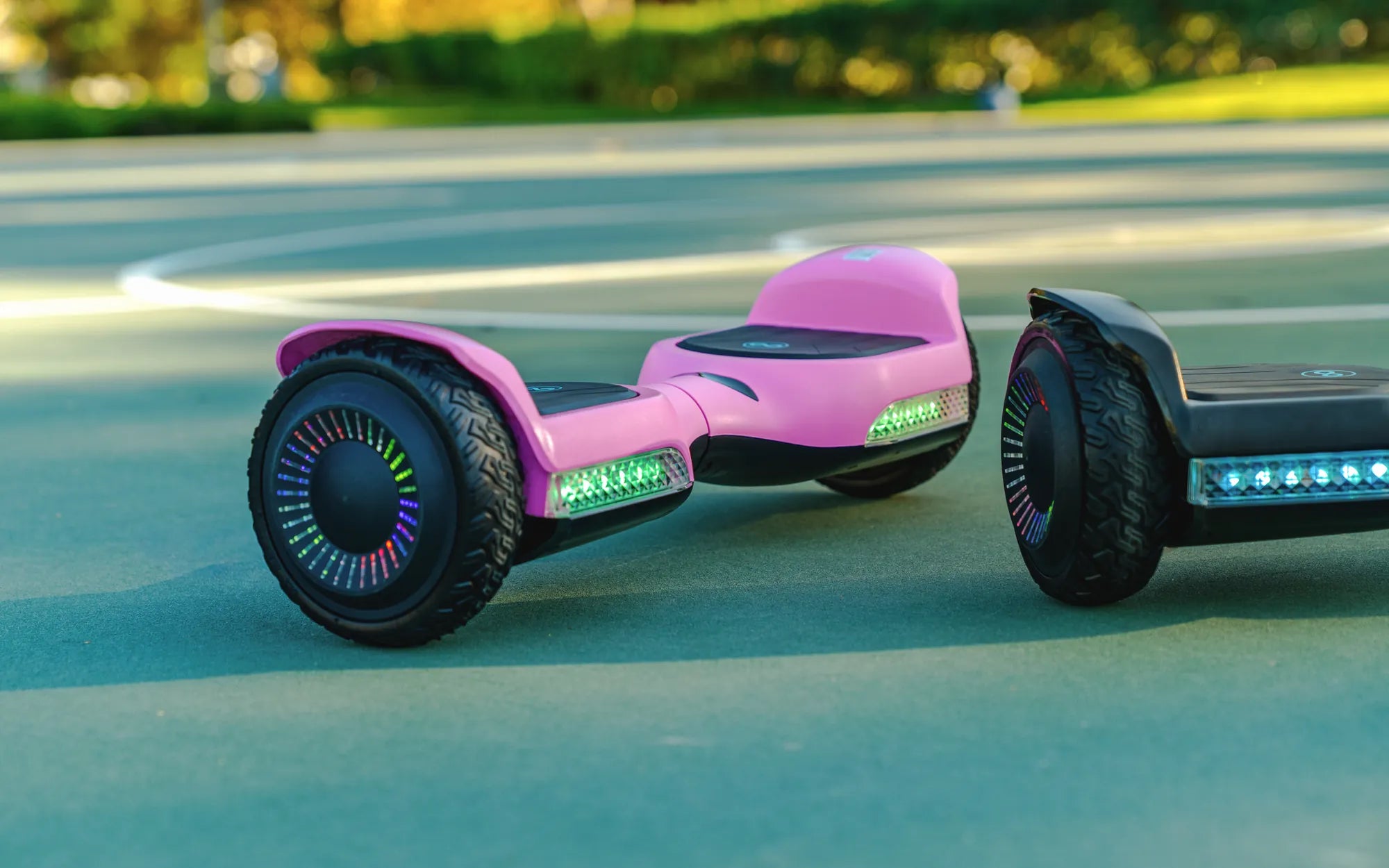
There's nothing more annoying than your hoverboard go kart beeping incessantly when you're trying to enjoy a smooth ride. Whether you're a seasoned rider or a beginner, that persistent beeping can ruin the experience. But don't worry—this guide will help you understand why it happens and how to fix it for good.
Why Does Your Hoverboard Go Kart Keep Beeping?
Beeping is a built-in safety feature designed to alert you when something isn't right. Here are the most common reasons your hoverboard go kart might be beeping:
- Low Battery: When the battery is running low, the device beeps to warn you before it shuts down.
- Overheating: Prolonged use or exposure to high temperatures can cause the motor or battery to overheat, triggering beeping.
- Uneven Surface Detection: If the hoverboard senses an unstable or uneven surface, it may beep to prevent accidents.
- Faulty Sensors: Malfunctioning tilt or gyroscopic sensors can cause false alarms.
- Connection Issues: Loose wiring or poor internal connections can lead to erratic beeping.
How to Troubleshoot a Beeping Hoverboard Go Kart
Before panicking, try these troubleshooting steps to silence the beeping and get back on track.
1. Check the Battery Level
If the beeping starts after extended use, plug in the charger and let it recharge fully. A depleted battery is one of the most common causes of beeping.
2. Let It Cool Down
If the hoverboard feels hot to the touch, turn it off and let it rest in a cool, shaded area for at least 30 minutes before using it again.
3. Inspect for Obstructions
Dirt, debris, or foreign objects stuck in the wheels or undercarriage can interfere with sensors. Clean the hoverboard thoroughly and check for blockages.
4. Recalibrate the Sensors
Many hoverboards have a calibration mode to reset the gyroscopic sensors. Refer to the user manual for instructions on how to recalibrate your model.
5. Examine the Wiring
If you're comfortable with basic electronics, open the casing (while the device is off) and check for loose or damaged wires. Secure any loose connections carefully.
Preventing Future Beeping Issues
To avoid constant beeping in the future, follow these best practices:
- Charge Properly: Always use the correct charger and avoid overcharging.
- Avoid Extreme Conditions: Don't ride in extreme heat, cold, or wet conditions.
- Regular Maintenance: Clean and inspect your hoverboard go kart periodically.
- Store Correctly: Keep it in a dry, temperature-controlled environment when not in use.
When to Seek Professional Help
If the beeping persists despite troubleshooting, there may be a deeper electrical or mechanical issue. Contact a certified technician or the manufacturer for further assistance.
Don't let a beeping hoverboard go kart ruin your fun—most issues are fixable with a little patience and know-how. Follow these steps, and you'll be gliding smoothly again in no time!
Which Is the Original Hoverboard: Uncovering the First Self-Balancing Scooter
Hoverboard Plans: The Ultimate Guide to Building Your Own Futuristic Ride