



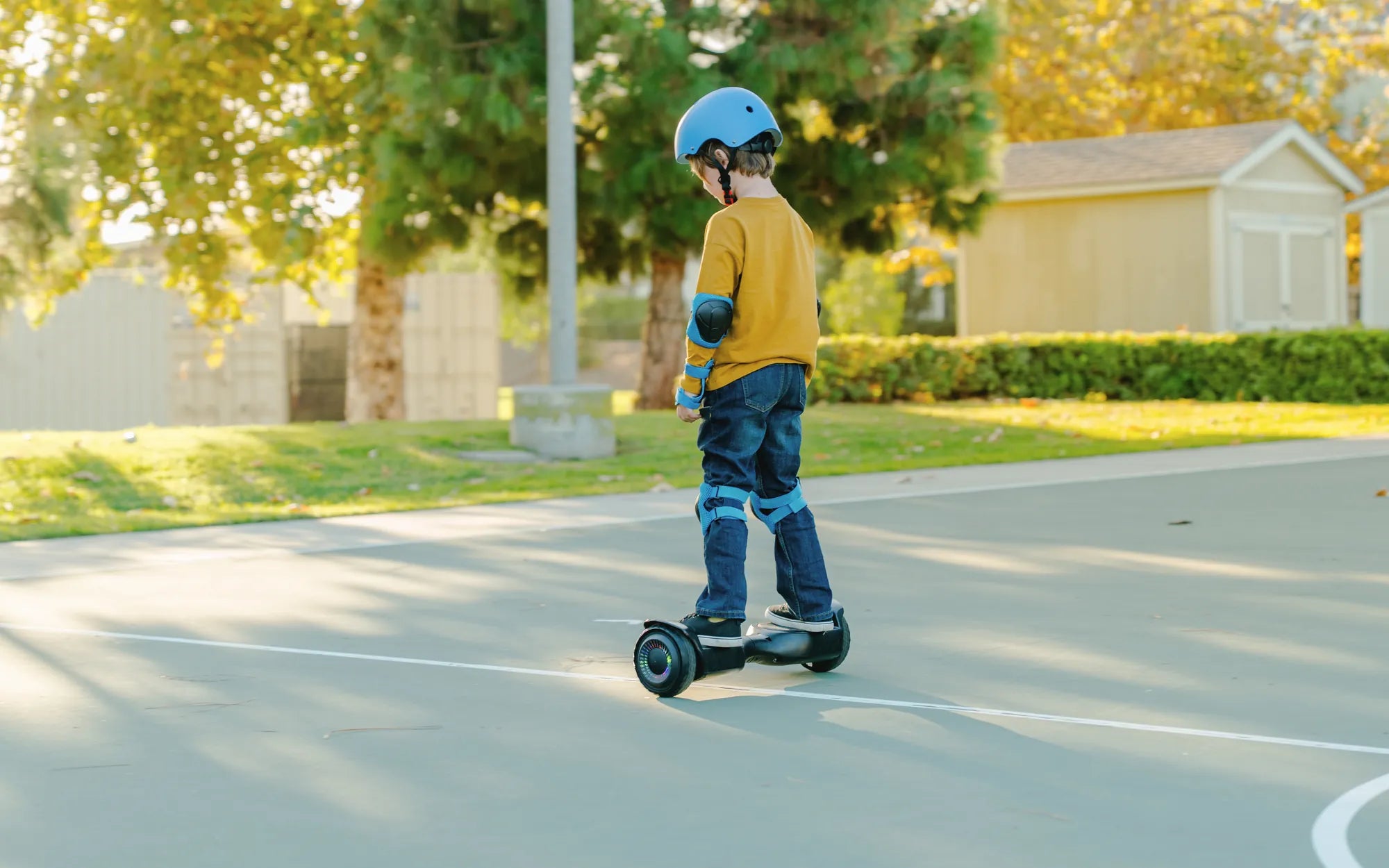
Nothing kills the thrill of riding your hoverboard faster than discovering it won't charge. You plug it in, but the light doesn't turn on, and your board remains lifeless. Before you resign yourself to buying a new one, let's explore why your hoverboard is not charging and how you might be able to fix it yourself.
Common Reasons Why Your Hoverboard Is Not Charging
Several issues could prevent your hoverboard from charging properly. Here are the most common culprits:
- Faulty Charger: The charger might be damaged or not providing the correct voltage.
- Loose or Damaged Charging Port: The port where you plug in the charger might be loose or broken.
- Dead Battery: Over time, hoverboard batteries lose their ability to hold a charge.
- Battery Connection Issues: Wires connecting the battery to the charging port may be loose or disconnected.
- Overheating Protection Triggered: Some hoverboards shut off charging if they detect overheating.
- Power Source Problems: The outlet or power strip you're using might not be working.
How to Diagnose a Hoverboard That Won't Charge
Before attempting any repairs, follow these steps to identify the issue:
- Check the Power Source: Try plugging the charger into a different outlet or test the current outlet with another device.
- Inspect the Charger: Look for any visible damage to the charger or its cable. If possible, test with another compatible charger.
- Examine the Charging Port: Check for debris, bent pins, or loose connections in the port.
- Listen for Sounds: Some hoverboards make a faint sound when properly connected to a charger.
- Check Indicator Lights: Most hoverboards have LED indicators that show charging status.
Step-by-Step Fixes for a Hoverboard That's Not Charging
1. Fixing a Faulty Charger
If you suspect the charger is the problem:
- Try using a different charger with the same voltage and connector type.
- Check the charger's output voltage with a multimeter (should match your hoverboard's requirements).
- Look for frayed wires or damaged connectors.
2. Repairing a Damaged Charging Port
For charging port issues:
- Gently clean the port with compressed air to remove dust or debris.
- If pins are bent, carefully straighten them with tweezers (turn off the hoverboard first).
- For loose ports, you may need to open the hoverboard and tighten or replace the port.
3. Resetting the Battery
Sometimes a simple reset can solve charging problems:
- Turn off the hoverboard completely.
- Leave it unplugged for at least 30 minutes.
- Plug in the charger and wait to see if the charging indicator lights up.
4. Checking Battery Connections
If you're comfortable opening your hoverboard:
- Remove the casing carefully (consult your manual for instructions).
- Check all wires connecting the battery to the charging port and control board.
- Ensure all connections are secure and free of corrosion.
When to Seek Professional Help
If you've tried all the above solutions and your hoverboard still won't charge, it might be time to consult a professional. This is especially true if:
- You notice swelling or leaking from the battery (do not attempt to charge it further).
- There's visible damage to internal components.
- You smell burning or see smoke when attempting to charge.
- The hoverboard is still under warranty (DIY repairs might void it).
Preventing Future Charging Problems
To keep your hoverboard charging properly:
- Always use the correct charger specified for your model.
- Avoid leaving the hoverboard plugged in for extended periods after it's fully charged.
- Store your hoverboard in a cool, dry place when not in use.
- Regularly inspect the charger and charging port for damage.
- Don't let the battery completely discharge before recharging.
Don't let a non-charging hoverboard ruin your fun! With these troubleshooting tips, you've got a great chance of reviving your ride and getting back to gliding smoothly. Remember that battery issues can be dangerous, so when in doubt, consult a professional rather than risking further damage or injury.
How Much Does an Electric Hoverboard Cost? A Complete Price Guide
What Does It Mean When Your Hoverboard Starts Beeping? Troubleshooting Guide