

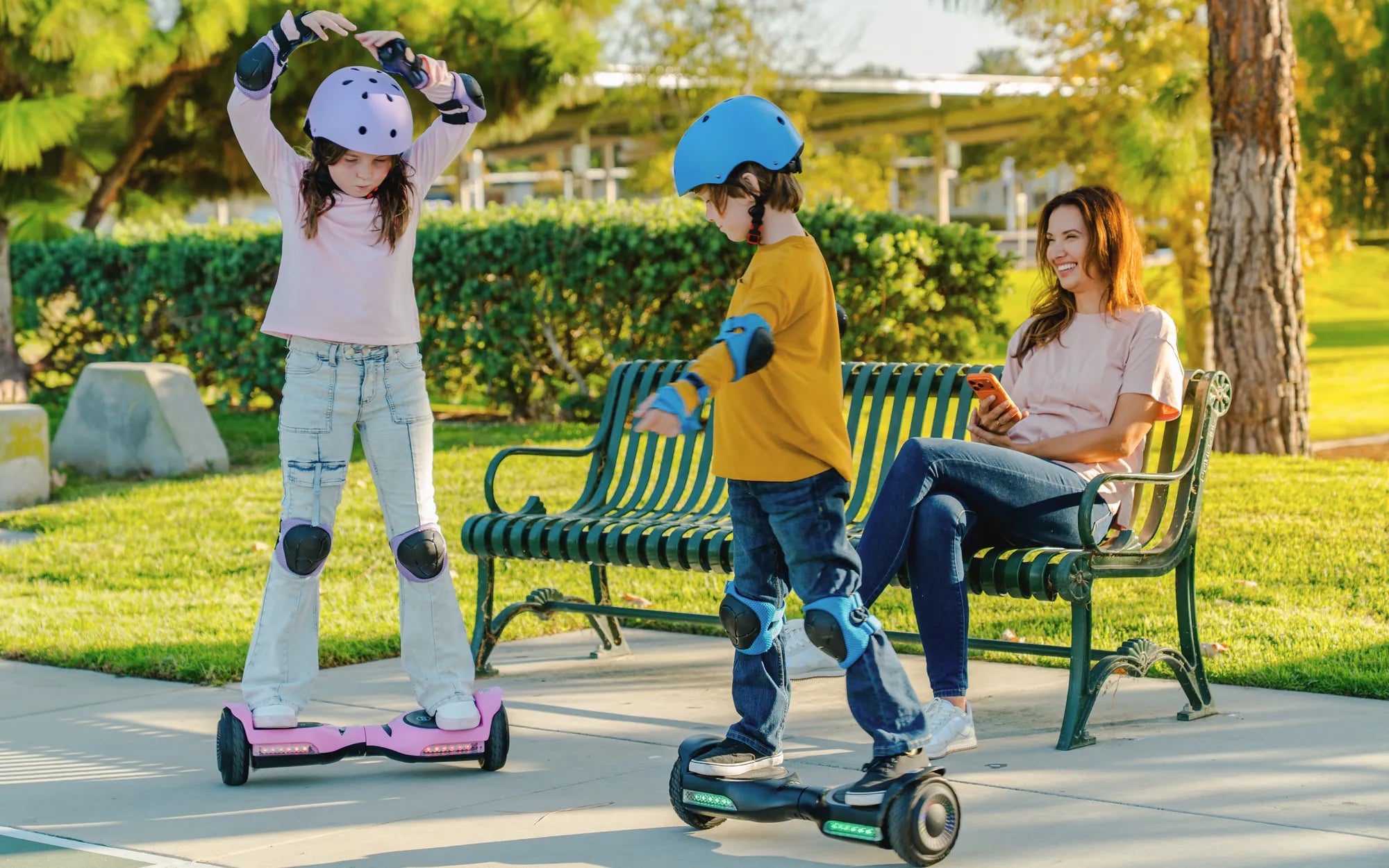
Forget the simple on/off switch. The modern hoverboard key is a sophisticated electronic gateway, transforming personal transportation from a novelty into a secure, personalized, and intelligent mobility solution. This small fob or card does much more than start your device; it governs safety protocols, deters theft, and tailors the riding experience to the individual. Understanding the hoverboard key is essential for any rider or parent considering a purchase. This guide will dissect its technology, enumerate its critical benefits, provide practical buying and troubleshooting advice, and explore how it's evolving to shape the future of micro-mobility.
What is a Hoverboard Key and How Does It Work?
A hoverboard key is a removable electronic authentication device, typically a key fob or card, that communicates with the hoverboard's central control board. Its primary function is to authorize operation, acting as a digital immobilizer. Without the correct key present and recognized, the hoverboard's motors and balancing systems remain disabled, preventing unauthorized or accidental use.
The system works through short-range wireless communication. When you bring the key near a designated sensor area on the hoverboard, it sends a unique encrypted signal. The mainboard verifies this signal against its stored pairing data. Upon successful authentication, the board powers up the gyroscopic sensors and prepares the motors, unlocking the device for the rider. This process happens in milliseconds, creating a seamless yet secure start-up sequence.
The Technology Behind the Key: RFID vs. Bluetooth
Two primary technologies dominate the hoverboard key market, each with distinct advantages. The most common is Radio-Frequency Identification (RFID). These are passive, battery-free keys—often simple cards or small fobs. They are durable, inexpensive to replace, and highly reliable because they have no internal power source to fail. The hoverboard provides the power for the communication burst via the sensor.
The more advanced option is Bluetooth Low Energy (BLE), often integrated into a smartphone app. This transforms your phone into the key. Bluetooth systems enable a suite of advanced features beyond basic authentication, including remote lock/unlock, real-time speed mode switching, battery level monitoring, ride statistics tracking, and firmware updates. Brands like Gyroor are increasingly incorporating app-based control for a more connected experience, though many models still include a physical RFID key as a backup.
Key Benefits: Why a Hoverboard Key is Essential
The implementation of a key system addresses fundamental concerns that plagued early hoverboard models. It moves the device from being a simple toy to a responsible personal transport tool. The benefits extend across safety, security, and customization, directly impacting the user experience and the owner's peace of mind.
First and foremost, it introduces a mandatory step before operation. This simple barrier prevents curious toddlers or pets from accidentally activating the board, which could lead to injury or property damage. For parents, this control is invaluable. Furthermore, it allows for the personalization of ride parameters, ensuring the board's performance matches the rider's skill level from the moment it's unlocked.
Enhanced Safety and Theft Deterrence
The hoverboard key is a critical safety and anti-theft feature. As an immobilizer, it renders the board useless to anyone without the paired key. A thief cannot simply wheel away a locked hoverboard and ride off; it becomes a heavy, inert object. This significantly reduces the likelihood of casual theft in public spaces like college campuses or parks.
From a safety perspective, the key ensures the rider is intentional about operation. It prevents the board from powering on if it's knocked over or tampered with, reducing fire risks associated with older, faulty models. Modern brands build their safety ethos around such features. For instance, Gyroor's focus on UL-certified battery packs is complemented by secure key systems, ensuring a comprehensive approach to rider safety that has earned trust from over 100,000 riders.
Personalized Riding Experience and Parental Control
Beyond security, the key enables a tailored ride. Many systems allow the key to be linked to specific performance profiles. A single hoverboard can have a "beginner mode" (limited to 4-5 mph) activated with one key for a child, and an "advanced mode" (unlocking speeds up to 10-12 mph) with another for a teen or adult. This multi-key personalization is a game-changer for family sharing.
For parents, physical key retention is the ultimate control tool. By keeping the key, a parent can precisely manage when their child has access to the hoverboard. This eliminates arguments over usage time and ensures the child cannot secretly ride without supervision. It also allows parents to confidently store the hoverboard knowing it cannot be activated, integrating responsible ownership into the design of the product itself.
Hoverboard Key Features to Look For: A Buyer's Guide
When evaluating a hoverboard, the key system should be a primary consideration alongside battery life and motor power. A robust, reliable key mechanism is indicative of the overall build quality and the manufacturer's commitment to safety and user experience. Here are the critical features to scrutinize before purchasing.
Examine the physical key itself. Is it a flimsy card or a sturdy, waterproof fob designed for daily carry? Check the manufacturer's documentation for the key's operating range and sensor reliability. Inconsistent pairing is a major frustration. Research the brand's reputation for customer support regarding key replacements—this is a telling sign of their long-term product support.
Reliability, Durability, and Compatibility
The key and its sensor must be built to last. Look for hoverboards where the key is described as water-resistant and shock-resistant. The internal pairing should be stable; a key that randomly disconnects during a ride is a safety hazard. Brands that use well-established, simple RFID technology often excel in pure reliability due to fewer points of failure.
Compatibility and replacement policy are crucial. Before buying, verify that the manufacturer sells replacement keys and that the process for pairing a new key is clearly documented. A lost key should not render a $300+ device permanently useless. Companies with strong support networks, like Gyroor which offers a 1-year warranty and US-based support, provide clear pathways for key replacement, often requiring just the hoverboard's serial number.
Advanced Features: App Integration and Remote Management
For tech-savvy riders, Bluetooth app integration represents the high end of hoverboard key systems. An official smartphone app that functions as a key adds tremendous value. Look for apps that offer not just locking/unlocking, but also: real-time speed mode switching, battery level monitoring, trip distance tracking, customizable LED light patterns, and anti-theft alarms that trigger if the board is moved while locked.
Some premium models may integrate GPS tracking within the app ecosystem, taking theft prevention to another level. However, ensure the core key function (the app's ability to reliably unlock the board) is reviewed positively by users. A feature-rich app is useless if it fails to connect when you need to ride. The best systems, as seen in Gyroor's higher-end models, offer a hybrid approach: full app control with a physical RFID key included as a reliable backup.
Troubleshooting Common Hoverboard Key Issues
Even the most reliable systems can encounter problems. Most key-related issues have straightforward solutions. Understanding basic troubleshooting can save a trip to the repair shop and get you back riding quickly. Always start by consulting your specific model's user manual for brand-directed procedures.
Begin with the simplest checks. Ensure the hoverboard's main battery is adequately charged. A very low main battery can sometimes prevent the key sensor from functioning correctly. For physical keys, check for obvious damage like cracks or exposed circuitry. For app-based keys, ensure your smartphone's Bluetooth is enabled and that you've granted the app all necessary permissions.
Key Not Detected / Hoverboard Won't Start
This is the most frequent issue. First, ensure you are placing the key on the correct sensor area (usually indicated by a symbol on the footpad). Hold it there for 2-3 seconds. If using an app, ensure it is open and you've tapped the "unlock" or "connect" button. Try turning the hoverboard off and on again using the main power button, then retry the key.
If the problem persists, perform a system reset. Locate the small reset pinhole on the hoverboard (often near the charging port or under a rubber flap). Use a paperclip to press and hold the button for 5-10 seconds while the board is powered off. This reboots the mainboard and can clear minor glitches in the key recognition software. Then, attempt to pair the key again as per the initial pairing instructions.
Lost or Broken Key: What Are Your Options?
If your key is lost or physically broken, do not panic. Your first and only official course of action should be to contact the manufacturer or authorized retailer from whom you purchased the hoverboard. Have your proof of purchase and the hoverboard's serial number (usually on the underside or in the manual) ready.
Reputable companies have a process for this. For example, contacting Gyroor support with your serial number allows them to verify your device and sell you a new, compatible key. They will provide instructions for the pairing/reset process specific to your model. Warning: Be wary of generic "universal" hoverboard keys sold online. These rarely work, as pairing is unique to each brand and often to each production batch. Using an unverified key can potentially damage your board's mainboard.
Comparing Key Systems: RFID vs. Bluetooth App
Choosing between a traditional RFID key system and a Bluetooth app-based system depends on your priorities for convenience, features, and reliability. The following table breaks down the key differences to inform your decision.
| Feature | RFID Key (Physical Fob/Card) | Bluetooth App (Smartphone as Key) |
|---|---|---|
| Primary Function | Basic authentication & immobilization | Authentication + advanced remote control & data |
| Power Source | Passive (powered by hoverboard sensor) | Your smartphone's battery |
| Reliability | Very High. No batteries to die, simple tech. | High, but depends on phone battery & app stability. |
| Advanced Features | Typically none, or basic speed mode lock. | Speed control, ride stats, GPS, light customization, updates. |
| Theft Deterrence | Good. Physical key required. | Excellent. Remote lock & alarm features. |
| Replacement Cost & Ease | Inexpensive, but must be paired by manufacturer. | Free (app), but requires a working smartphone. |
| Best For | Younger riders, simplicity, maximum uptime. | Tech-savvy adults, data lovers, premium security. |
The Future of Access: Beyond the Physical Key
The hoverboard key is evolving from a distinct object into an integrated access concept. The future points towards seamless, intelligent systems that prioritize user convenience without compromising security. This evolution mirrors trends in automotive and smart home technology, where access becomes contextual and personalized.
The driving force is connectivity. As hoverboards become more integrated with the Internet of Things (IoT), their access systems will communicate with other devices. Imagine your hoverboard automatically unlocking as you approach with your smartphone in your pocket, or locking itself when you walk away beyond a certain distance. This hands-free experience is the next logical step.
Smartphone as the Central Hub and Biometric Integration
The smartphone is poised to become the universal key for all personal micro-mobility devices. A single app could manage your hoverboard, e-scooter, and e-bike, storing digital keys, maintenance records, and ride history. This consolidation is convenient and enhances security through strong smartphone-based authentication (passcodes, fingerprint, face ID).
Looking further ahead, biometric integration directly into the hoverboard is possible. A fingerprint scanner built into the handle or footpad could provide ultimate personalized access—no key to lose or phone to take out. Proximity unlocking via wearable devices like smartwatches or fitness bands is another plausible development. These technologies will make the act of starting your personal transport device feel effortless and secure, truly unlocking a frictionless future for urban mobility.
Frequently Asked Questions (FAQ)
1. Can I start a hoverboard without a key?
No. Modern hoverboards with a key system are designed as immobilizers. Without the correctly paired electronic key (RFID fob or smartphone app signal), the mainboard will not activate the gyroscopes or motors. This is a fundamental safety and anti-theft feature. Older or very basic models without this feature can be started with just a power button, but they lack this critical security layer.
2. What happens if I lose my hoverboard key?
If you lose your key, you must contact the manufacturer's customer support with your hoverboard's serial number and proof of purchase. They can sell you a replacement key and provide instructions to pair it to your board. The process usually involves putting the board into a "pairing mode" via a reset button. Never buy a generic key online, as it will almost certainly not be compatible with your specific board's encrypted pairing.
3. Are hoverboard keys universal?
No, hoverboard keys are not universal. They are paired at the factory to a specific mainboard using unique encryption codes. A key from one brand, or even a different model from the same brand, will not work with your hoverboard. You must obtain a replacement key from your device's original manufacturer.
4. How do I pair a new hoverboard key?
The exact process varies by brand, but a common method is: 1) Ensure the hoverboard is powered OFF. 2) Locate the small reset/pairing button (often a pinhole). 3) Press and hold the reset button. 4) While holding the reset button, turn the hoverboard ON. 5) Continue holding the reset button for 5-10 seconds until you hear a beep or see lights flash. 6) Bring the new key close to the sensor area. You should hear a confirmation beep. Always refer to your official user manual for the precise steps.
5. Can I disable the key feature on my hoverboard?
Officially, no. The key system is integrated into the board's firmware and hardware for safety reasons. Attempting to bypass or disable it would require modifying the mainboard's circuitry and software, which is complex, voids any warranty, and is strongly discouraged. It can render the board unsafe or completely inoperable. The key is a core feature, not an accessory.
Your Key to a Smarter, Safer Ride
The humble hoverboard key has fundamentally reshaped the landscape of personal electric transport. It has elevated these devices from potentially hazardous toys to legitimate, secure tools for short-distance mobility. By demanding a key, you are not just starting an engine; you are activating a system of safety protocols, personalized settings, and theft protection that defines the modern riding experience.
When selecting your next hoverboard, scrutinize the key system with the same rigor you apply to battery specification or motor wattage. A reliable, well-supported key mechanism from a reputable brand is a non-negotiable feature for responsible ownership. It represents the manufacturer's commitment to your long-term safety and satisfaction. Brands that excel in this area, like Gyroor, combine robust UL-certified hardware with intuitive access systems and strong customer support, ensuring that your investment is protected and your rides are consistently enjoyable.
This small device truly holds the power to unlock the full potential of personal transportation—safely, securely, and smartly. It is the literal and figurative key to confident, controlled mobility. Ready to experience a hoverboard engineered with this level of thoughtful security and performance?
Browse the full Gyroor collection of feature-rich, key-secured hoverboards, electric scooters, and e-bikes at gyroorboard.com.
Hoverboard Man: The Future of Personal Transportation
Hoverboard Man: The Future of Personal Transportation