

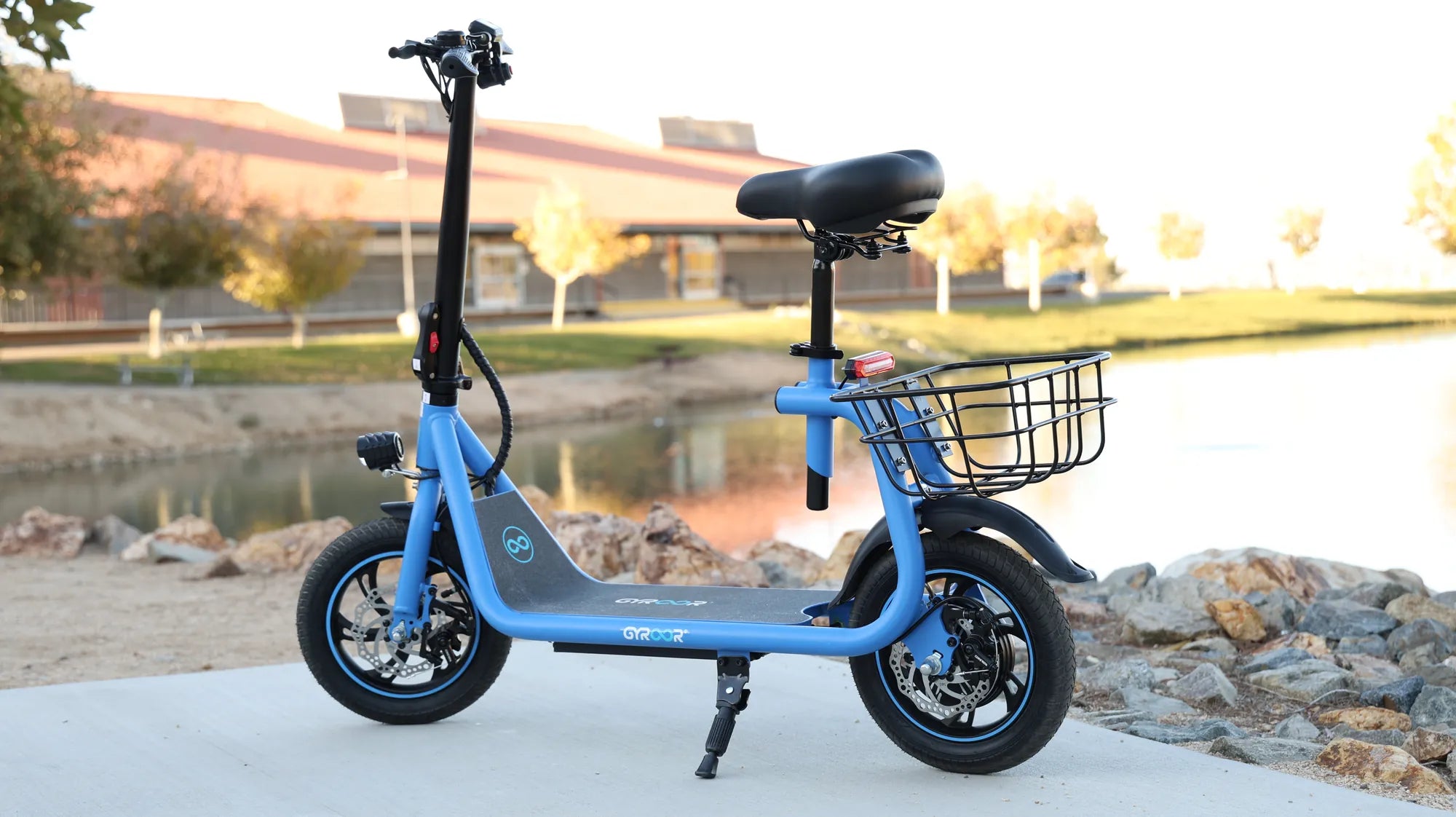
Ever wondered how to zip through city streets on a scooter using Uber? Whether you're looking for a quick commute or a fun way to explore, riding a scooter with Uber is easier than you think. Here's everything you need to know to get started.
Understanding Uber's Scooter Service
Uber offers scooter rentals in select cities, allowing users to unlock and ride electric scooters for short trips. These scooters are perfect for avoiding traffic, reducing your carbon footprint, or simply enjoying a breezy ride. The process is seamless and integrates with the Uber app you already use for ridesharing.
Step-by-Step Guide to Riding a Scooter on Uber
1. Check Availability in Your Area
First, open the Uber app and check if scooters are available in your city. Not all locations support this feature, so it's essential to confirm before planning your ride.
2. Locate a Nearby Scooter
If scooters are available, the app will display a map with nearby scooters. Tap on the scooter icon to see its exact location and battery level. Walk to the scooter and ensure it's in good condition before unlocking.
3. Unlock the Scooter
Scan the QR code on the scooter using the Uber app or enter the scooter's unique code manually. Once unlocked, you'll hear a confirmation sound, and the scooter is ready to ride.
4. Safety First
Before hopping on, adjust the handlebars, check the brakes, and wear a helmet if available. Most cities require helmets for scooter riders, so it's best to carry your own or use one provided by the service.
5. Start Riding
Kick off gently to start the motor, then use the throttle to accelerate. Follow traffic rules, stay in bike lanes where possible, and avoid sidewalks unless local laws permit.
6. Park Responsibly
When you reach your destination, park the scooter in a designated area or a safe spot that doesn't obstruct pedestrians or traffic. End your ride in the app and take a photo of the parked scooter if prompted.
Tips for a Smooth Scooter Experience
Plan Your Route
Use the Uber app to plan your route in advance, avoiding busy roads or areas with heavy traffic. Stick to bike lanes or quieter streets for a safer ride.
Monitor Battery Life
Scooters have limited battery life, so check the app to ensure your chosen scooter has enough charge for your trip. Running out of battery mid-ride can be inconvenient.
Follow Local Laws
Each city has its own regulations for scooter riders, including speed limits, helmet requirements, and parking rules. Familiarize yourself with these to avoid fines or penalties.
Pricing and Payment
Uber charges scooter rentals by the minute, with a small unlock fee. The exact cost varies by city, so check the app for pricing details. Payment is automatically processed through your linked Uber account.
Why Choose a Scooter?
Scooters are an eco-friendly, cost-effective, and efficient way to navigate urban areas. They're ideal for short trips, last-mile connectivity, or simply enjoying the outdoors while avoiding traffic jams.
Ready to hit the streets on an Uber scooter? With this guide, you're all set for a smooth and enjoyable ride. Download the app, find a scooter, and start exploring your city in a whole new way!
Dirt Bike Under $400: The Ultimate Guide to Affordable Off-Road Riding
Collapsible Mobility Scooter: The Ultimate Guide to Portable Independence