

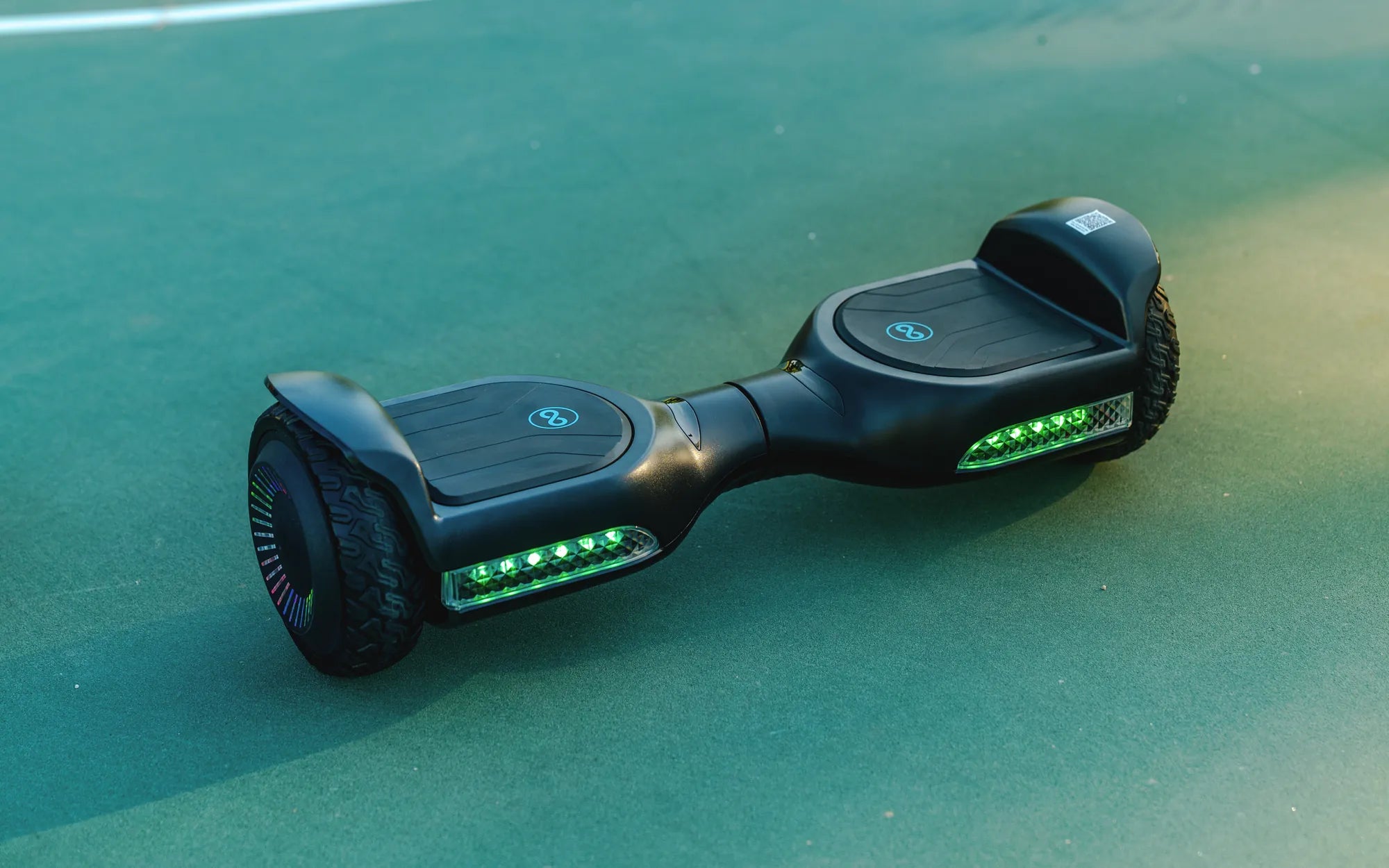
Ever wondered how long you should charge your hoverboard to keep it running smoothly without damaging the battery? The answer isn't as simple as you might think. Charging times can vary based on factors like battery capacity, usage, and even environmental conditions. Stick around to uncover the secrets of hoverboard charging and ensure your ride stays safe and efficient.
Understanding Hoverboard Battery Basics
Hoverboards typically use lithium-ion batteries, known for their high energy density and rechargeability. These batteries power the device's motors and electronics, making them a critical component. However, improper charging can lead to reduced battery life or even safety hazards like overheating.
How Long Should You Charge Your Hoverboard?
Most hoverboards require 2 to 4 hours for a full charge, depending on the battery size and charger specifications. Smaller models with lower-capacity batteries may charge faster, while high-performance hoverboards with larger batteries can take longer. Always refer to the manufacturer's guidelines for precise timing.
Signs Your Hoverboard Is Fully Charged
Modern hoverboards often feature LED indicators that change color or turn off when charging is complete. Some models may also emit a beep or display a notification. Never leave your hoverboard plugged in for extended periods after it's fully charged, as this can strain the battery.
Factors Affecting Charging Time
Several variables influence how long your hoverboard takes to charge:
- Battery Capacity: Larger batteries (measured in watt-hours) take longer to charge.
- Charger Output: Higher-wattage chargers can reduce charging time.
- Battery Health: Older batteries may charge slower due to wear.
- Temperature: Extreme cold or heat can affect charging efficiency.
Best Practices for Charging Your Hoverboard
Follow these tips to maximize battery life and safety:
- Use only the charger provided with your hoverboard or a certified replacement.
- Avoid charging overnight or unattended to prevent overcharging.
- Charge in a cool, dry place away from flammable materials.
- Unplug the charger immediately after reaching full capacity.
- Allow the battery to cool down after heavy use before charging.
Common Charging Mistakes to Avoid
Many hoverboard owners unknowingly shorten their battery's lifespan through these errors:
- Using fast chargers not designed for the specific model
- Charging immediately after riding when the battery is hot
- Ignoring warning signs like unusual heat or swelling
- Storing the hoverboard with a completely drained battery
Extending Your Hoverboard's Battery Life
Proper charging habits can significantly prolong your hoverboard's battery. Aim to keep the charge between 20% and 80% for daily use, only doing full charges when necessary for longer rides. Store your hoverboard with about 50% charge if not using it for extended periods.
Safety Precautions While Charging
Always prioritize safety when charging your hoverboard:
- Never charge near water or in humid environments
- Inspect the charger and cables regularly for damage
- Discontinue use if you notice any unusual smells or sounds
- Keep children and pets away from charging hoverboards
Troubleshooting Charging Issues
If your hoverboard won't charge or takes unusually long, try these steps:
- Check all connections for proper contact
- Test the power outlet with another device
- Inspect the charging port for debris or damage
- Reset the hoverboard according to manufacturer instructions
Mastering hoverboard charging is simpler than you think, and the payoff is huge—longer battery life, better performance, and peace of mind. Now that you know the ideal charging duration and best practices, you're ready to keep your hoverboard rolling smoothly for years to come. Happy riding!
Hoverboard Plans: The Ultimate Guide to Building Your Own Futuristic Ride
Hoverboard Parts List: Essential Components for Smooth Riding