



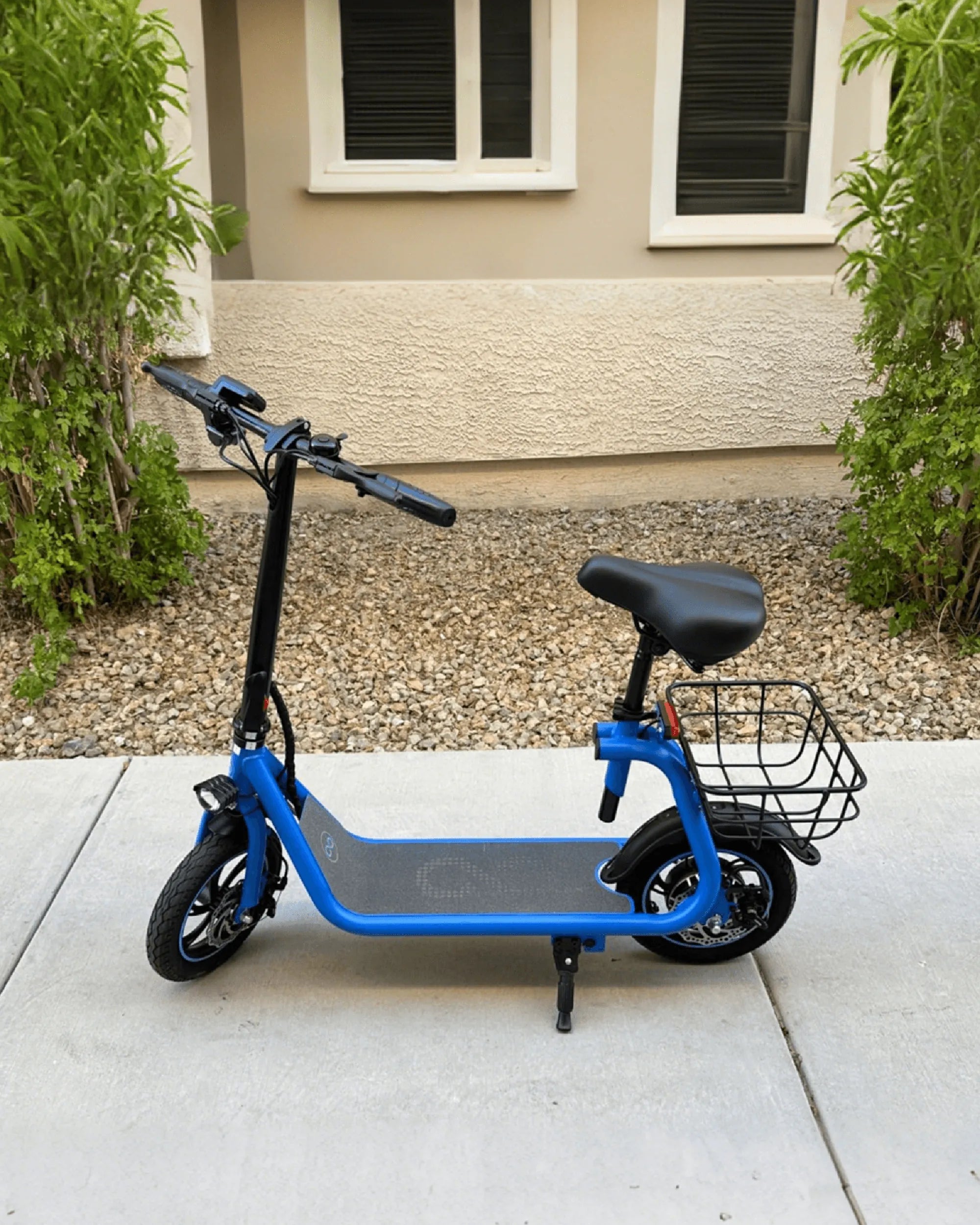
Imagine cruising down the street on your electric scooter while seamlessly controlling its features through your smartphone. Connecting your electric scooter to Bluetooth opens up a world of convenience, from tracking your ride stats to customizing performance settings. If you're ready to unlock these smart features, follow this step-by-step guide to pair your scooter with Bluetooth in no time.
Why Connect Your Electric Scooter to Bluetooth?
Bluetooth connectivity transforms your electric scooter into a smart device. By pairing it with your smartphone, you gain access to real-time data, firmware updates, and even anti-theft features. Whether you want to monitor battery life, adjust speed settings, or track your route, Bluetooth integration makes it all possible.
Step 1: Check Compatibility
Before attempting to connect, ensure your electric scooter supports Bluetooth functionality. Most modern scooters come with built-in Bluetooth, but older models may require an additional adapter. Refer to your scooter's manual or manufacturer's website to confirm compatibility.
Step 2: Download the Companion App
Many electric scooters require a dedicated app to enable Bluetooth connectivity. Search for the official app in your smartphone's app store and download it. Make sure the app is up-to-date to avoid compatibility issues.
Step 3: Enable Bluetooth on Your Smartphone
Go to your smartphone's settings and turn on Bluetooth. Ensure your phone is discoverable so the scooter can detect it. Keep the Bluetooth menu open for the next steps.
Step 4: Power On Your Electric Scooter
Turn on your scooter and place it within 10 feet of your smartphone. Some scooters enter pairing mode automatically when powered on, while others require you to press a specific button or combination of buttons. Consult your manual for details.
Step 5: Pair the Devices
Open the companion app and follow the on-screen instructions to pair your scooter. The app will typically scan for nearby devices and display your scooter's name. Select it to initiate the connection. If prompted, enter a PIN or confirm a pairing code.
Step 6: Test the Connection
Once paired, test the connection by adjusting a setting in the app, such as headlight brightness or speed mode. If the scooter responds, the Bluetooth link is successful. If not, restart both devices and repeat the process.
Troubleshooting Common Issues
If you encounter problems, try these fixes:
- Restart your smartphone and scooter.
- Ensure the scooter's firmware is up-to-date.
- Move closer to the scooter to avoid signal interference.
- Forget the device in your Bluetooth settings and re-pair.
Maximizing Bluetooth Features
After connecting, explore the app's features to get the most out of your scooter. Set up ride tracking, enable anti-theft alarms, or customize performance profiles. Regular firmware updates via Bluetooth can also improve functionality and safety.
Now that your electric scooter is Bluetooth-enabled, you're ready to ride smarter and safer. Enjoy the convenience of controlling your scooter from your phone and take advantage of advanced features that elevate your commuting experience. Happy riding!
30 mph Electric Scooter Under $1000: The Ultimate Guide to Affordable Speed
I Scooter Electric Scooter: The Future of Urban Mobility