

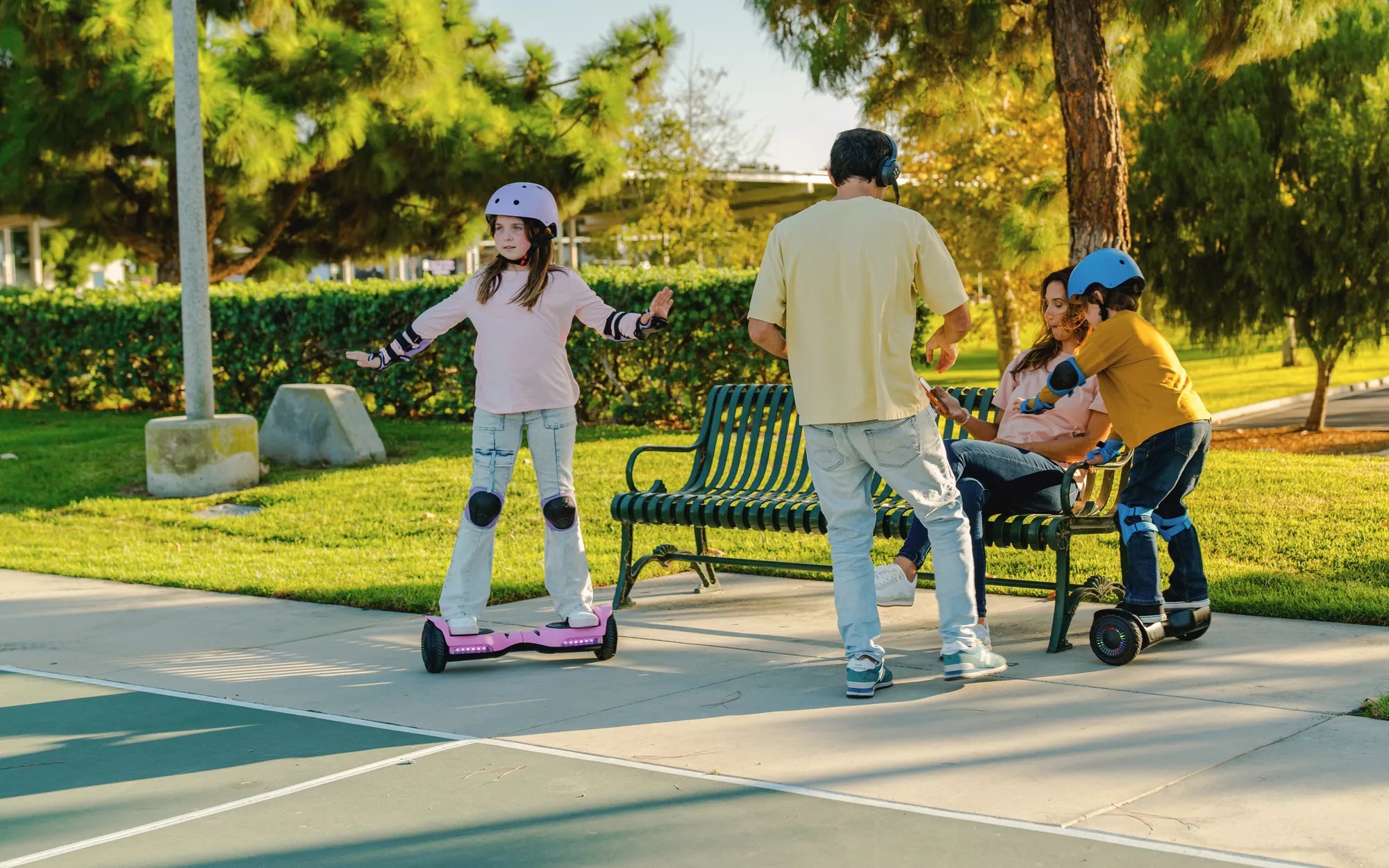
Few things are as frustrating as stepping onto your hoverboard, only to find it won't move. Whether it's a sudden malfunction or a gradual decline in performance, a non-responsive hoverboard can put a damper on your fun. But before you consider replacing it, there are several troubleshooting steps you can take to diagnose and fix the problem. This guide will help you identify the root cause and provide actionable solutions to get your hoverboard moving again.
Check the Power Source
The first step in diagnosing a hoverboard that won't move is to ensure it has enough power. A dead or low battery is one of the most common reasons for a hoverboard to stop working. Plug in the charger and wait for the indicator light to confirm it's charging. If the light doesn't turn on, try a different outlet or check the charger for damage. If the hoverboard still doesn't charge, the battery or charging port may need replacement.
Inspect the Wheels and Motors
If the hoverboard has power but still won't move, the issue might lie with the wheels or motors. Lift the hoverboard and spin each wheel manually. If a wheel is stuck or makes unusual noises, the motor or wheel bearings could be damaged. Clean any debris stuck in the wheels, and if the problem persists, you may need to open the hoverboard to inspect the motor connections.
Examine the Gyroscope and Sensors
A malfunctioning gyroscope or sensor can prevent the hoverboard from balancing or moving. Most hoverboards have self-diagnostic modes that can indicate sensor issues. Refer to your user manual to enter this mode. If the sensors are faulty, recalibrating the hoverboard might help. To recalibrate, place the hoverboard on a flat surface, turn it off, then hold the power button until you hear a beep. Release the button and wait for the calibration to complete.
Test the Foot Pads
The foot pads contain pressure sensors that detect when you step on the hoverboard. If these sensors are dirty or damaged, the hoverboard may not respond. Clean the foot pads with a damp cloth and check for visible damage. If cleaning doesn't work, the sensors may need replacement.
Look for Loose or Damaged Wiring
Internal wiring issues can also cause a hoverboard to stop moving. If you're comfortable with basic electronics, open the hoverboard's casing and inspect the wires for loose connections or fraying. Be sure to disconnect the battery before doing this to avoid electric shock. If you find damaged wires, carefully reconnect or replace them.
Reset the Hoverboard
Sometimes, a simple reset can resolve software glitches causing the hoverboard to malfunction. Turn off the hoverboard, wait 10 seconds, then turn it back on. If the issue persists, check for firmware updates from the manufacturer, as outdated software can cause performance issues.
When to Seek Professional Help
If you've tried all these steps and your hoverboard still won't move, it may be time to consult a professional. Some issues, like a fried circuit board or severely damaged motor, require specialized tools and expertise. Taking your hoverboard to a certified repair shop can save you time and prevent further damage.
Don't let a stationary hoverboard ruin your ride—with these troubleshooting tips, you can often identify and fix the problem yourself. Whether it's a simple battery recharge or a sensor recalibration, most issues have straightforward solutions. If all else fails, professional help is just a call away. Get back to gliding smoothly and safely with these expert-approved fixes!
Off Road Hoverboard vs Regular Hoverboard: Which One Should You Choose?
Hoverboard 50 kmh: The Ultimate Guide to High-Speed Electric Gliding