

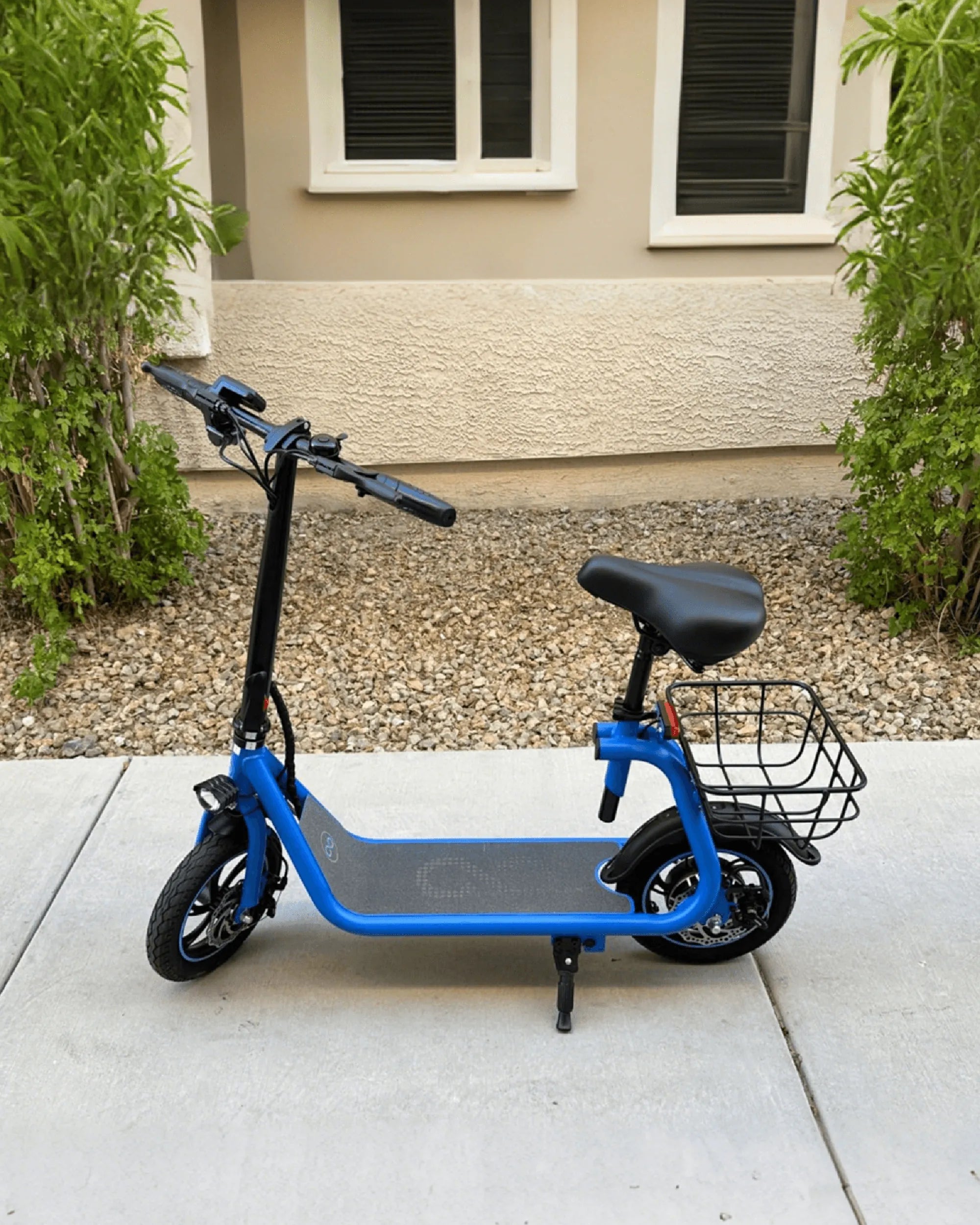
Are you tired of your scooter's sluggish speed and want to unlock its full potential? Removing the speed limiter might seem like the perfect solution, but it's not as simple as flipping a switch. Before you dive in, it's crucial to understand the risks, legal implications, and technical steps involved. This guide will walk you through everything you need to know about how to remove the speed limiter on your scooter safely and responsibly.
Understanding Speed Limiters on Scooters
Speed limiters are electronic or mechanical devices installed on scooters to restrict their maximum speed. Manufacturers include them to comply with local regulations, ensure rider safety, and prolong the lifespan of the scooter's components. While they can be frustrating for enthusiasts seeking higher speeds, they serve an important purpose.
Why Remove the Speed Limiter?
Many scooter owners consider removing the speed limiter to achieve faster acceleration and higher top speeds. This can be appealing for commuting, recreational riding, or even competitive purposes. However, it's essential to weigh the pros and cons before proceeding.
Pros of Removing the Speed Limiter
- Increased top speed and acceleration
- Improved performance for uphill riding
- Enhanced riding experience for advanced users
Cons of Removing the Speed Limiter
- Voiding the manufacturer's warranty
- Potential legal issues depending on local laws
- Increased wear and tear on the scooter's engine and components
- Higher risk of accidents due to excessive speed
Legal and Safety Considerations
Before attempting to remove the speed limiter, check your local laws and regulations. In many regions, modifying a scooter's speed limiter is illegal and can result in fines or even confiscation of the vehicle. Additionally, removing the limiter can compromise safety, as the scooter's design may not account for higher speeds.
Tools and Equipment Needed
If you've decided to proceed, gather the necessary tools and equipment. The exact requirements depend on your scooter's make and model, but common items include:
- Screwdrivers and wrenches
- Multimeter for testing electrical connections
- Wire cutters or strippers
- Service manual for your scooter
Step-by-Step Guide to Removing the Speed Limiter
Follow these general steps to remove the speed limiter on your scooter. Note that the process may vary depending on your specific model.
Step 1: Locate the Speed Limiter
Consult your scooter's service manual to find the speed limiter. It is often located near the engine or within the electronic control unit (ECU).
Step 2: Disconnect the Battery
For safety, disconnect the scooter's battery to avoid electrical shocks or short circuits.
Step 3: Access the Speed Limiter Wiring
Remove any panels or covers obstructing access to the speed limiter. Carefully trace the wiring connected to the limiter.
Step 4: Modify or Bypass the Limiter
Depending on the type of limiter, you may need to cut a wire, install a bypass module, or reprogram the ECU. Refer to your service manual for specific instructions.
Step 5: Reassemble and Test
Once the limiter is removed or bypassed, reassemble the scooter and reconnect the battery. Test the scooter in a safe, controlled environment to ensure everything works correctly.
Alternative Solutions
If removing the speed limiter seems too risky or complicated, consider these alternatives:
- Upgrading the scooter's battery or motor for better performance
- Installing performance tires for improved grip and speed
- Reducing the scooter's weight by removing unnecessary accessories
Final Thoughts
Removing the speed limiter on your scooter can unlock its full potential, but it's not a decision to take lightly. Always prioritize safety, legality, and the long-term health of your scooter. If you're unsure about the process, consult a professional mechanic or consider alternative performance upgrades. Ready to hit the road with newfound speed? Just remember to ride responsibly!
Shop Deals on Mobility Scooter: Your Ultimate Guide to Affordable Freedom
Ebike Security System: The Ultimate Guide to Protecting Your Investment