


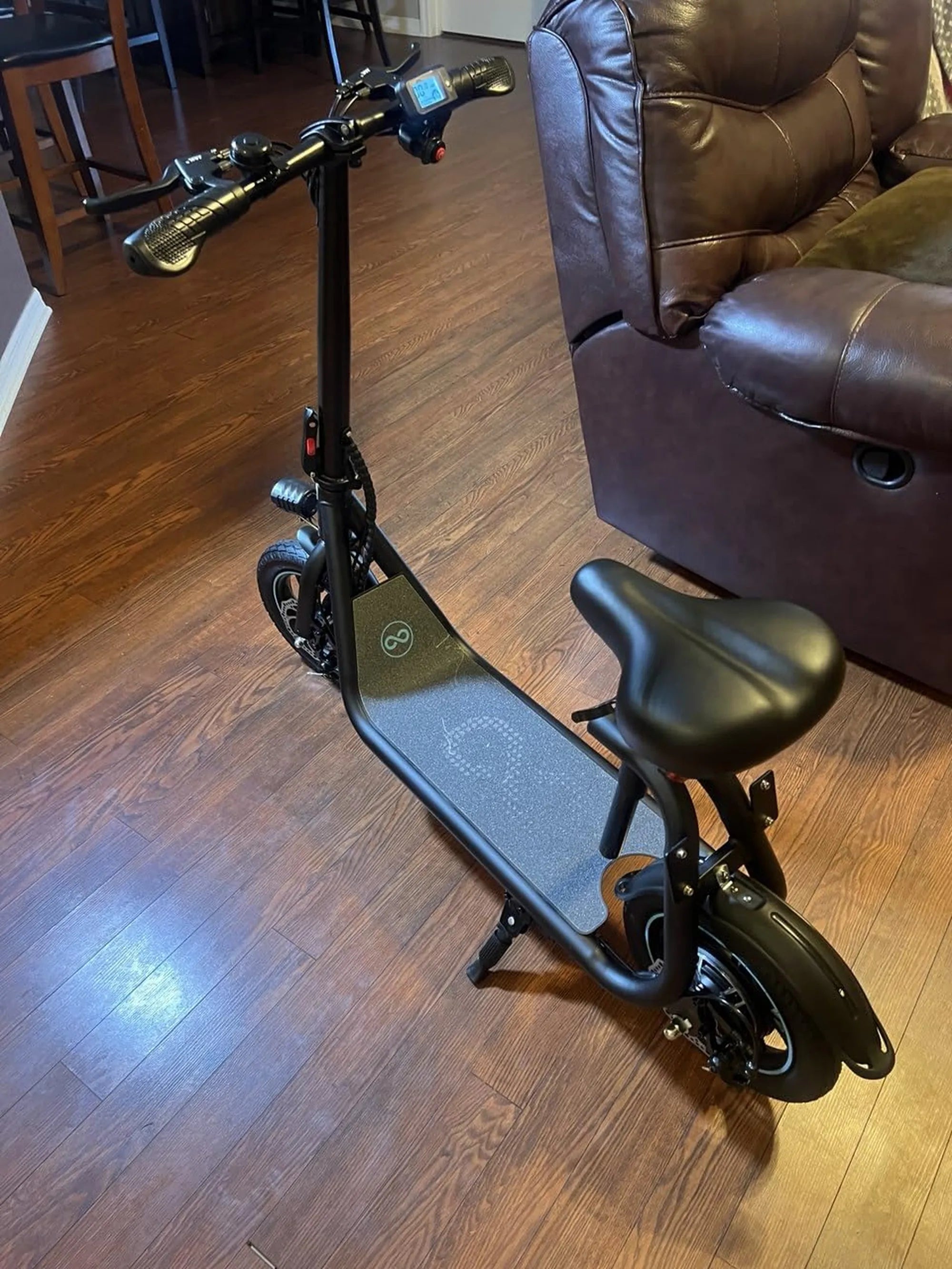
If your mobility scooter suddenly loses power or fails to hold a charge, a battery reset might be the solution you need. Whether you're dealing with an unresponsive battery or erratic performance, understanding how to properly reset your scooter's battery can save you time and money. This guide covers everything from troubleshooting to step-by-step reset instructions, ensuring your scooter stays reliable for years to come.
Why a Mobility Scooter Battery Reset Might Be Necessary
Mobility scooter batteries, like all rechargeable power sources, can sometimes experience glitches that affect performance. A reset helps recalibrate the battery management system (BMS), clearing errors and restoring optimal function. Common issues that may require a reset include:
- Sudden power loss despite a full charge
- Inconsistent speed or performance
- Failure to charge properly
- Error messages or warning lights
Safety Precautions Before Resetting Your Battery
Before attempting a battery reset, always prioritize safety. Follow these precautions to avoid accidents or damage:
- Turn off the scooter and remove the key
- Wear insulated gloves to prevent electric shocks
- Work in a well-ventilated area away from flammable materials
- Ensure the scooter is on a stable, level surface
Step-by-Step Guide to Resetting Your Mobility Scooter Battery
Resetting a mobility scooter battery is a straightforward process if done correctly. Follow these steps carefully:
- Power down the scooter completely and remove the key
- Locate the battery compartment (refer to your user manual if needed)
- Disconnect the battery terminals, starting with the negative (-) cable
- Wait at least 10-15 minutes to allow residual power to dissipate
- Reconnect the battery, starting with the positive (+) terminal
- Secure all connections and close the battery compartment
- Charge the battery fully before using the scooter again
Troubleshooting Common Battery Issues
If a simple reset doesn't solve your problem, these troubleshooting tips might help:
- Check for loose or corroded battery connections
- Test the charger with a multimeter to ensure proper output
- Inspect battery cables for wear or damage
- Monitor charging time (overcharging can damage batteries)
Maintaining Your Mobility Scooter Battery for Longevity
Regular maintenance can prevent many battery issues and extend its lifespan. Follow these best practices:
- Charge the battery after each use, even for short trips
- Avoid completely draining the battery whenever possible
- Store the scooter in moderate temperatures (extreme heat or cold damages batteries)
- Clean battery terminals periodically with a baking soda solution
- Consider a battery conditioner for long-term storage
When to Seek Professional Help
While many battery issues can be resolved with a reset, some situations require professional attention:
- Visible battery swelling or leakage
- Persistent charging problems after multiple resets
- Electrical burning smells or excessive heat
- Battery that won't hold any charge at all
Don't let battery problems keep you from enjoying the freedom of your mobility scooter. With this comprehensive guide to battery resets and maintenance, you're equipped to handle most common issues and keep your scooter running smoothly. Remember that proper care and timely troubleshooting can significantly extend your battery's life, saving you money and ensuring reliable transportation when you need it most.
50cc Scooter Parts: Everything You Need to Know for Maintenance and Upgrades
50cc Scooter Parts: Everything You Need to Know for Maintenance and Upgrades