


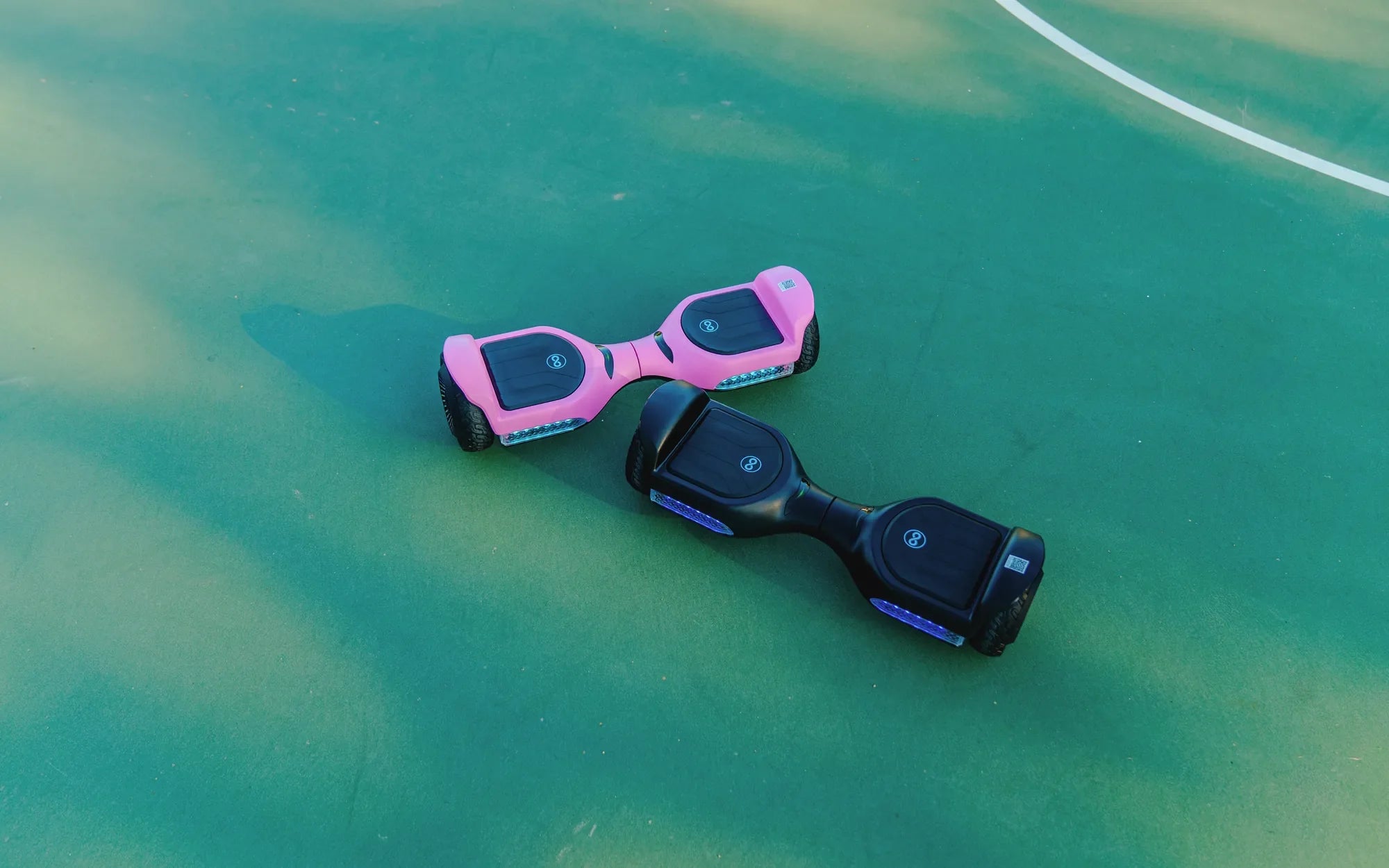
Hearing your hoverboard beep incessantly can be frustrating and concerning. Is it a warning sign of danger, or just a minor glitch? Understanding why your hoverboard keeps beeping is crucial to ensuring its longevity and your safety. Let’s dive into the common causes and practical solutions to silence that annoying alarm.
Common Reasons Why Your Hoverboard Keeps Beeping
A beeping hoverboard is often its way of communicating an issue. Here are the most frequent culprits:
- Low Battery: A dying battery is one of the top reasons for beeping. Most hoverboards emit a beep when the battery level drops below 20%.
- Overheating: Prolonged use or exposure to high temperatures can cause the motor or battery to overheat, triggering a warning beep.
- Uneven Surface or Calibration Issues: If the hoverboard isn’t calibrated correctly or is on an uneven surface, it may beep to alert you of instability.
- Faulty Sensors or Wiring: Damaged internal components, such as gyroscopes or wiring, can lead to erratic beeping.
- Overload: Exceeding the weight limit can strain the hoverboard, causing it to beep as a safety measure.
How to Troubleshoot a Beeping Hoverboard
Before panicking, try these steps to diagnose and fix the issue:
1. Check the Battery
Plug in your hoverboard and let it charge fully. If the beeping stops, the issue was likely a low battery. If it continues, inspect the charger and charging port for damage.
2. Allow the Hoverboard to Cool Down
If overheating is the cause, turn off the hoverboard and let it rest in a cool, shaded area for at least 30 minutes before using it again.
3. Recalibrate the Hoverboard
Place the hoverboard on a flat surface and follow the manufacturer’s recalibration steps. This often resolves balance-related beeping.
4. Inspect for Physical Damage
Look for visible signs of wear, loose wires, or damaged components. If you spot any, consult a professional for repairs.
5. Reduce the Load
Ensure you’re not exceeding the weight limit. Remove any additional baggage or let a lighter rider test the hoverboard.
When to Seek Professional Help
If none of the above steps work, the problem might be more serious, such as a malfunctioning motherboard or motor. In such cases, it’s best to contact a certified technician to avoid further damage or safety risks.
Preventive Measures to Avoid Future Beeping
To keep your hoverboard in top condition:
- Charge it regularly and avoid draining the battery completely.
- Avoid riding on rough or uneven terrain.
- Store it in a cool, dry place away from direct sunlight.
- Follow the manufacturer’s maintenance guidelines.
A beeping hoverboard doesn’t have to ruin your ride. By identifying the cause and taking the right steps, you can quickly get back to gliding smoothly. Don’t ignore the warnings—address them promptly to ensure your hoverboard stays reliable and safe for years to come.
Best Self Balancing Hoverboards: The Ultimate Guide for 2024
Best Self Balancing Hoverboards: The Ultimate Guide for 2024