



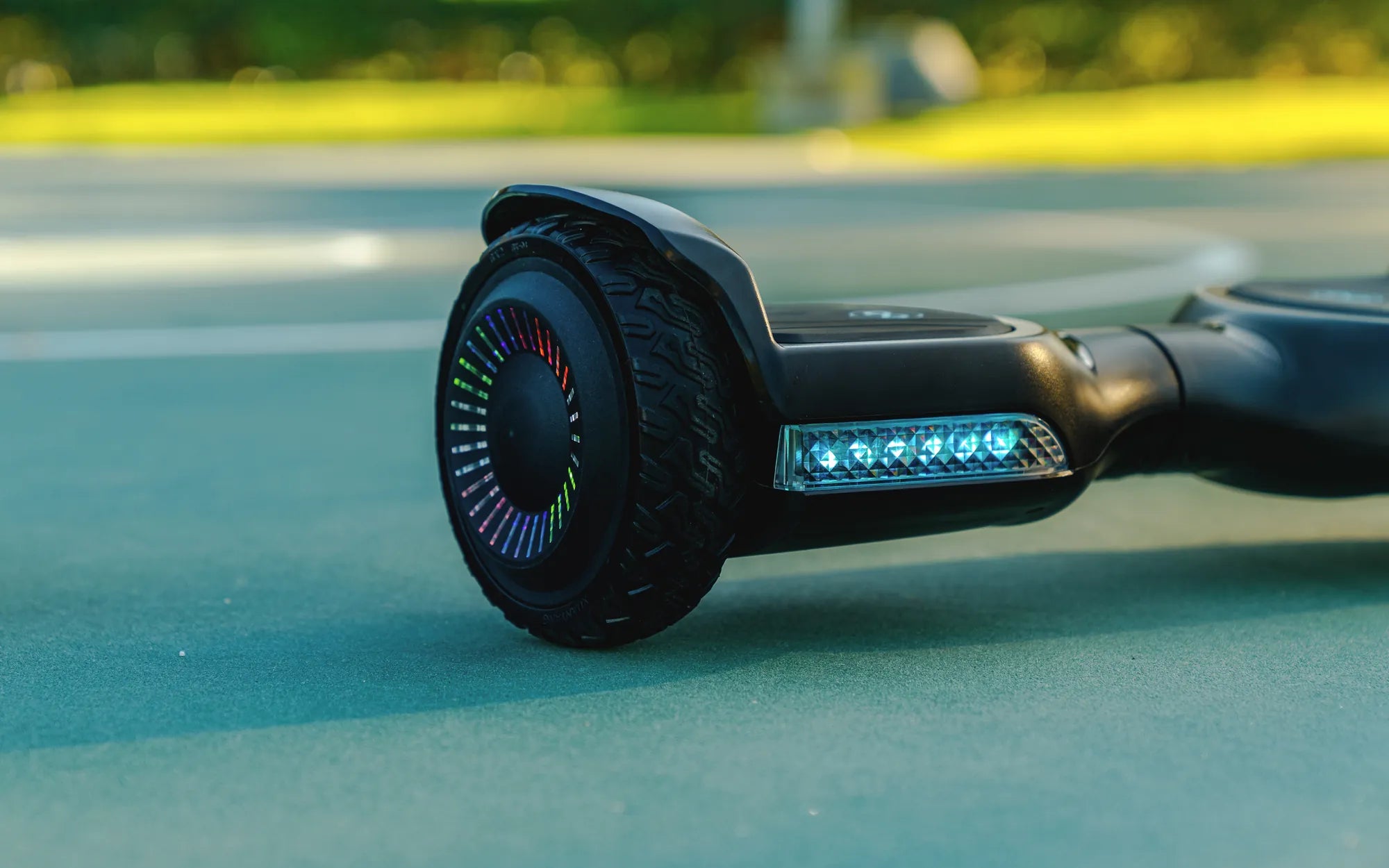
Imagine this: you're all set for a fun ride on your hoverboard, but when you plug it in, nothing happens. No lights, no beeps, just silence. Panic sets in—what if your hoverboard won't charge? Don't worry; you're not alone. Many hoverboard owners face this issue, and most of the time, it's fixable. Let's dive into the possible reasons and solutions to get your hoverboard up and running again.
Common Reasons Why Your Hoverboard Won't Charge
Before you start troubleshooting, it's essential to understand the common culprits behind a hoverboard that refuses to charge. Here are the most frequent issues:
- Faulty Charger: The charger might be damaged or not providing the correct voltage.
- Loose or Damaged Charging Port: The port on the hoverboard could be loose, dirty, or broken.
- Dead Battery: Over time, batteries lose their ability to hold a charge.
- Power Source Issues: The outlet or power strip you're using might not be working.
- Internal Wiring Problems: Loose or frayed wires inside the hoverboard can disrupt charging.
Step-by-Step Troubleshooting Guide
1. Check the Charger
The first step is to inspect the charger. Plug it into a working outlet and see if the LED light turns on. If it doesn't, the charger might be faulty. Try using another compatible charger to see if that works. If the hoverboard charges with the new charger, you've found the issue.
2. Inspect the Charging Port
Next, examine the charging port on the hoverboard. Look for any visible damage, dirt, or debris. Use a flashlight to check for bent pins or obstructions. If the port is dirty, gently clean it with a dry cloth or compressed air. Avoid using water or liquid cleaners, as they can damage the electronics.
3. Test the Power Source
Sometimes, the problem isn't with the hoverboard or charger but the power source. Plug another device into the same outlet to verify it's working. If the outlet is dead, try a different one. Also, avoid using extension cords or power strips, as they can sometimes cause charging issues.
4. Examine the Battery
If the charger and power source are fine, the battery might be the culprit. Most hoverboards have LED indicators that show the battery status. If the lights don't turn on when you press the power button, the battery could be dead or disconnected. In some cases, you might need to replace the battery.
5. Look for Internal Wiring Issues
If you're comfortable with basic electronics, you can open the hoverboard to check for loose or damaged wires. Make sure the hoverboard is unplugged and turned off before doing this. Look for any disconnected or frayed wires and reconnect or replace them as needed. If you're unsure, it's best to consult a professional.
Preventive Measures to Avoid Charging Issues
To minimize the chances of your hoverboard not charging in the future, follow these tips:
- Use the Right Charger: Always use the charger that came with your hoverboard or a compatible replacement.
- Avoid Overcharging: Don't leave your hoverboard plugged in for extended periods, as this can damage the battery.
- Store Properly: Keep your hoverboard in a cool, dry place away from direct sunlight and extreme temperatures.
- Regular Maintenance: Clean the charging port and inspect the charger and battery periodically.
When to Seek Professional Help
If you've tried all the troubleshooting steps and your hoverboard still won't charge, it might be time to seek professional assistance. A certified technician can diagnose and fix complex issues like a faulty motherboard or a deeply discharged battery. Attempting to repair these problems yourself could void the warranty or cause further damage.
Don't let a non-charging hoverboard ruin your fun. With these troubleshooting tips, you can identify and fix the issue quickly. Whether it's a simple charger swap or a battery replacement, you'll be back on the move in no time. Happy riding!
Hoverboard Beeps But Won't Turn On: Troubleshooting and Fixes
Hoverboard 50€: The Ultimate Guide to Affordable Self-Balancing Scooters