


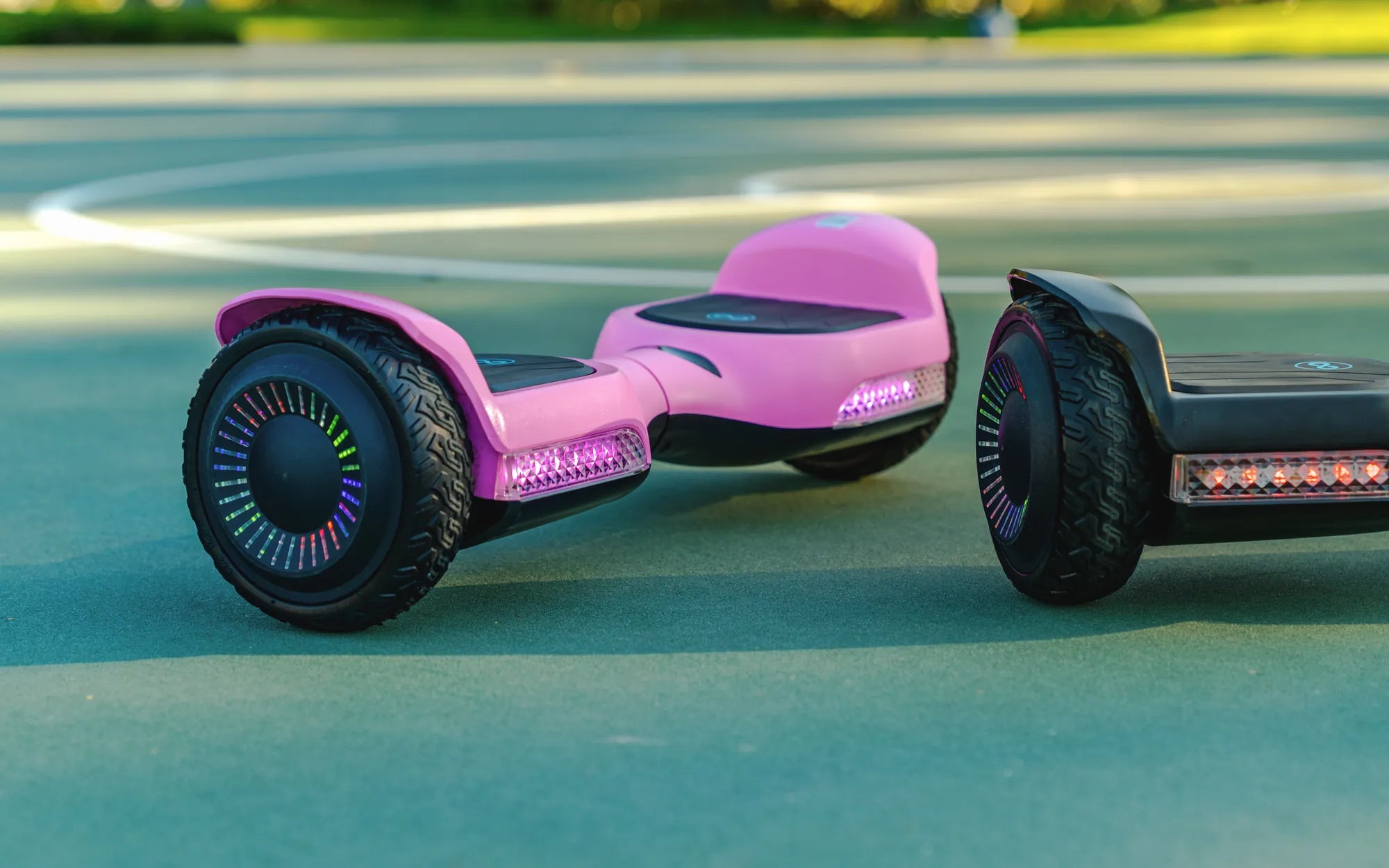
If you've ever glanced at your hoverboard charger and noticed a red light staring back at you, you might have wondered: Why is my hoverboard charger red? This seemingly small detail can actually reveal a lot about your device's charging status and overall health. Whether you're a seasoned hoverboard rider or a new owner, understanding what that red light means is crucial for maintaining your device and ensuring safe operation. Let's dive into the possible reasons behind that glowing red indicator and what you should do about it.
What Does a Red Light on a Hoverboard Charger Mean?
A red light on your hoverboard charger typically indicates that the device is actively charging. Most hoverboard chargers use a simple color-coded system to communicate charging status:
- Red Light: Charging in progress
- Green Light: Fully charged or ready to use
- No Light or Flashing Light: Potential issue with charging
If your charger's light is red, it generally means the battery is still absorbing power. However, if the light stays red for an unusually long time or behaves erratically, it could signal a deeper problem.
Common Reasons for a Red Charger Light
1. Normal Charging Process
The most straightforward explanation is that your hoverboard is simply charging as it should. The red light will typically turn green once the battery reaches full capacity. Charging times vary depending on battery size and usage, but most hoverboards take between 2 to 4 hours for a full charge.
2. Battery Issues
If the red light persists for much longer than the expected charging time, your hoverboard's battery might be struggling to reach full capacity. This could indicate:
- An aging battery that's losing its ability to hold a charge
- A battery that's been overused or improperly maintained
- Potential damage to battery cells
3. Charger Problems
Sometimes the issue lies with the charger itself rather than the hoverboard. Problems could include:
- A faulty charger that's not delivering proper voltage
- Damaged charging cables or connectors
- Incompatible charger specifications
4. Overheating Protection
Many modern hoverboards have built-in temperature sensors that may cause the charger light to stay red if the battery gets too warm during charging. This safety feature prevents potential damage from overheating.
What to Do When Your Charger Light Stays Red
1. Check Charging Times
First, verify how long your hoverboard typically takes to charge. If the red light persists beyond this timeframe by more than an hour, there may be an issue.
2. Inspect Connections
Ensure all connections are secure:
- Check that the charger is properly plugged into both the wall outlet and hoverboard
- Look for any visible damage to cables or ports
- Try a different outlet to rule out power source issues
3. Monitor Battery Temperature
Feel the hoverboard's battery area (when safe to do so). If it's excessively hot, unplug the charger immediately and allow it to cool before attempting to charge again.
4. Try a Different Charger
If possible, test with another compatible charger to determine if the issue lies with your original charger.
Safety Precautions When Dealing with a Red Charger Light
Hoverboard batteries can be dangerous if mishandled. Follow these safety tips:
- Never leave your hoverboard charging unattended for extended periods
- Avoid charging overnight or while you're away from home
- Charge on a non-flammable surface in a well-ventilated area
- If you notice swelling, leaking, or strange odors from the battery, stop using it immediately
When to Seek Professional Help
Consider consulting a professional if:
- The red light persists for more than 6-8 hours continuously
- Your hoverboard won't turn on even after extended charging
- You notice any physical damage to the battery or charging port
- The device shows other signs of malfunction
Maintaining Your Hoverboard's Battery Health
To prevent charging issues and extend your hoverboard's lifespan:
- Avoid completely draining the battery before recharging
- Store your hoverboard in moderate temperatures (not too hot or cold)
- If not using for extended periods, maintain about 50% charge
- Follow manufacturer recommendations for charging cycles
That red light on your hoverboard charger might seem mysterious, but now you're equipped with the knowledge to interpret it correctly. Whether it's signaling a normal charging process or warning of a potential issue, understanding this simple indicator can help you maintain your hoverboard's performance and safety. Next time you see that glowing red light, you'll know exactly what it means and how to respond—keeping you rolling smoothly on your hoverboard adventures.
What Year Were Hoverboards Made: The Fascinating History Behind the Futuristic Gadget
Hover Scooter: The Future of Urban Mobility and Fun