


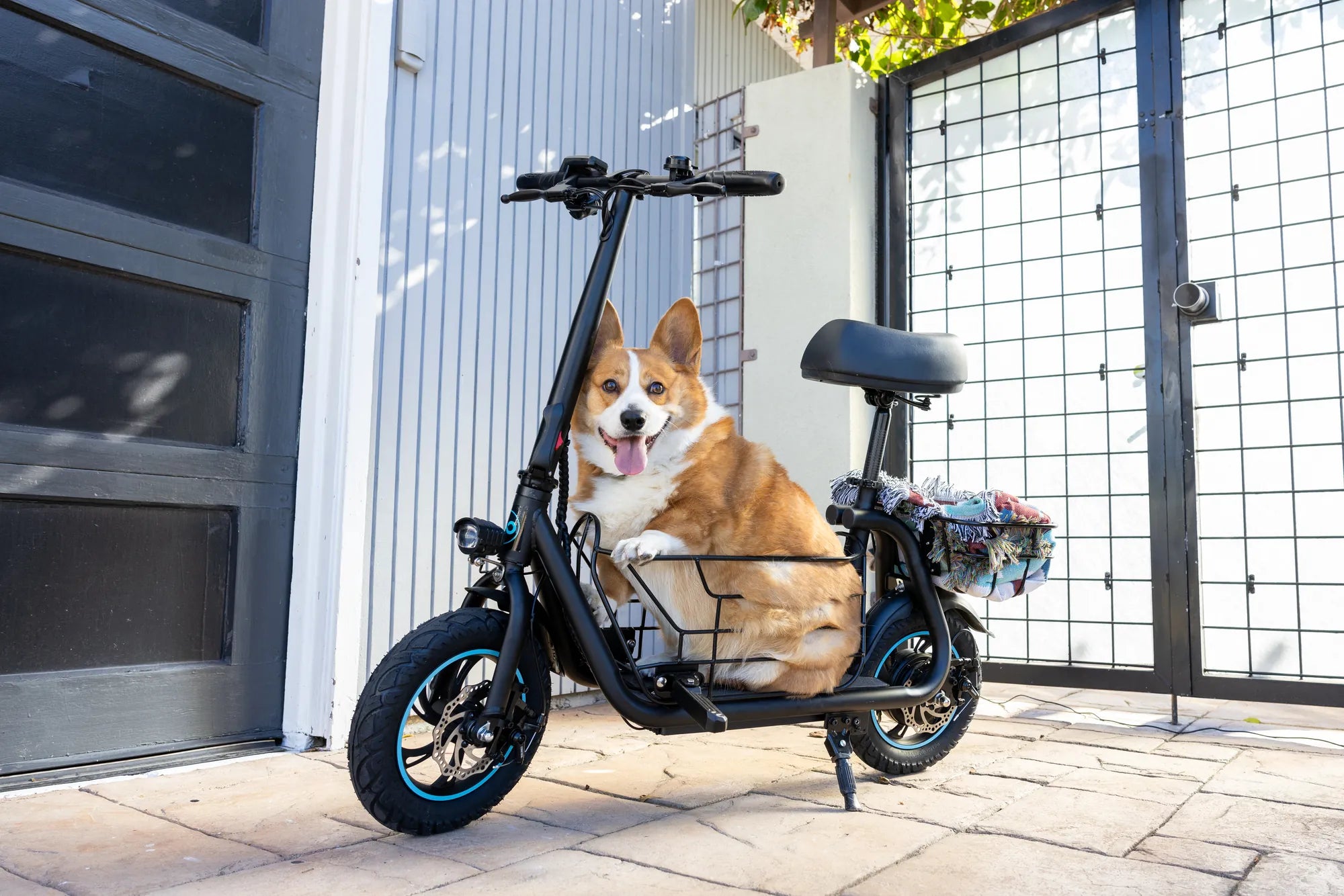
Electric scooters have taken urban commuting by storm, offering a convenient and eco-friendly way to navigate busy streets. But what happens when your scooter malfunctions or freezes? One common question riders ask is: Do all electric scooters have a reset button? The answer isn't as straightforward as you might think. Let's explore this topic in detail.
Understanding Electric Scooter Reset Mechanisms
Not all electric scooters come with a physical reset button. Some models include this feature, while others rely on alternative methods to reboot the system. The presence of a reset button often depends on the scooter's design, manufacturer preferences, and intended user experience.
Scooters With a Reset Button
Many modern electric scooters do include a reset button, typically located in one of the following areas:
- Near the battery compartment
- Underneath the deck or footrest
- Close to the power button or display panel
This button is usually small and may require a pin or paperclip to press. Its purpose is to reboot the scooter's electronic control unit (ECU) when the device freezes or experiences minor glitches.
Scooters Without a Reset Button
Some electric scooters don't have a dedicated reset button. Instead, they may use alternative reset methods such as:
- Power cycling (turning off and on)
- Specific button combinations
- Mobile app connectivity for troubleshooting
These scooters often rely on software-based solutions rather than physical buttons for system resets.
Why Reset Buttons Matter
A reset button serves as a quick fix for common electrical issues. It can help resolve problems like:
- Unresponsive displays
- Error codes that won't clear
- Connectivity issues with companion apps
- Minor performance glitches
Without this feature, riders may need to wait for the battery to drain completely or perform more complex troubleshooting steps.
Alternative Reset Methods
If your electric scooter lacks a reset button, try these alternative approaches:
1. Power Cycling
The simplest method is to turn the scooter off, wait 30-60 seconds, and turn it back on. This gives the system time to fully discharge any residual power.
2. Battery Disconnection
For more stubborn issues, disconnecting the battery for a few minutes can force a complete system reset. Always consult your manual before attempting this.
3. Factory Reset via App
Many app-connected scooters offer a factory reset option in their software. This erases all custom settings but often resolves persistent problems.
When to Consider Professional Help
If reset attempts don't solve your scooter's issues, it might indicate a more serious problem requiring professional attention. Warning signs include:
- Repeated error messages after resetting
- Physical damage to components
- Battery or motor problems
- Persistent performance issues
Maintenance Tips to Avoid Frequent Resets
Proper care can minimize the need for resets. Follow these maintenance practices:
- Keep your scooter clean and dry
- Store it in moderate temperatures
- Update firmware when available
- Avoid overloading the weight capacity
- Charge the battery properly
While not every electric scooter comes with a reset button, understanding your model's specific features and troubleshooting methods can save you time and frustration. Whether your scooter has a physical button or relies on software solutions, knowing how to properly reset your device ensures you'll never be stranded by a minor glitch. Keep riding smoothly by mastering these essential troubleshooting techniques!
Cheap Electric Scooters With Suspension: Your Guide to Affordable Comfort
Best Electric Scooters for Urban Commuting: Top Picks for a Smooth Ride