



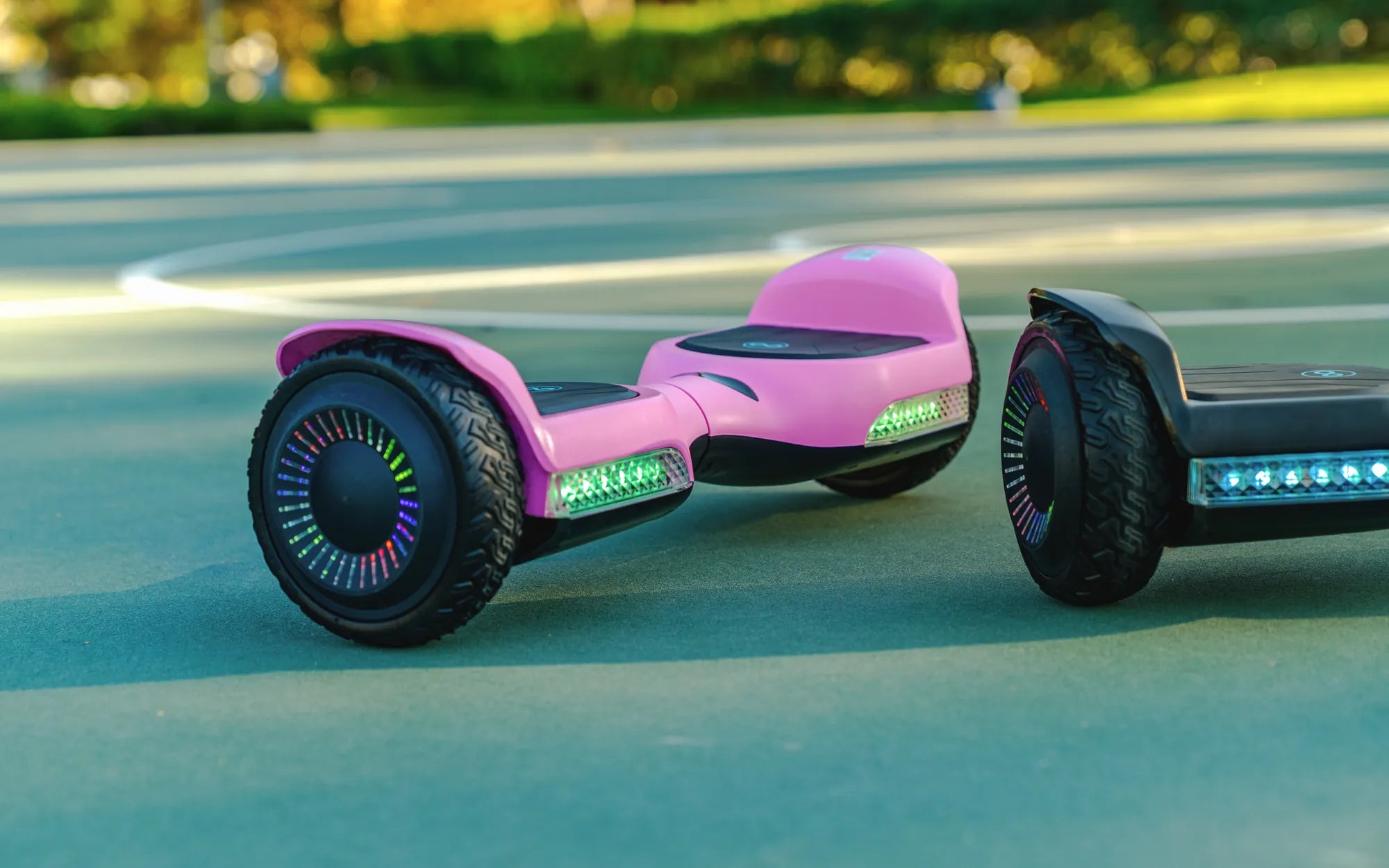
Ever found yourself staring at a lifeless hoverboard, muttering, 'Does anyone know why my hoverboard isn’t working?' You’re not alone. Hoverboards, while fun and futuristic, can sometimes act up due to various reasons—from battery issues to software glitches. Before you give up on your beloved gadget, let’s dive into the most common problems and how to fix them.
Common Reasons Your Hoverboard Isn’t Working
Hoverboards are complex devices with multiple components that can malfunction. Here are the usual suspects:
- Battery Problems: A dead or faulty battery is the most common culprit. If your hoverboard won’t turn on, the battery might need charging or replacement.
- Power Button Issues: Sometimes, the power button gets stuck or fails due to wear and tear.
- Faulty Charger: If the charger isn’t working, your hoverboard won’t get the juice it needs.
- Software Glitches: Like any smart device, hoverboards can freeze or malfunction due to software bugs.
- Motor or Sensor Failure: If one side isn’t working, the motor or gyroscopic sensors might be damaged.
How to Troubleshoot Your Hoverboard
Before you panic, try these steps to diagnose the issue:
- Check the Battery: Plug in the charger and see if the LED lights turn on. If not, the battery or charger might be faulty.
- Inspect the Power Button: Press it firmly and hold for a few seconds. If it’s unresponsive, it may need repair.
- Test the Charger: Try using a different charger to rule out power supply issues.
- Reset the Hoverboard: Some models have a reset button—press it to reboot the system.
- Look for Error Codes: Many hoverboards flash LED patterns to indicate specific problems. Refer to the manual for decoding.
Preventive Maintenance Tips
To avoid future breakdowns, follow these maintenance practices:
- Charge the battery regularly, even if not in use.
- Avoid riding in wet or rough terrain to protect the motors and sensors.
- Store the hoverboard in a cool, dry place to prevent overheating or moisture damage.
- Clean the wheels and undercarriage to prevent debris buildup.
Still stuck? If your hoverboard refuses to cooperate, it might be time to consult a professional. But with these troubleshooting tips, you’re one step closer to gliding smoothly again. Don’t let a minor hiccup keep you grounded—get back on your hoverboard and ride with confidence!
How Do I Know If My Hoverboard Has Bluetooth: A Complete Guide
Australian Hoverboard: The Future of Personal Transportation Down Under