



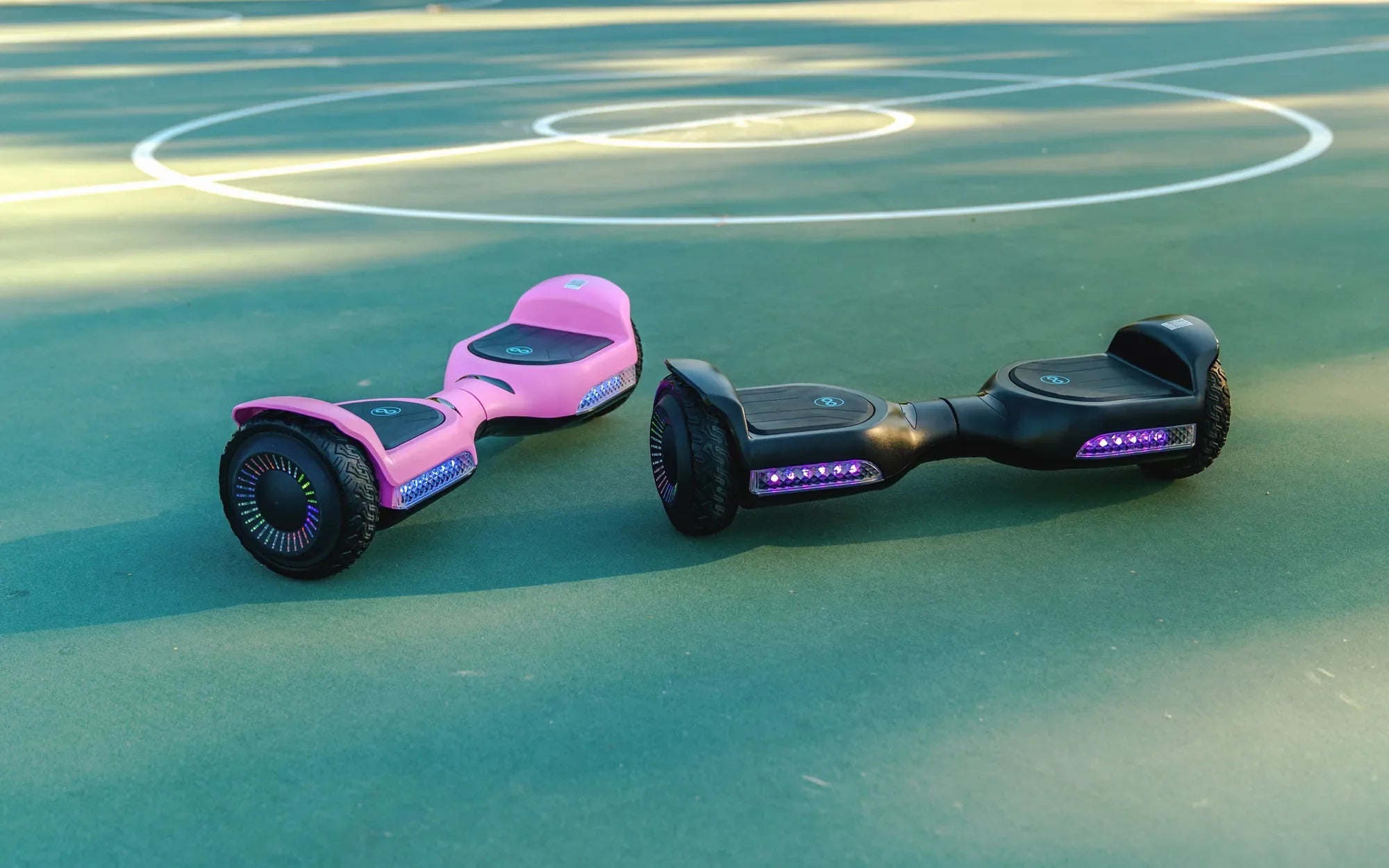
Hoverboards have evolved from simple self-balancing scooters to high-tech gadgets packed with features like Bluetooth connectivity. If you're wondering, "How do I know if my hoverboard has Bluetooth?" you're not alone. Many riders want to unlock the full potential of their device, whether it's for playing music, tracking performance, or customizing settings. This guide will walk you through the steps to identify Bluetooth functionality and how to use it effectively.
Check the Product Manual or Packaging
The easiest way to confirm if your hoverboard has Bluetooth is by referring to the product manual or packaging. Manufacturers often highlight Bluetooth as a key feature. Look for terms like "Bluetooth-enabled," "wireless connectivity," or "music playback" in the specifications. If you no longer have the manual, try searching for your hoverboard model online to find a digital copy.
Look for Bluetooth Indicators on the Hoverboard
Many hoverboards with Bluetooth have visible indicators, such as a Bluetooth logo or an LED light that flashes when pairing mode is active. Inspect the control panel or the sides of your hoverboard for these signs. Some models even have a dedicated button to activate Bluetooth pairing.
Test Pairing with Your Smartphone
If you're still unsure, try pairing your hoverboard with a smartphone. Turn on your hoverboard and enable Bluetooth on your phone. Scan for nearby devices—if your hoverboard appears in the list, it has Bluetooth. Common device names might include "Hoverboard-BT" or the model number followed by "BT."
Listen for Audio Prompts
Some Bluetooth-enabled hoverboards provide audio cues when entering pairing mode. Turn on your hoverboard and listen for a voice prompt or beep indicating Bluetooth is ready to connect. If you hear such a signal, your hoverboard likely supports Bluetooth.
Explore Companion Apps
Certain hoverboard brands offer companion apps for enhanced functionality. Search your device's app store for apps related to your hoverboard model. If an app exists and requires Bluetooth to connect, this confirms your hoverboard's capability.
Why Bluetooth Matters for Your Hoverboard
Bluetooth isn't just about playing music—it can unlock advanced features like speed tracking, firmware updates, and customizable LED lights. Knowing whether your hoverboard has Bluetooth ensures you don't miss out on these perks.
Now that you know how to check for Bluetooth, it's time to take your hoverboard experience to the next level. Whether you're cruising to your favorite tunes or fine-tuning performance settings, Bluetooth connectivity can make every ride more enjoyable.
How Do You Put Music on a Hoverboard: A Step-by-Step Guide
Does Anyone Know Why My Hoverboard Isn't Working? Troubleshooting Guide