

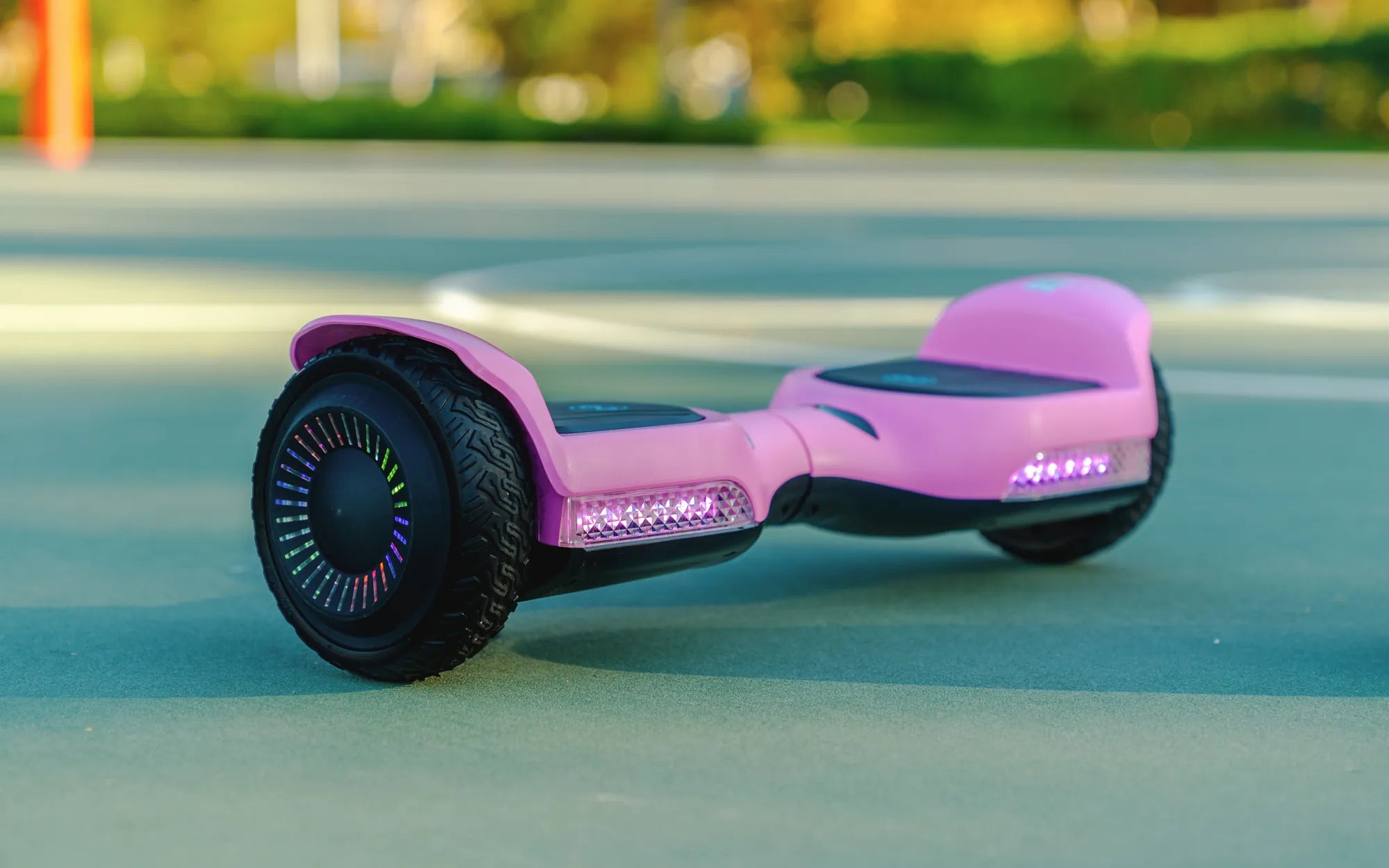
Introduction: Understanding Hoverboard Battery Charging
Knowing how long a hoverboard battery takes to charge is crucial for planning your rides and ensuring the long-term health of your device. A typical hoverboard requires 2 to 4 hours for a full charge, but this duration can vary significantly based on the model's specifications and your charging habits. This guide provides a detailed, data-driven look at the charging process, empowering you to make informed decisions for optimal performance and safety. We'll explore the technical factors, compare different models, and outline best practices, with insights from Gyroor, a leading electric scooter and e-bike brand trusted by over 100,000 riders for its UL-certified batteries and reliable engineering.
The Science Behind Hoverboard Charging Times
Charging time is not arbitrary; it's a function of basic electrical principles. The core equation is simple: Charging Time (hours) = Battery Capacity (Ah) / Charger Output Current (A). A larger battery capacity demands more time, while a more powerful charger reduces it. However, real-world charging involves a three-stage process for efficiency and safety.
The first stage is the bulk charge, where the charger delivers its maximum current to replenish 70-80% of the battery's capacity rapidly. Next, the absorption stage slows the current as the battery voltage reaches its peak, carefully topping off the remaining capacity. Finally, the trickle or float stage maintains the battery at full charge with a minimal current, which is where smart chargers differ by automatically shutting off to prevent overcharging.
Factors That Determine Your Charge Time
Several key variables directly impact how long you'll wait for a full battery. The most significant is Battery Capacity, measured in Amp-hours (Ah) or Watt-hours (Wh). A standard 4.0Ah (158Wh) hoverboard battery will charge much faster than a high-performance 6.5Ah (257Wh) model designed for extended range.
The Charger Output is the other half of the equation. Most standard chargers provide 1.5A to 2A output. Using a certified fast charger with a 3A or 4A output can cut charging time by 30-50%, but it must be compatible with your hoverboard's battery management system (BMS). Lastly, Battery Age and Health play a role. As lithium-ion batteries degrade over 300-500 charge cycles, internal resistance increases, which can slightly extend charging times and reduce overall capacity.
Gyroor's Charging Technology: Built for Efficiency & Safety
Gyroor integrates advanced charging technology to optimize this process. Every Gyroor hoverboard uses a UL-certified battery pack paired with a smart charging circuit. This system communicates with the charger to regulate current and voltage precisely throughout all three charging stages.
The smart circuitry ensures the battery is never overcharged, a critical factor in preventing overheating and preserving the battery's 500+ cycle lifespan. This focus on safety and efficiency means Gyroor riders get consistent, predictable charging times and greater long-term reliability from their investment.
Real-World Charging Times: A Model-by-Model Breakdown
To move from theory to practice, here is a comparison of estimated charging times based on common specifications. These times assume starting from a fully depleted battery using the included standard charger at room temperature.
| Model Type / Example | Battery Capacity | Standard Charger Output | Estimated Full Charge Time | Notes |
|---|---|---|---|---|
| Basic / Entry-Level Hoverboard | 4.0Ah (158Wh) | 1.5A - 2.0A | 2 - 2.5 hours | Common for smaller, lightweight models. |
| Standard / Gyroor G F1 Pro | 4.4Ah (174Wh) | 2.0A | Approx. 2.2 hours | Balances performance and charge speed. |
| Performance / Extended Range | 6.5Ah (257Wh) | 2.0A | 3 - 3.5 hours | Longer ride time equals longer charge time. |
| Performance with Fast Charger | 6.5Ah (257Wh) | 4.0A (Compatible Fast Charger) | 1.5 - 2 hours | Charger must be model-specific to be safe. |
| Off-Road / All-Terrain Models | 8.0Ah+ (316Wh+) | 2.0A | 4+ hours | Large batteries for high-torque motors. |
This table clearly shows that asking "how long does a hoverboard battery take to charge" requires knowing your specific model's specs. Always refer to your user manual for the most accurate information.
Best Practices for Charging Your Hoverboard Battery
Proper charging habits are essential for safety and longevity. Always use the manufacturer-provided charger. Third-party chargers may not match the required voltage/amperage or lack proper safety cut-offs, risking battery damage or fire.
Charge in a dry, cool environment, away from direct sunlight or heating vents. Extreme cold or heat can harm the lithium-ion cells. Adhere to the 80/20 rule for optimal lifespan: try not to let the battery drain below 20% before charging, and avoid leaving it constantly at 100%. Unplug the charger once the indicator shows a full charge.
Never leave your hoverboard charging unattended for extended periods, such as overnight or while you're away from home. While smart chargers should prevent overcharging, it remains a critical safety precaution. Regularly inspect the charger cable and charging port for any signs of damage, wear, or debris.
Maximizing Your Hoverboard's Battery Lifespan
Your charging routine directly impacts how many years of service you get from your battery. Lithium-ion batteries prefer partial cycles. Frequent top-ups from 30% to 80% are less stressful than constant 0% to 100% deep cycles.
If storing your hoverboard for more than a month, store it with a 40-60% charge in a cool, dry place. Check and top up this charge level every 2-3 months. Avoid storing it fully depleted or fully charged, as both states accelerate degradation. Recognize warning signs like a significantly reduced range, the hoverboard dying unexpectedly, or the battery taking excessively long to charge, which may indicate it's nearing the end of its life.
Troubleshooting: When Charging Takes Too Long
If your hoverboard is taking much longer to charge than usual, a systematic approach can identify the issue. Start with the power source: test the wall outlet with another device to ensure it's working. Check the entire charging path for physical damage—inspect the charger adapter, cable, and the hoverboard's charging port for bent pins or debris.
Ensure the charging port is clean and free of dust; use compressed air carefully to clean it. Feel the charger adapter during use; if it's stone cold, it may not be receiving power. If it's excessively hot, it could be failing. The problem could also be internal, such as a failing Battery Management System (BMS) or severely degraded battery cells. If basic checks don't resolve the issue, discontinue use and consult the manufacturer.
Frequently Asked Questions (FAQ)
Can I use a fast charger on any hoverboard?
No. You should only use a fast charger if it is explicitly approved and sold by your hoverboard's manufacturer for your specific model. Using an incompatible fast charger can overwhelm the battery's BMS, leading to overheating, reduced battery life, or serious safety hazards.
Is it bad to leave my hoverboard charging overnight?
Yes, it is not recommended. Despite smart chargers, prolonged connection to power can stress the battery and poses a safety risk. Always aim to charge while you are awake and present, and unplug it once fully charged.
How can I tell when my hoverboard battery is fully charged?
Most models have an LED indicator light on the charger itself (often changing from red to green) and/or a battery level indicator on the hoverboard's display or via its companion app. The user manual will specify the exact indicators for your model.
Why did my hoverboard's charging time suddenly increase?
A sudden increase in charging time often points to a failing battery, a damaged charger providing lower current, or a problem with the charging port. Environmental factors like very cold temperatures can also temporarily slow charging. Diagnose by trying a different outlet and inspecting all components.
How long should a hoverboard battery last before needing replacement?
A quality lithium-ion battery, like the UL-certified packs used by Gyroor, is typically rated for 300 to 500 full charge cycles before its capacity diminishes to about 80% of its original state. With proper care, this can translate to 2-4 years of regular use before noticeable range reduction occurs.
Conclusion: Charge Smart, Ride Longer
Understanding how long a hoverboard battery takes to charge empowers you as a rider. The answer, typically between 2 to 4 hours, hinges on your specific model's capacity and charger. More importantly, adopting safe charging practices—using the correct charger, avoiding temperature extremes, and not overcharging—is paramount for both your safety and your investment's longevity. A brand committed to quality, like Gyroor, builds these safety principles into its products from the start, offering peace of mind alongside performance. By following this complete guide, you can ensure every charge supports countless safe and enjoyable rides. Ready for a reliable ride with a focus on safety and performance? Browse the full Gyroor collection, featuring hoverboards with UL-certified batteries and smart charging technology, at gyroorboard.com.
Personal Hoverboard: The Future of Urban Mobility and Fun
What Is the Best Gift for a 6-Year-Old Girl? Top Ideas She’ll Love