



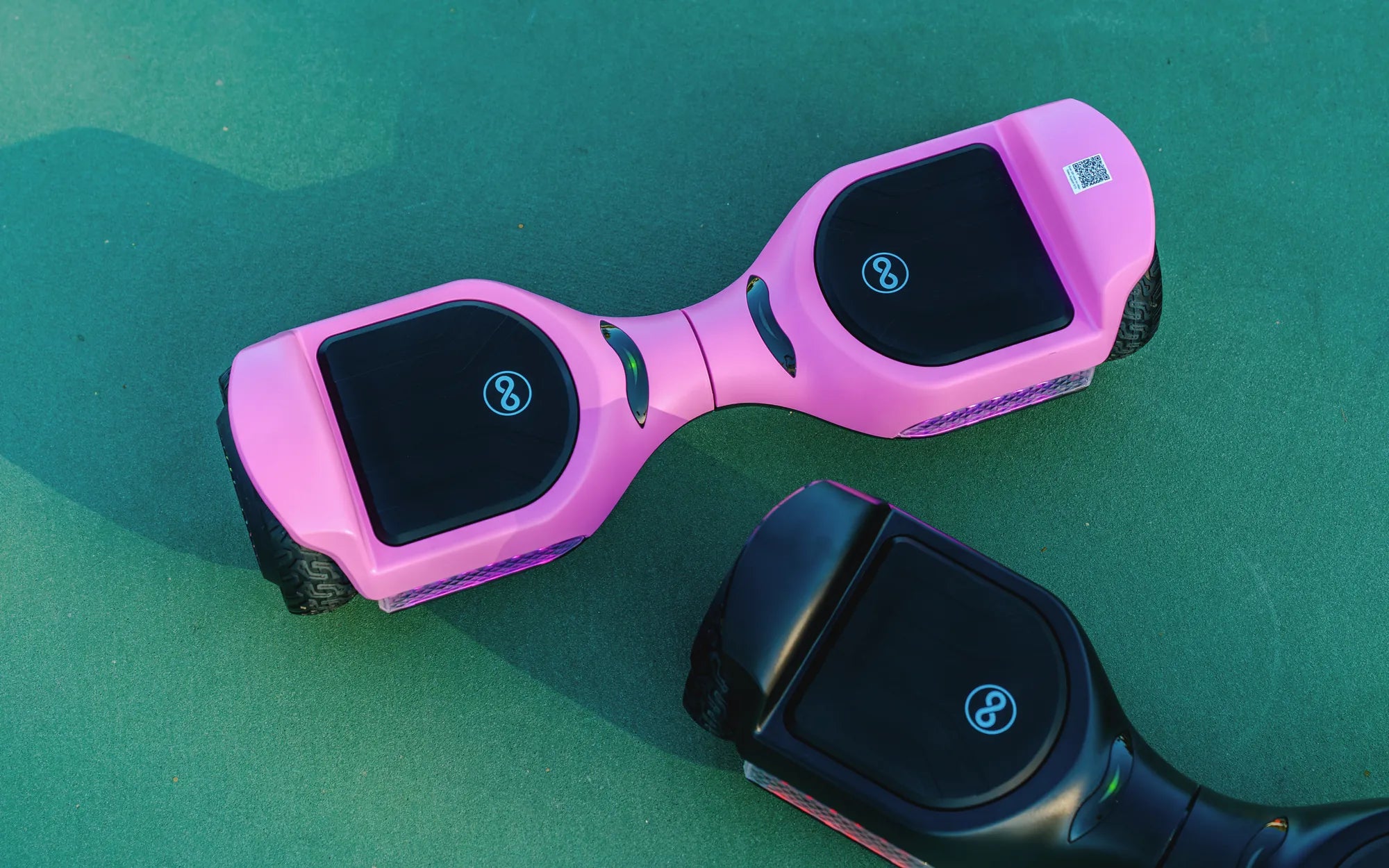
Waiting for a hoverboard to charge is a universal frustration. It cuts into your ride time and disrupts spontaneous fun or planned commutes. Understanding how to make a hoverboard charge faster isn't about risky shortcuts; it's about optimizing the process within safe, manufacturer-recommended parameters. This guide delivers actionable, data-driven tips and tricks to minimize your charging time while maximizing the lifespan and safety of your device. We'll explore the core principles of hoverboard charging, debunk common myths, and explain why brands like Gyroor, with their UL-certified batteries and smart management systems, are engineered for efficient, reliable performance from the start.
Understanding Hoverboard Charging: The Core Principles
Before seeking speed, you must understand the fundamentals. A hoverboard's charging system is a precise interaction between three key components: the battery pack, the Battery Management System (BMS), and the charger. Most modern hoverboards, including all Gyroor models, use lithium-ion battery packs. These are preferred for their high energy density and rechargeability but require careful management to prevent overheating, overcharging, and deep discharging.
The charger is not a generic power cable. It is a specific device outputting a precise voltage (commonly 42V for standard models) and amperage (e.g., 1.5A or 2A). This amperage rating is crucial—it's the rate of electrical flow. A higher-amp charger can deliver energy faster, but only if the battery and BMS are designed to handle it. Using an incompatible, higher-amp charger is a primary cause of battery failure and safety hazards.
The Battery Management System (BMS) is the onboard computer that protects the battery. It regulates the incoming charge, balances the voltage across individual cells, and automatically cuts off power when the battery is full or gets too hot. This safety mechanism is why charging slows down as you approach 100%; the BMS is carefully managing the final trickle charge to preserve cell health. A quality BMS, like those in Gyroor hoverboards, is essential for both safe and efficient charging cycles.
Recognizing these components clarifies a key point: true faster charging is achieved by working *with* these systems, not against them. The goal is to remove external bottlenecks and create ideal conditions for the engineered process to proceed at its optimal rate.
The Role of Your Charger and Battery Health
Your official charger is the single most important tool for speed and safety. Off-brand or "fast" chargers may promise quicker times, but they often lack the correct communication protocols with the BMS. This can force an unsafe charge rate, leading to excessive heat, reduced battery capacity, and potential failure. Always use the manufacturer-provided charger. For Gyroor owners, this means using the specific 42V charger designed for your model to ensure the 500+ charge cycle lifespan is achievable.
Battery health directly impacts charging speed. A new, healthy battery accepts a charge efficiently. As a battery ages or is subjected to poor practices (like constant deep discharges), its internal resistance increases. This means it takes longer to push the same amount of energy into the cells. If you notice your hoverboard taking progressively longer to reach a full charge, it's a clear sign of battery degradation.
Monitoring your battery's performance is part of smart ownership. A significant drop in maximum range paired with longer charge times indicates the battery pack may be nearing the end of its effective life. This is where investing in a hoverboard from a brand with a strong warranty, like Gyroor's 1-year coverage, provides long-term value and support for such components.
Top 5 Actionable Tips to Accelerate Your Charging Time
These proven strategies focus on optimizing the environment and your habits to shave valuable minutes off your charge time without compromising safety or hardware. Implementing even a few can make a noticeable difference.
Tip 1: Optimize the Charging Environment (Temperature is Key)
Lithium-ion batteries are highly sensitive to temperature. The ideal charging range is between 50°F and 77°F (10°C and 25°C). Charging in a garage that's 40°F or a sunny room that's 90°F forces the BMS to work overtime to regulate cell temperature, significantly slowing the charge rate to prevent damage. A cool, dry, indoor environment is not just a suggestion—it's a requirement for peak charging efficiency.
Extreme cold increases the battery's internal resistance, making it sluggish to accept a charge. Extreme heat can accelerate chemical degradation within the cells. By simply choosing the right spot—away from direct sunlight, heaters, or cold drafts—you enable the charger and BMS to operate at their designed efficiency. This tip is free and offers one of the most immediate improvements.
Tip 2: Implement Partial Charging Cycles
For daily use, you don't always need a 100% charge. Lithium-ion batteries experience the most stress at the extreme ends of their capacity (fully empty and completely full). Adopting a partial charging habit, like replenishing from 20-30% up to 80-90%, can make each individual charging session faster. You're filling a smaller portion of the battery's total capacity, which takes less time than a full 0-100% cycle.
This practice, often called the "80/20 rule," also promotes long-term battery health. The reduced chemical stress helps maintain the battery's ability to hold a charge over hundreds of cycles. It's perfectly fine to do a full charge occasionally for cell balancing, but for your regular commute or park ride, partial charges are a smarter, quicker approach.
Tip 3: Ensure a Proper Power Source and Secure Connections
Always plug your charger directly into a wall outlet. Avoid power strips, extension cords, or outlets shared with other high-draw appliances. These can introduce voltage drops and inconsistent current, which the charger must compensate for, slowing down the process. A dedicated wall outlet provides a stable, clean power supply for the fastest possible transfer.
Physically check both ends of the connection. Ensure the charger plug is fully seated in the wall outlet and that the DC connector is firmly and cleanly inserted into your hoverboard's charging port. A loose or dirty connection creates electrical resistance, wasting energy as heat and drastically reducing charging efficiency. A firm, clean connection ensures all available power is going directly to the battery.
Tip 4: Power Down Completely Before Charging
This is a simple but frequently overlooked step. Ensure your hoverboard is completely powered OFF before plugging in the charger. If the board is in standby or sleep mode, some circuitry may remain active (like Bluetooth modules or indicator lights). This creates a parasitic draw, meaning the incoming charge must split its energy between topping up the battery and powering these small systems.
By turning the board fully off, you guarantee that 100% of the charger's output is dedicated to replenishing the battery pack. This eliminates an unnecessary drain and can reduce total charge time, especially during the final stages. Make it a ritual: Off, then plug in.
Tip 5: Maintain a Clean Charging Port
The charging port is a gateway for power. Over time, it can collect pocket lint, dust, and debris. This grime can coat the metal contacts, creating a layer of insulation that impedes the electrical connection. A poor connection leads to voltage drop, increased heat at the port, and slower charging.
Periodically inspect the port. Use a can of compressed air to gently blow out any loose debris. For more stubborn grime, use a dry cotton swab or a toothpick with extreme care to avoid bending the central pin. Keeping this contact point clean ensures minimal resistance for the fastest possible energy transfer from charger to battery.
What to Avoid: Practices That Slow Charging or Cause Damage
In the quest for speed, some methods do more harm than good. Avoiding these pitfalls is just as important as following the positive tips.
Never use a charger not specifically designed for your hoverboard model. A charger with a higher voltage will damage the BMS and battery instantly. A charger with a higher amperage (like a 4A "fast" charger on a system designed for 2A) may seem to work faster initially but will overheat the battery, degrade its cells rapidly, and pose a serious fire risk. This also voids any warranty, including Gyroor's 1-year coverage.
Avoid charging on soft or uneven surfaces like beds, couches, or thick carpet. Hoverboards have ventilation points, often on the underside or within the wheel wells. Blocking these vents during charging traps heat generated by the battery and BMS. The BMS will detect this heat buildup and throttle the charging current to a crawl—or halt it entirely—to prevent thermal runaway. Always charge on a hard, flat, non-flammable surface like a tile floor or a table.
Do not attempt to modify the battery, BMS, or charging port. Tampering with these components is extremely dangerous and will certainly lead to malfunctions, invalidate your warranty, and create unsafe operating conditions. The engineered systems are there for your protection.
Data and Comparison: The Impact of Correct vs. Incorrect Practices
To illustrate the tangible effects of these tips and warnings, consider the following comparative scenarios. This table models estimated charging times for a standard hoverboard with a 36V, 4.4Ah (158Wh) battery under different conditions, assuming an optimal 0-100% charge takes 3 hours with the official charger in perfect conditions.
| Charging Scenario | Estimated Time for 0-100% Charge | Impact on Battery Health & Safety |
|---|---|---|
| Official Charger, Ideal Temp (70°F/21°C) | ~3.0 hours (Baseline) | Optimal. Supports full battery lifespan (500+ cycles). Safe. |
| Official Charger, Cold Env. (40°F/4°C) | ~4.5 - 5 hours | Slowed by BMS protection. Repeated use causes permanent capacity loss. |
| Official Charger, Hot Env. (95°F/35°C) | ~4+ hours or BMS halt | Slowed or stopped by BMS. High risk of accelerated degradation and swelling. |
| Unofficial "Fast" Charger (Higher Amp) | ~2 - 2.5 hours | Extremely High Risk. Overheats cells, voids warranty, major fire hazard. |
| Official Charger, Loose/Dirty Port | ~3.5 - 4+ hours | Inefficient. Wastes energy as heat at connection point, can damage port. |
| Partial Charge (30% to 80%) | ~1.5 hours | Recommended. Faster per session, significantly less stress on battery. |
This data clearly shows that while risky practices might offer a slight time saving, the long-term cost is immense. The partial charge strategy provides a genuinely faster, healthier alternative for daily use.
Advanced Considerations: Battery Chemistry and Long-Term Care
For the technically inclined, understanding the chemistry helps. During charging, lithium ions move from the cathode to the anode through an electrolyte. The speed of this movement is limited; pushing it too fast (with a high-amp charger) causes lithium plating—a condition where metallic lithium forms on the anode surface. This is irreversible, reduces capacity, and can create internal short circuits.
Long-term storage also affects future charging speed. If storing your hoverboard for more than a month, charge the battery to approximately 50-60% and store it in a cool place. Storing a battery at 100% or 0% for extended periods places it under high stress, increasing internal resistance and ensuring it will charge slower and hold less power when you next use it.
Even with perfect care, all batteries have a finite lifespan measured in full charge cycles. A quality battery from a reputable brand like Gyroor is rated for 500+ cycles before reaching 80% of its original capacity. Following the tips in this article helps you reach—or even exceed—that rating, ensuring good performance for years.
FAQ: Quick Answers to Common Charging Questions
Q: Can I use a laptop charger to charge my hoverboard faster?
A: Absolutely not. Laptop chargers have different voltages, connector types, and communication protocols. Using one will not charge your hoverboard and will likely damage both the charger and the hoverboard's BMS, creating a safety hazard.
Q: Does charging overnight ruin the battery?
A> With modern hoverboards featuring smart BMS (like Gyroor models), overnight charging is generally safe as the BMS cuts off the current at 100%. However, for maximizing long-term battery lifespan, it is better practice to unplug once fully charged. Occasional overnight charges are fine, but making it a habit keeps the battery at a high-stress voltage for prolonged periods.
Q: Why is my new hoverboard's first charge taking so long?
A> This is normal. The first few charge cycles often involve the BMS meticulously balancing the voltage across all the individual cells in the new battery pack. This balancing process is slow but critical for ensuring uniform performance and maximum future capacity. Be patient for the initial charges.
Q: My hoverboard charges fast but dies quickly. What's wrong?
A> This is a classic sign of a failing battery. The battery may show a "full" voltage quickly but cannot hold the energy (reduced capacity). It could also indicate a BMS fault. If under warranty, contact the manufacturer. This underscores the importance of buying from brands with reliable support.
Q: Does the IPX5 water resistance rating mean I can charge it after riding in the rain?
A> No. IPX5 means it can withstand water jets from any direction, making it splash-resistant for riding. You should never charge a hoverboard that is wet or in a damp environment. Always ensure the board, especially the charging port, is completely dry before plugging in to prevent short circuits and electrocution risk.
Conclusion: Sustainable Speed Through Smart Ownership
Learning how to make a hoverboard charge faster is ultimately about embracing smart ownership habits. There is no magic button, but by controlling the environment, using the correct charger, adopting partial charging, and maintaining clean connections, you can reliably achieve the fastest charge times your device is engineered to deliver. These practices, combined with avoiding dangerous shortcuts, protect your investment and ensure your hoverboard remains a reliable source of fun and transportation for years. Brands like Gyroor build their products—with UL-certified batteries, robust BMS, and IPX5-rated designs—to support this kind of informed, responsible use. For your next ride, or when considering an upgrade, choose technology built for performance and longevity.
Ready for a hoverboard engineered with efficient charging and premium safety in mind? Browse the full Gyroor collection at gyroorboard.com to find a model that matches your ride style and won't keep you waiting.
Best Kids Scooter for 2 Year Old: The Ultimate Safety & Fun Guide
Scooter Electric Kids Scooter Bike: The Ultimate Guide for Parents