



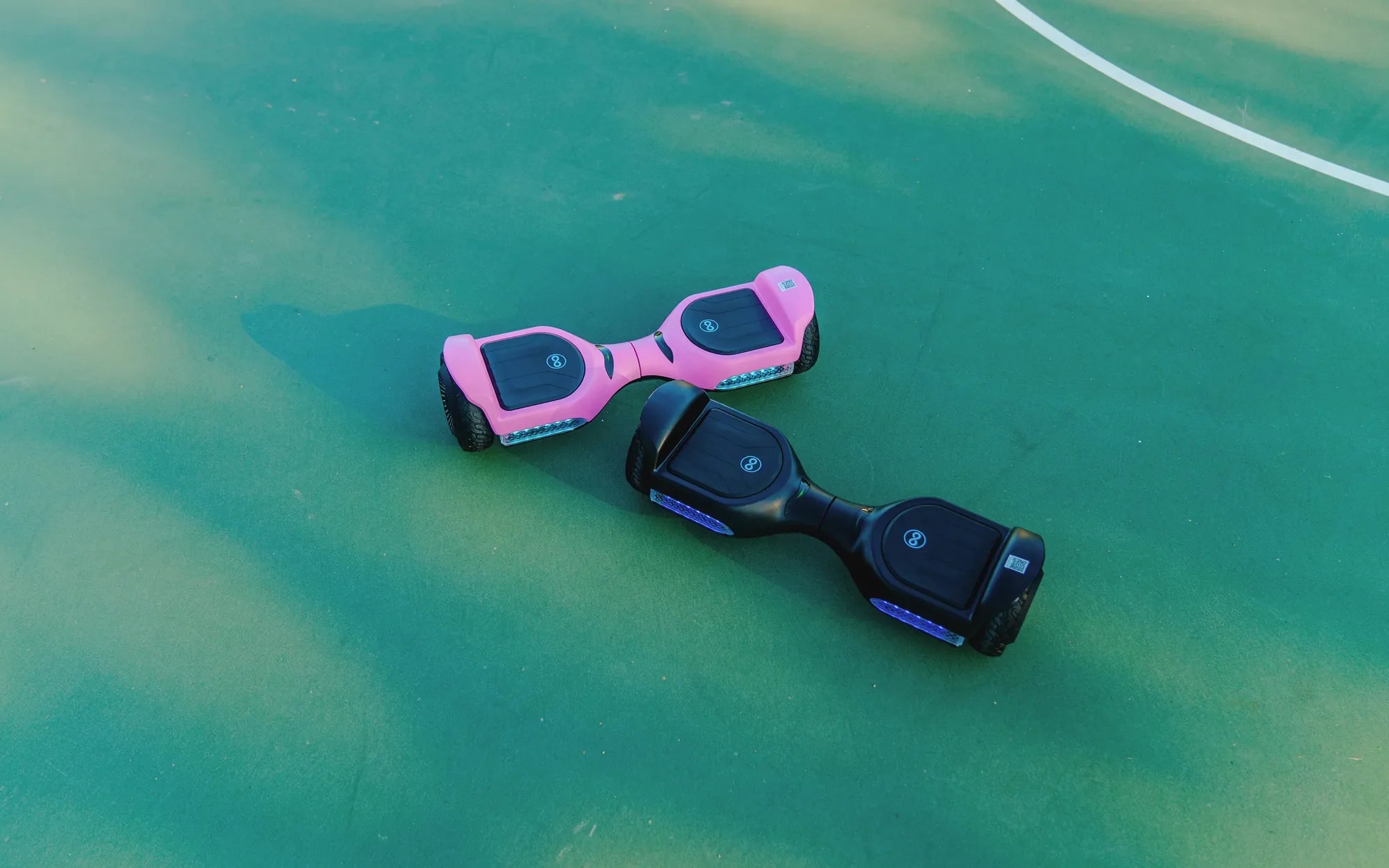
Is your hoverboard wobbling or not responding correctly? Recalibration might be the solution you need! Whether you're a beginner or an experienced rider, knowing how to recalibrate your hoverboard is essential for maintaining its performance and ensuring a safe ride. In this guide, we'll walk you through the step-by-step process to get your hoverboard back in perfect balance.
Why Recalibrate Your Hoverboard?
Recalibration is the process of resetting your hoverboard's internal sensors to ensure they respond accurately to your movements. Over time, wear and tear or minor bumps can throw these sensors out of alignment, leading to issues like uneven riding, unresponsive controls, or even sudden stops. Recalibrating your hoverboard can fix these problems and extend its lifespan.
Signs Your Hoverboard Needs Recalibration
Before diving into the recalibration process, it's important to recognize the signs that your hoverboard needs adjustment. Common symptoms include:
- The hoverboard tilts to one side even when on a flat surface.
- The board doesn't respond smoothly to your movements.
- It beeps continuously or displays error lights.
- One wheel spins faster than the other.
Step-by-Step Guide to Recalibrate Your Hoverboard
Follow these simple steps to recalibrate your hoverboard and restore its balance:
Step 1: Turn Off Your Hoverboard
Start by ensuring your hoverboard is completely powered off. If it's on, press and hold the power button until it shuts down.
Step 2: Place It on a Flat Surface
Find a level, stable surface to place your hoverboard. This ensures the sensors can reset accurately. Avoid uneven or sloped areas.
Step 3: Enter Calibration Mode
Most hoverboards enter calibration mode by pressing and holding the power button for 5-10 seconds. Look for a flashing light or beep to confirm it's in calibration mode.
Step 4: Wait for the Calibration to Complete
Keep the hoverboard still during this process. Avoid touching it or moving it until the lights stop flashing or you hear a confirmation beep.
Step 5: Test Your Hoverboard
Turn it back on and take a short test ride to ensure the recalibration was successful. If issues persist, repeat the process or consult the user manual.
Tips for Maintaining Your Hoverboard
To minimize the need for frequent recalibration, follow these maintenance tips:
- Avoid riding on rough or uneven terrain.
- Keep the hoverboard clean and free of debris.
- Store it in a dry, cool place when not in use.
- Charge the battery regularly but avoid overcharging.
Troubleshooting Common Recalibration Issues
If recalibration doesn't resolve your hoverboard's issues, consider these troubleshooting steps:
- Check for firmware updates from the manufacturer.
- Inspect the wheels and sensors for physical damage.
- Ensure the battery is fully charged before recalibrating.
- Reset the hoverboard to factory settings if possible.
Ready to enjoy a smooth, balanced ride again? Recalibrating your hoverboard is a quick and easy fix for many common issues. Follow this guide, and you'll be gliding effortlessly in no time!
How Does a Hoverboard Work: The Science Behind the Ride
Black and Yellow Hoverboard: The Ultimate Guide to Style and Performance