



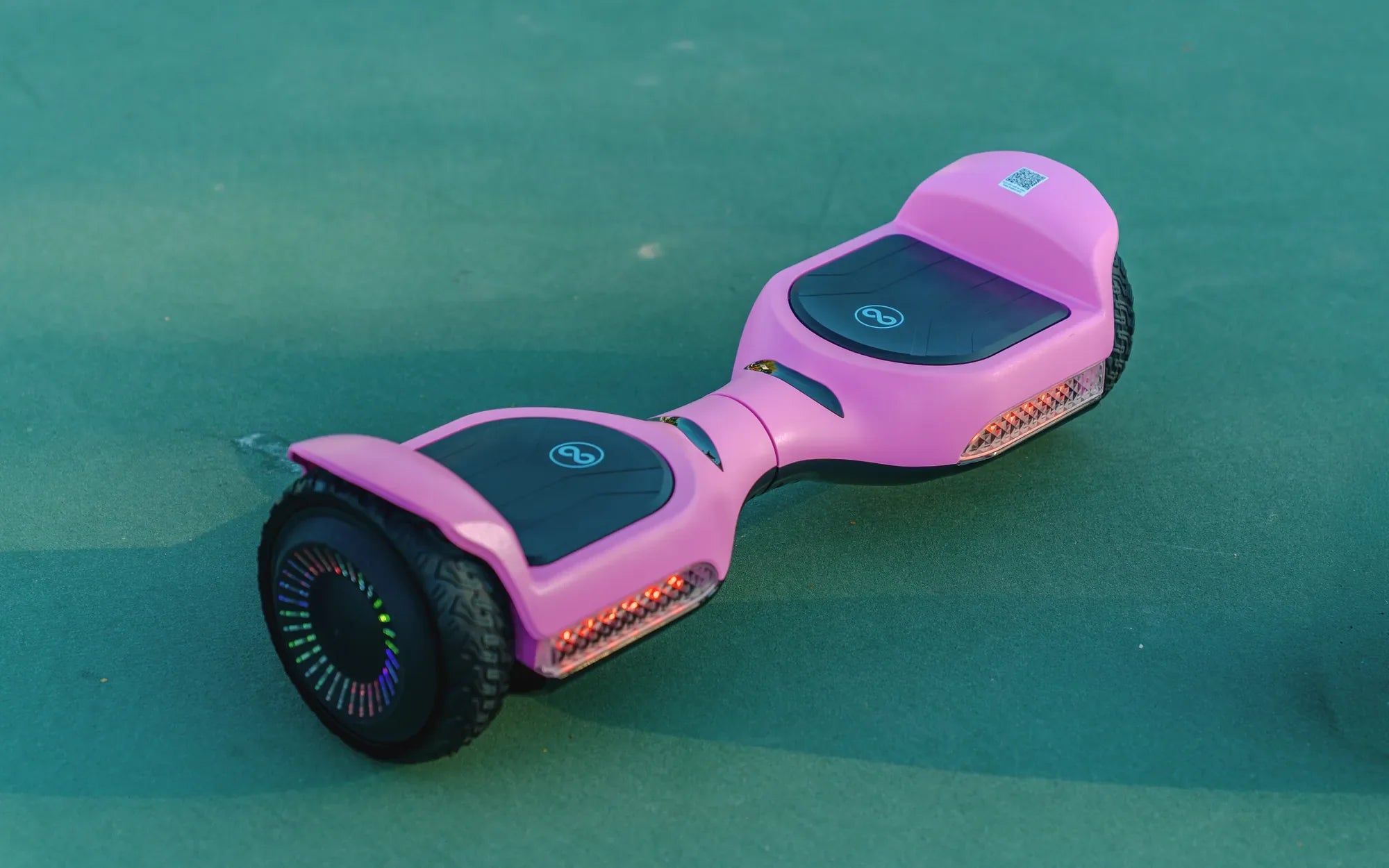
Few things are as frustrating as unplugging your hoverboard after what should have been a full charge, only to find it completely dead. Before you panic or consider replacing it, there are several troubleshooting steps you can take to diagnose and fix the issue. This guide will walk you through every possible solution to get your hoverboard charging again.
Check the Power Source
The first step is to ensure the problem isn't with your power outlet. Plug another device into the same outlet to confirm it's working. If the outlet is dead, try a different one. If your hoverboard still won't charge, move on to the next step.
Inspect the Charger and Cable
A faulty charger or damaged cable is a common culprit. Look for any visible signs of wear, fraying, or bent prongs. If possible, test the charger with another hoverboard (or a compatible device) to see if it works. If the charger is defective, replace it with a manufacturer-approved model.
Examine the Charging Port
Dirt, debris, or bent pins in the charging port can prevent a proper connection. Use a flashlight to inspect the port and gently clean it with a dry toothbrush or compressed air. Avoid using metal objects that could cause damage.
Reset the Hoverboard
Some hoverboards have a reset button that can resolve charging issues. Locate the small pinhole button (usually near the power button) and press it with a paperclip for about 10 seconds. Then, try charging the hoverboard again.
Check the Battery
If the hoverboard still won't charge, the battery might be the issue. Over time, lithium-ion batteries degrade and may need replacement. Look for signs of swelling, leakage, or a complete failure to hold a charge. If the battery is damaged, it's best to replace it with a certified replacement.
Test the Charging Circuit
If you're comfortable with basic electronics, you can use a multimeter to check the voltage output from the charger and the battery's input. If there's no power reaching the battery, the charging circuit or internal wiring may be faulty. In this case, professional repair may be necessary.
Prevent Future Charging Issues
To avoid future problems, always use the correct charger, store your hoverboard in a cool, dry place, and avoid overcharging. Regularly inspect the charging port and cable for damage, and never leave the hoverboard plugged in overnight.
Don't let a non-charging hoverboard ruin your ride. With these troubleshooting steps, you can identify the issue and get back to gliding smoothly in no time. Whether it's a simple outlet problem or a battery replacement, this guide ensures you'll never be stuck with a dead hoverboard for long.
What Is Inside a Hoverboard: A Deep Dive into Its Components and Mechanics
When Hoverboard Beeps: Understanding the Alerts and How to Respond