



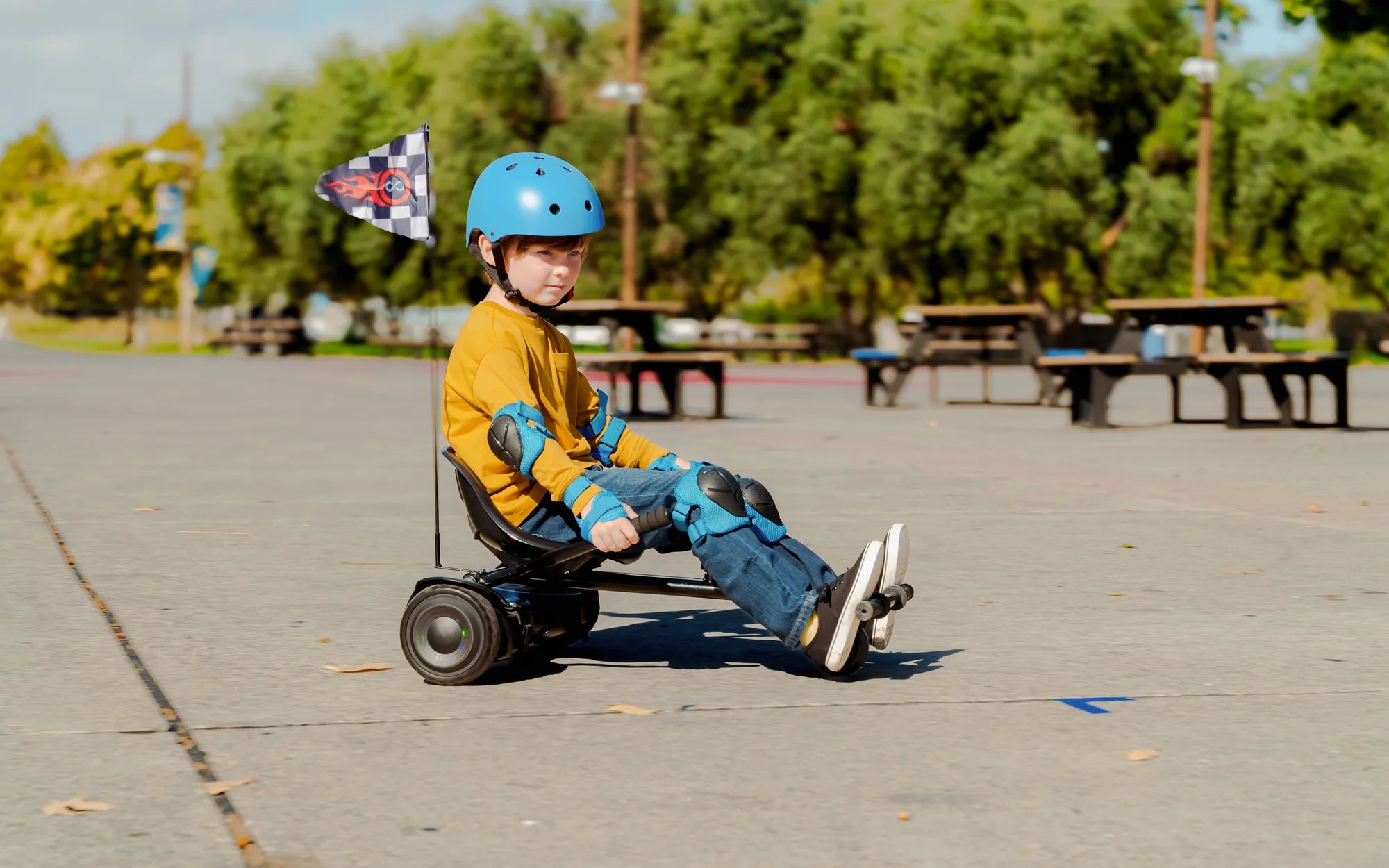
Nothing kills the fun faster than a hoverboard that refuses to move. Whether you're a seasoned rider or a newbie, a non-responsive hoverboard can be frustrating. Before you consider tossing it out, let's dive into the possible reasons why your hoverboard won't move and how to fix them.
1. Low or Dead Battery
One of the most common reasons a hoverboard won't move is a drained or faulty battery. If the battery isn't charged enough, the hoverboard may power on but won't respond to movement commands.
- Check the battery indicator: Most hoverboards have LED lights that show battery levels. If it's red or blinking, it needs charging.
- Charge it fully: Plug in the charger and wait until the light turns green. Avoid using cheap or incompatible chargers.
- Test the battery: If the hoverboard still doesn't hold a charge, the battery may need replacement.
2. Faulty or Loose Wiring
Internal wiring issues can prevent your hoverboard from functioning properly. Loose connections, frayed wires, or damaged circuits can disrupt power flow.
- Inspect the wiring: Open the hoverboard carefully (if possible) and check for loose or damaged wires.
- Secure connections: Reconnect any loose wires and ensure all plugs are firmly seated.
- Seek professional help: If you're not comfortable with electronics, take it to a repair shop.
3. Sensor or Gyroscope Malfunction
Hoverboards rely on gyroscopes and sensors to detect movement. If these components fail, the board won't respond to your commands.
- Reboot the hoverboard: Turn it off and on again to reset the sensors.
- Check for calibration issues: Some models require recalibration if they behave erratically.
- Test on a flat surface: Uneven ground can interfere with sensor accuracy.
4. Overheating or Safety Shutdown
Hoverboards have built-in safety features that shut them down if they overheat or detect an issue. If your board suddenly stops, overheating could be the culprit.
- Let it cool down: Turn it off and wait 10-15 minutes before trying again.
- Avoid overuse: Long rides or excessive strain can cause overheating.
- Check for ventilation: Ensure the hoverboard isn't covered or obstructed while in use.
5. Wheel or Motor Problems
If one wheel isn't working, the hoverboard may refuse to move. Motor failures, debris stuck in the wheels, or alignment issues can cause this.
- Inspect the wheels: Remove any dirt, hair, or debris stuck in the wheels.
- Test each wheel: Lift the hoverboard and see if both wheels spin freely.
- Listen for unusual sounds: Grinding or clicking noises may indicate motor damage.
6. Software or Firmware Glitches
Some hoverboards run on software that can freeze or malfunction. A simple reset or firmware update might solve the issue.
- Reset the hoverboard: Refer to the manual for factory reset instructions.
- Check for updates: If your model supports updates, ensure it's running the latest firmware.
- Contact support: If the problem persists, reach out to the manufacturer.
7. Weight Limit Exceeded
Hoverboards have weight limits. If the rider is too heavy, the board may not move or could shut down for safety.
- Check the manual: Verify the maximum weight capacity.
- Try a lighter rider: If possible, test with someone within the weight limit.
- Upgrade if needed: Some models are built for heavier users.
8. Damaged or Worn-Out Components
Over time, parts like the motherboard, motors, or battery can wear out. If your hoverboard is old or heavily used, replacement parts may be necessary.
- Assess wear and tear: Look for visible damage or corrosion.
- Consider professional repair: A technician can diagnose and replace faulty components.
- Evaluate replacement cost: Sometimes, buying a new hoverboard is more cost-effective.
Don't let a stubborn hoverboard ruin your ride! By following these troubleshooting steps, you can identify and fix the issue—whether it's a simple battery recharge or a more complex motor problem. Get back to gliding smoothly and safely with these expert tips!
Easy Ways to Learn How to Ride a Hoverboard for Beginners
Easy Ways to Learn How to Ride a Hoverboard for Beginners