



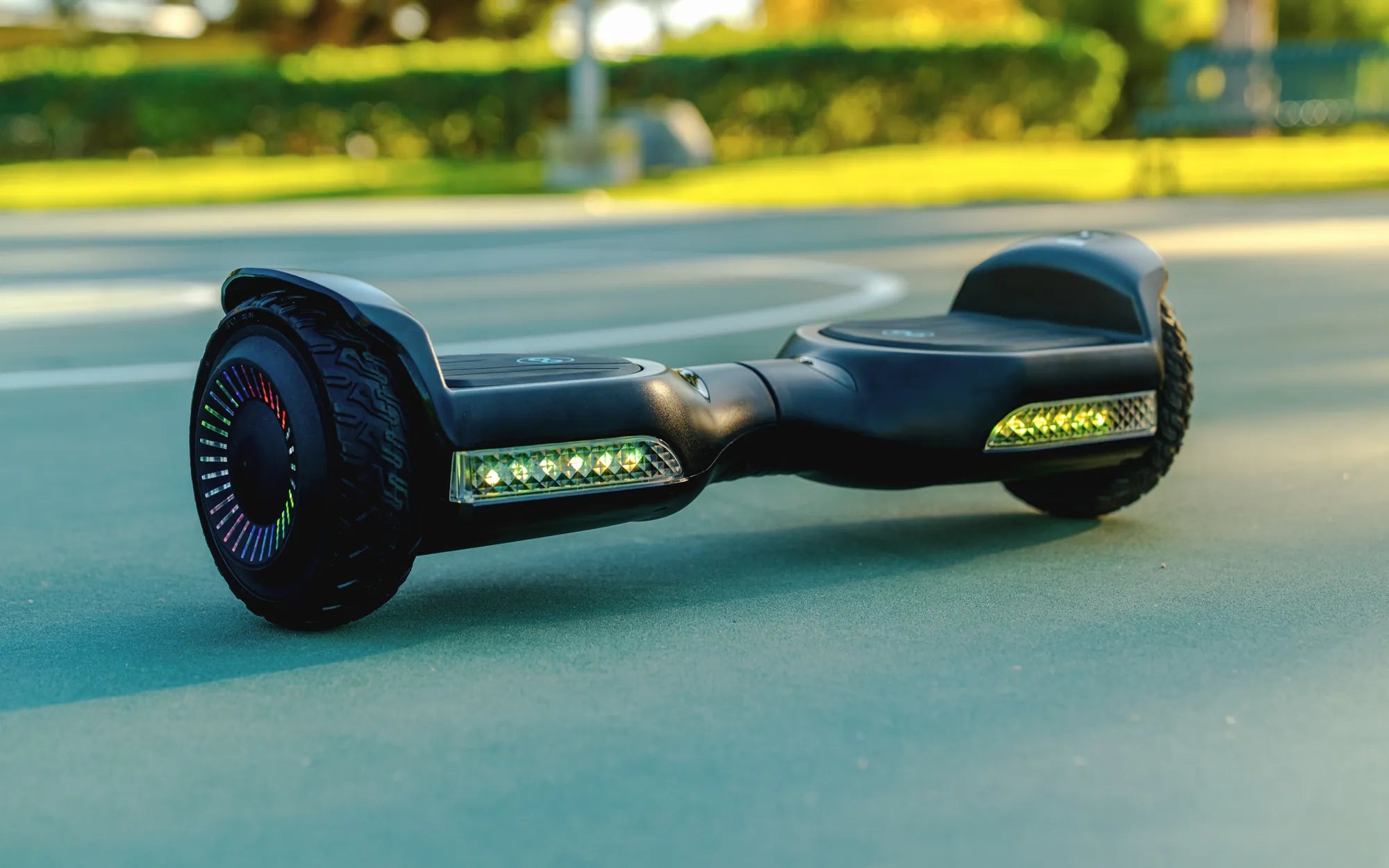
Ever wondered if adding a seat to your hoverboard is as simple as it sounds? The idea of cruising around on a seated hoverboard sounds thrilling, but the installation process can seem daunting. Fear not—this guide will walk you through everything you need to know to get your hoverboard seat attachment up and running with ease.
What You Need to Know Before Installing a Hoverboard Seat Attachment
Before diving into the installation, it’s important to understand what a hoverboard seat attachment entails. These accessories transform your standard hoverboard into a seated ride, offering comfort and stability. Most seat attachments are designed to be universal, fitting a wide range of hoverboard models. However, compatibility is key, so always check the product specifications before purchasing.
Tools Required for Installation
Installing a hoverboard seat attachment typically requires minimal tools. Here’s what you’ll likely need:
- A screwdriver (Phillips or flathead, depending on the model)
- An Allen wrench (often included with the seat attachment)
- A sturdy surface to work on
- The instruction manual (always keep it handy)
Most seat attachments come with all the necessary hardware, so you won’t need to hunt down extra bolts or screws.
Step-by-Step Installation Guide
Now, let’s get into the nitty-gritty of the installation process. Follow these steps to ensure a smooth setup:
Step 1: Prepare Your Hoverboard
Start by turning off your hoverboard and placing it on a flat, stable surface. This will prevent any accidental movements during installation.
Step 2: Attach the Mounting Bracket
Most seat attachments come with a mounting bracket that needs to be secured to the hoverboard. Use the provided screws and your screwdriver or Allen wrench to fasten the bracket firmly. Double-check that it’s tightly secured to avoid wobbling.
Step 3: Connect the Seat
Once the bracket is in place, attach the seat to the mounting bracket. This usually involves sliding the seat into the bracket and locking it with a pin or additional screws. Make sure the seat is stable and doesn’t shift when pressure is applied.
Step 4: Test for Stability
Before hopping on, give the seat a gentle shake to ensure it’s firmly attached. If there’s any movement, tighten the screws or adjust the seat as needed.
Common Challenges and How to Overcome Them
While the installation process is generally straightforward, you might encounter a few hiccups. Here are some common issues and how to solve them:
- Loose Screws: If the seat feels wobbly, tighten all screws and bolts. Over time, vibrations can loosen them, so periodic checks are recommended.
- Alignment Issues: If the seat isn’t aligning properly with the bracket, double-check the instructions to ensure you’re attaching it correctly.
- Compatibility Problems: If the seat doesn’t fit your hoverboard, verify that the attachment is designed for your model.
Safety Tips for Using a Hoverboard Seat Attachment
Safety should always be a top priority when riding a hoverboard, especially with a seat attachment. Follow these tips to stay safe:
- Always wear a helmet and protective gear.
- Start at a slow speed to get used to the seated position.
- Avoid uneven or slippery surfaces until you’re comfortable with the new setup.
Final Thoughts
Installing a hoverboard seat attachment is easier than you might think—with the right tools and a bit of patience, you’ll be riding in comfort in no time. Whether you’re looking for a more relaxed ride or added stability, a seat attachment can transform your hoverboard experience. Ready to take your hoverboard adventures to the next level? Grab your tools and get started today!
Cheap Cheap Hoverboard: The Ultimate Guide to Affordable Self-Balancing Scooters
Hoverboard for 9 Year Old UK: The Ultimate Guide to Safe and Fun Riding