



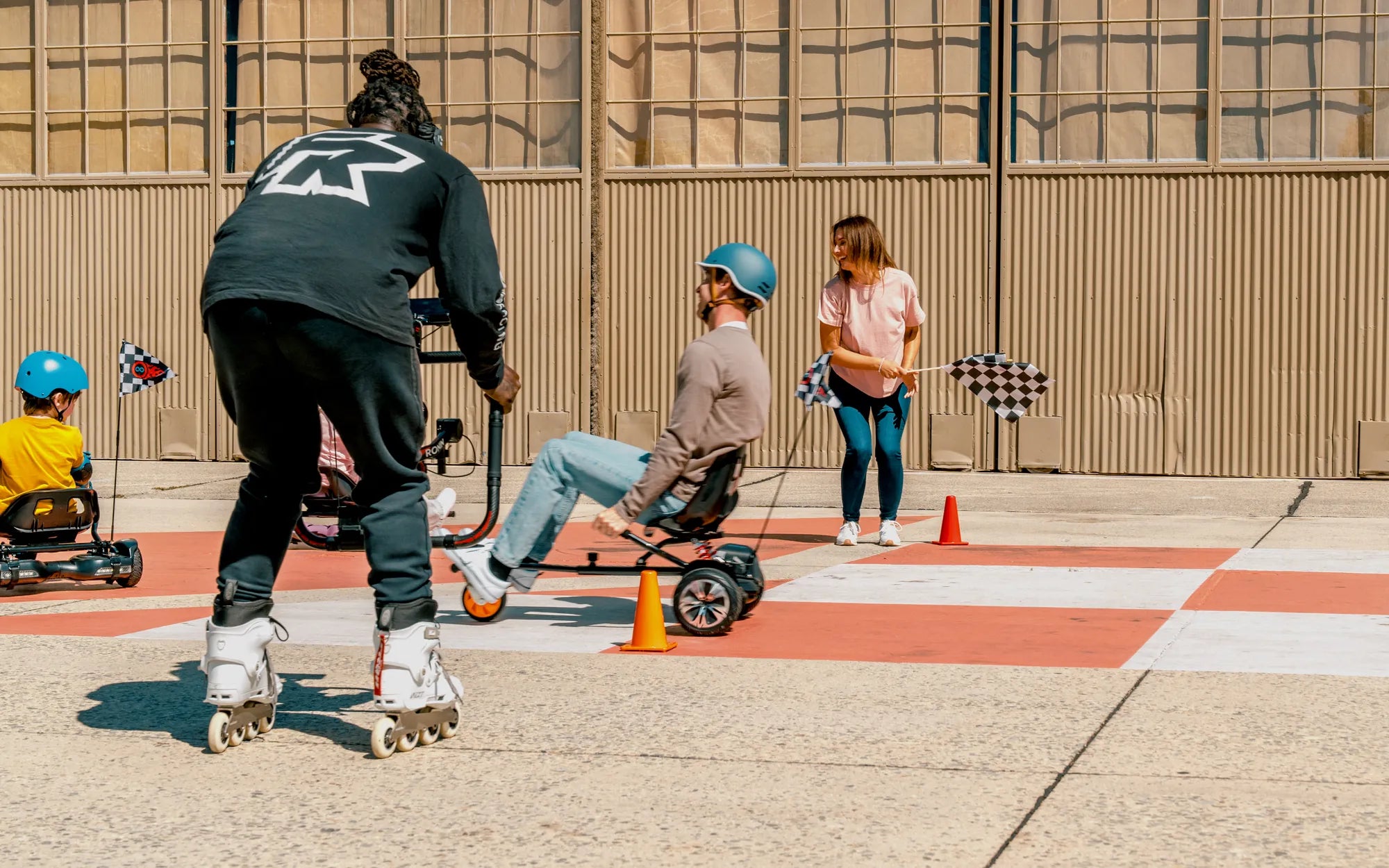
Hoverboards have become a popular mode of personal transportation, offering a fun and efficient way to get around. But like any electronic device, they require maintenance to perform at their best. One common question riders ask is: Can you calibrate a hoverboard? The answer is yes—and knowing how to do it properly can make all the difference in your riding experience.
Why Calibration Matters
Calibration ensures that your hoverboard responds accurately to your movements. Over time, sensors can become misaligned due to bumps, drops, or regular wear and tear. A poorly calibrated hoverboard may tilt unevenly, respond sluggishly, or even shut off unexpectedly. Proper calibration keeps your ride smooth, safe, and enjoyable.
How to Tell If Your Hoverboard Needs Calibration
Before diving into the calibration process, it's important to recognize the signs that your hoverboard needs adjustment. Common symptoms include:
- Uneven footpad sensitivity
- Delayed response when leaning forward or backward
- Frequent beeping or error messages
- The device drifting to one side without input
Step-by-Step Guide to Calibrating Your Hoverboard
Calibrating a hoverboard is a straightforward process, but it must be done carefully to avoid mistakes. Follow these steps:
Step 1: Power Off the Hoverboard
Ensure the device is completely turned off before starting. This prevents accidental inputs during calibration.
Step 2: Place It on a Flat Surface
Find a level, stable surface to perform the calibration. Uneven ground can interfere with the process.
Step 3: Enter Calibration Mode
Most hoverboards enter calibration mode by holding the power button for a specific duration (usually 5-10 seconds). Refer to your user manual for exact instructions.
Step 4: Wait for the Indicators
Once in calibration mode, the hoverboard's lights will flash or change color. This signals that it's ready for adjustment.
Step 5: Keep It Still
Do not touch or move the hoverboard during calibration. Any movement can disrupt the process.
Step 6: Exit Calibration Mode
After a few seconds, the lights will stabilize, indicating completion. Turn the hoverboard off and back on to test the calibration.
Tips for Maintaining Proper Calibration
To keep your hoverboard running smoothly, follow these maintenance tips:
- Avoid riding on rough or uneven terrain.
- Store the hoverboard in a dry, temperature-controlled environment.
- Regularly check for firmware updates that may improve performance.
What to Do If Calibration Fails
If your hoverboard still behaves erratically after calibration, consider these troubleshooting steps:
- Reset the hoverboard to factory settings.
- Check for physical damage to the footpads or internal components.
- Consult a professional technician if issues persist.
Mastering hoverboard calibration ensures a safer, more responsive ride every time. Whether you're a beginner or a seasoned rider, taking the time to fine-tune your device will enhance performance—and keep you gliding effortlessly wherever you go.
Fun Tricks to Do on a Hoverboard: Master These Moves Like a Pro
13 Year Old Gift Guide: The Ultimate List of Fun and Thoughtful Presents