



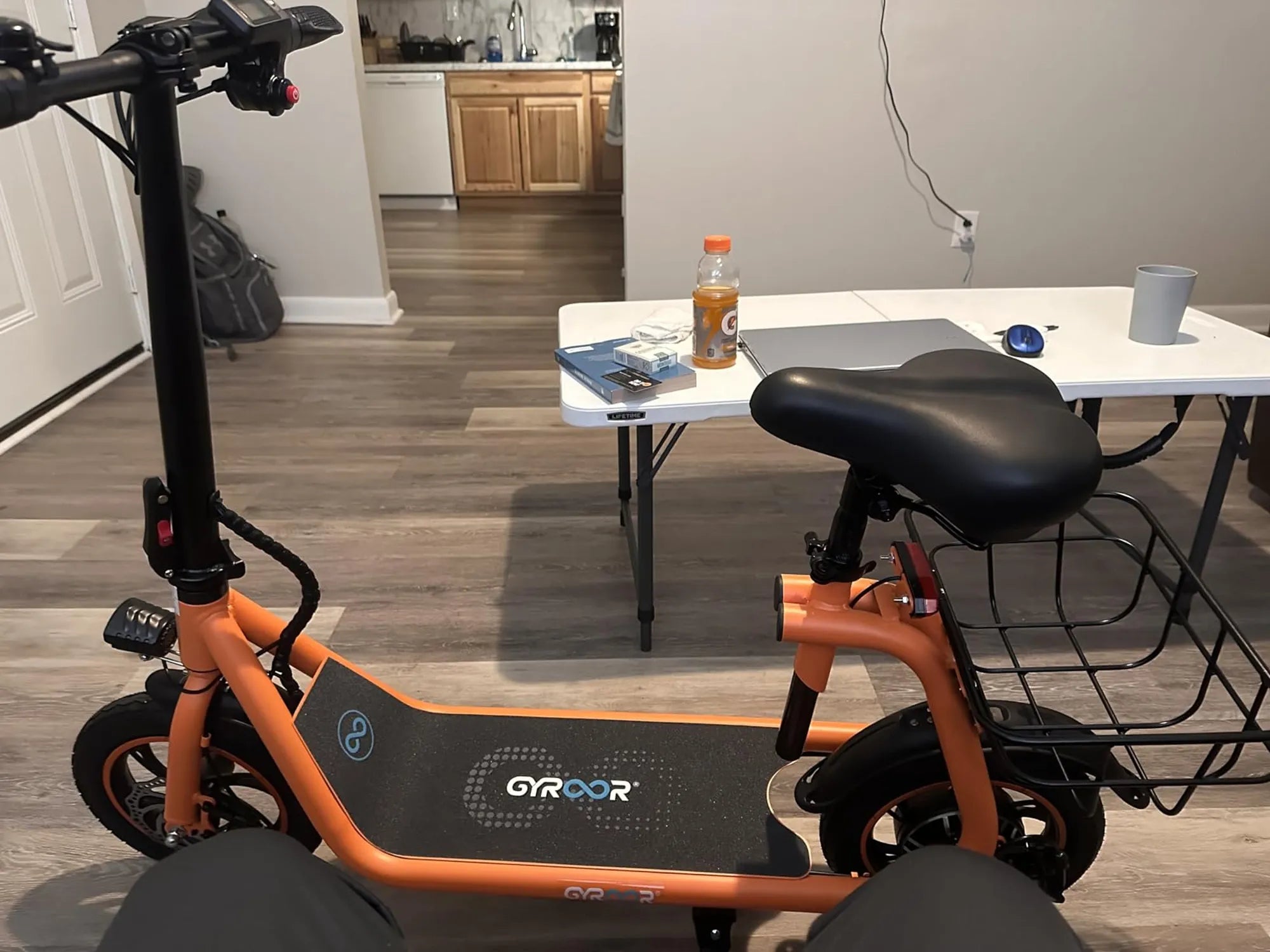
Electric scooters are a convenient and eco-friendly way to get around, but like any machine, they can encounter problems. One of the most frustrating issues is when your electric scooter refuses to move. Whether you rely on it for daily commutes or weekend adventures, a non-moving scooter can bring your plans to a halt. This guide will walk you through the most common troubleshooting problems with electric scooters not moving and provide practical solutions to get you back on the road.
Dead or Weak Battery
A dead or weak battery is one of the primary reasons an electric scooter won't move. If your scooter doesn't respond when you press the throttle, the battery might be the culprit. Here's how to diagnose and address the issue:
- Check the Battery Indicator: Most scooters have a battery indicator light. If it's red or blinking, the battery may need charging.
- Charge the Battery: Plug in the charger and wait for the indicator to turn green. If it doesn't charge, the charger or battery might be faulty.
- Test the Voltage: Use a multimeter to check the battery voltage. If it's significantly lower than the rated voltage, the battery may need replacement.
Faulty Throttle
The throttle is what sends the signal to the motor to start moving. If it's malfunctioning, your scooter won't respond. Here's what to look for:
- Inspect the Throttle: Check for physical damage or loose connections. If the throttle feels sticky or unresponsive, it might need cleaning or replacement.
- Test the Wiring: Use a multimeter to test the throttle's output voltage. If there's no signal, the throttle may be defective.
- Reset the Scooter: Sometimes, a simple reset can fix throttle-related issues. Turn off the scooter, wait a few minutes, and turn it back on.
Motor Problems
The motor is the heart of your electric scooter. If it's not working, your scooter won't move. Common motor-related issues include:
- Burnt Motor: Overheating or excessive load can burn out the motor. If you smell burning or hear unusual noises, the motor may be damaged.
- Loose Connections: Check the motor wires for loose or corroded connections. Tighten or clean them as needed.
- Test the Motor: Disconnect the motor and connect it directly to a power source. If it doesn't spin, the motor is likely faulty.
Brake Sensor Issues
Many electric scooters have a safety feature that prevents the motor from engaging if the brakes are applied. If the brake sensor is stuck or faulty, the scooter won't move. Here's how to troubleshoot:
- Check the Brake Lever: Ensure the brake lever returns to its original position after releasing it. If it's stuck, lubricate or adjust it.
- Inspect the Sensor: Look for damaged wires or misaligned sensors. Clean or realign them if necessary.
- Disable the Sensor: Temporarily disconnect the brake sensor to see if the scooter moves. If it does, the sensor needs replacement.
Controller Malfunction
The controller acts as the brain of your scooter, regulating power to the motor. If it fails, the scooter won't move. Signs of a faulty controller include:
- No Power to Motor: If the motor doesn't receive power despite a charged battery, the controller might be the issue.
- Burning Smell: A burnt smell from the controller indicates overheating or internal damage.
- Test the Controller: Use a multimeter to check the controller's output. If there's no signal, it may need replacement.
Loose or Damaged Wiring
Loose, frayed, or damaged wires can interrupt the flow of electricity, preventing the scooter from moving. Here's how to address wiring issues:
- Visual Inspection: Look for exposed or disconnected wires. Secure or replace them as needed.
- Check Connectors: Ensure all connectors are firmly attached. Corroded connectors should be cleaned or replaced.
- Test Continuity: Use a multimeter to test for continuity in the wiring. If there's a break, the wire needs replacement.
Faulty Charging Port or Charger
If your scooter isn't charging properly, it won't have enough power to move. Common charging-related issues include:
- Loose Charging Port: A wobbly or damaged charging port can prevent proper charging. Tighten or replace it if necessary.
- Defective Charger: Test the charger with another scooter or use a multimeter to check its output. If it's not delivering power, replace the charger.
- Battery Management System (BMS): A faulty BMS can prevent the battery from charging. If the battery doesn't hold a charge, the BMS may need replacement.
Software or Firmware Glitches
Modern electric scooters often rely on software to function. If the software crashes or encounters a bug, the scooter may stop moving. Here's how to troubleshoot:
- Restart the Scooter: Turn it off and on again to reset the system.
- Update Firmware: Check for firmware updates from the manufacturer and install them if available.
- Factory Reset: If the issue persists, perform a factory reset to restore default settings.
Physical Obstructions or Damage
Sometimes, the problem is mechanical rather than electrical. Physical obstructions or damage can prevent the scooter from moving:
- Check the Wheels: Ensure the wheels spin freely. If they're stuck, inspect for debris or damaged bearings.
- Inspect the Frame: Look for cracks or bends in the frame that could affect movement.
- Test the Suspension: A damaged suspension system can hinder performance. Lubricate or replace components as needed.
Dealing with an electric scooter that won't move can be frustrating, but most issues are fixable with a little troubleshooting. By systematically checking the battery, throttle, motor, brakes, controller, wiring, and other components, you can identify and resolve the problem. Remember, regular maintenance can prevent many of these issues from occurring in the first place. Now that you're armed with this knowledge, you'll be back on the road in no time!
Best Electric Scooters for Adults Canada: Top Picks for 2024
Electric Scooters 1600W: Power, Performance, and Practicality for Urban Commuters