



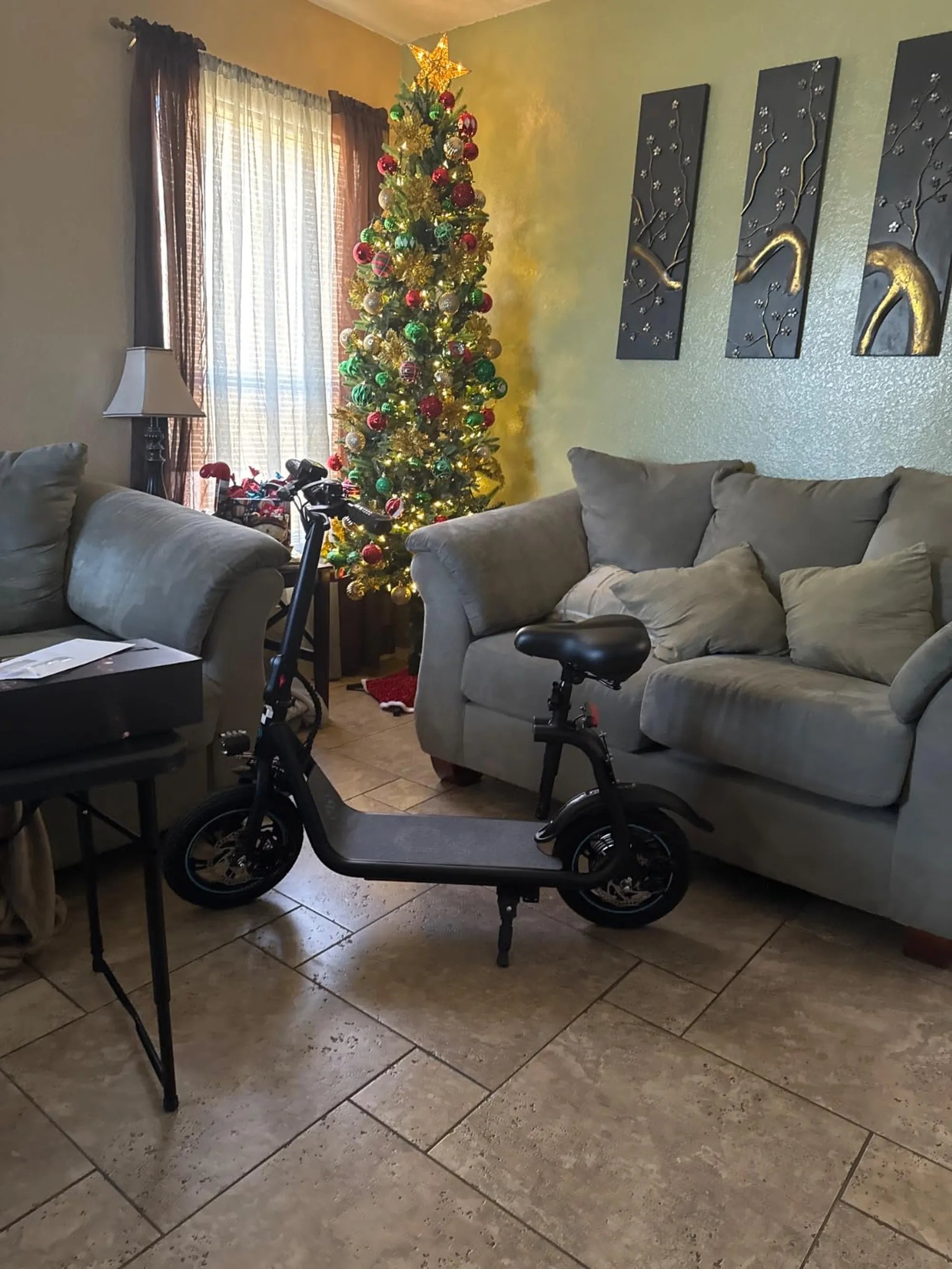
Nothing ruins a smooth e-scooter ride like a battery that drains faster than expected. If you've ever found yourself stranded mid-commute or constantly recharging your scooter, you're not alone. Many riders face the frustrating issue of an e scooter battery draining fast, but the good news is that there are solutions. Let's dive into the reasons behind this problem and how you can fix it—or better yet, prevent it from happening in the first place.
Why Is My E Scooter Battery Draining Fast?
Several factors can contribute to rapid battery depletion in e-scooters. Understanding these causes is the first step toward resolving the issue.
1. Battery Age and Wear
Like all rechargeable batteries, e-scooter batteries degrade over time. Frequent charging cycles, extreme temperatures, and improper storage can accelerate this process. If your battery is older than two years, it may simply be reaching the end of its lifespan.
2. Riding Conditions
Hilly terrain, strong headwinds, and frequent stops and starts force your scooter's motor to work harder, draining the battery faster. Riding at top speed for extended periods also consumes more power.
3. Tire Pressure and Weight Load
Underinflated tires increase rolling resistance, making the motor work harder. Similarly, carrying heavy loads or riding with a passenger can strain the battery.
4. Software and Firmware Issues
Outdated firmware or glitches in the scooter's software can lead to inefficient power management, causing the battery to drain unexpectedly.
5. Environmental Factors
Cold weather reduces battery efficiency, while excessive heat can damage battery cells. Storing or charging your scooter in extreme temperatures can shorten battery life.
How to Fix an E Scooter Battery Draining Fast
Now that you know the potential causes, here are actionable steps to address them.
1. Optimize Your Riding Habits
Avoid constant high-speed riding and use eco mode when possible. Smooth acceleration and braking can also conserve battery power.
2. Maintain Proper Tire Pressure
Check your tire pressure regularly and keep it at the manufacturer-recommended level. This reduces rolling resistance and improves battery efficiency.
3. Update Firmware
Check for firmware updates from the manufacturer. These updates often include optimizations for better battery performance.
4. Store and Charge Correctly
Store your scooter in a cool, dry place and avoid leaving it fully charged or completely drained for long periods. Charge the battery to about 50% if you won't be using the scooter for a while.
5. Reduce Weight Load
Carry only essential items and avoid overloading your scooter. Every extra pound forces the motor to consume more power.
Preventing Future Battery Drain
Prevention is always better than cure. Here are some long-term tips to keep your e-scooter battery in top shape.
1. Regular Maintenance
Clean your scooter regularly, inspect the battery connections, and ensure all components are functioning properly. A well-maintained scooter is more energy-efficient.
2. Avoid Extreme Temperatures
If you live in a cold climate, try to store your scooter indoors during winter. In hot weather, avoid leaving it in direct sunlight for extended periods.
3. Use the Right Charger
Always use the charger provided by the manufacturer or a compatible alternative. Cheap or incompatible chargers can damage the battery.
4. Monitor Battery Health
Some scooters have apps that display battery health metrics. Keep an eye on these indicators to catch potential issues early.
5. Consider a Battery Replacement
If your battery is old and no longer holds a charge, replacing it might be the most cost-effective solution in the long run.
Don't let a fast-draining battery cut your rides short. By understanding the causes and implementing these fixes, you can enjoy longer, more reliable trips on your e-scooter. Whether it's adjusting your riding style or investing in a new battery, taking action now will save you time and frustration down the road.
E Scooter NYC: The Ultimate Guide to Riding Electric Scooters in the Big Apple
How Many Types of Electric Scooters Are There: A Complete Guide